.MSP 파일 확장자
Windows Installer Patch
| 개발사 | Microsoft |
| 인기도 |
3.6 | 36 투표 |
MSP 파일이란 무엇인가요?
An MSP file is a Windows Installer patch file. Windows uses MSP files to update applications that were installed via the Windows Installer. Typically, MSP files contain data used to fix program bugs, improve performance, or add new features.
추가 정보
Windows Installer is a program that Windows uses to install applications packaged within .MSI files. Developers who distribute their applications as MSI files must distribute patches for those applications as MSP files. Thus, if you've installed an application that was packaged within an MSI file, you may receive a patch packaged as an MSP file.
When you double-click an MSP file, Windows Installer installs the patch the MSP file contains. If, for some reason, you do not have the application with which the MSP file is associated installed, Windows will tell you it cannot install the MSP file.
MSP 파일을 여는 방법
MSP files are not meant to be opened. To install the program patch an MSP file contains, double-click the file. Optionally, advanced users can instead use the Msiexe /p command-line command (and associated configuration options) to install MSP files.
MSP 파일을 여는 프로그램
Microsoft Paint Bitmap Image
| 개발사 | Microsoft |
| 인기도 |
3.7 | 15 투표 |
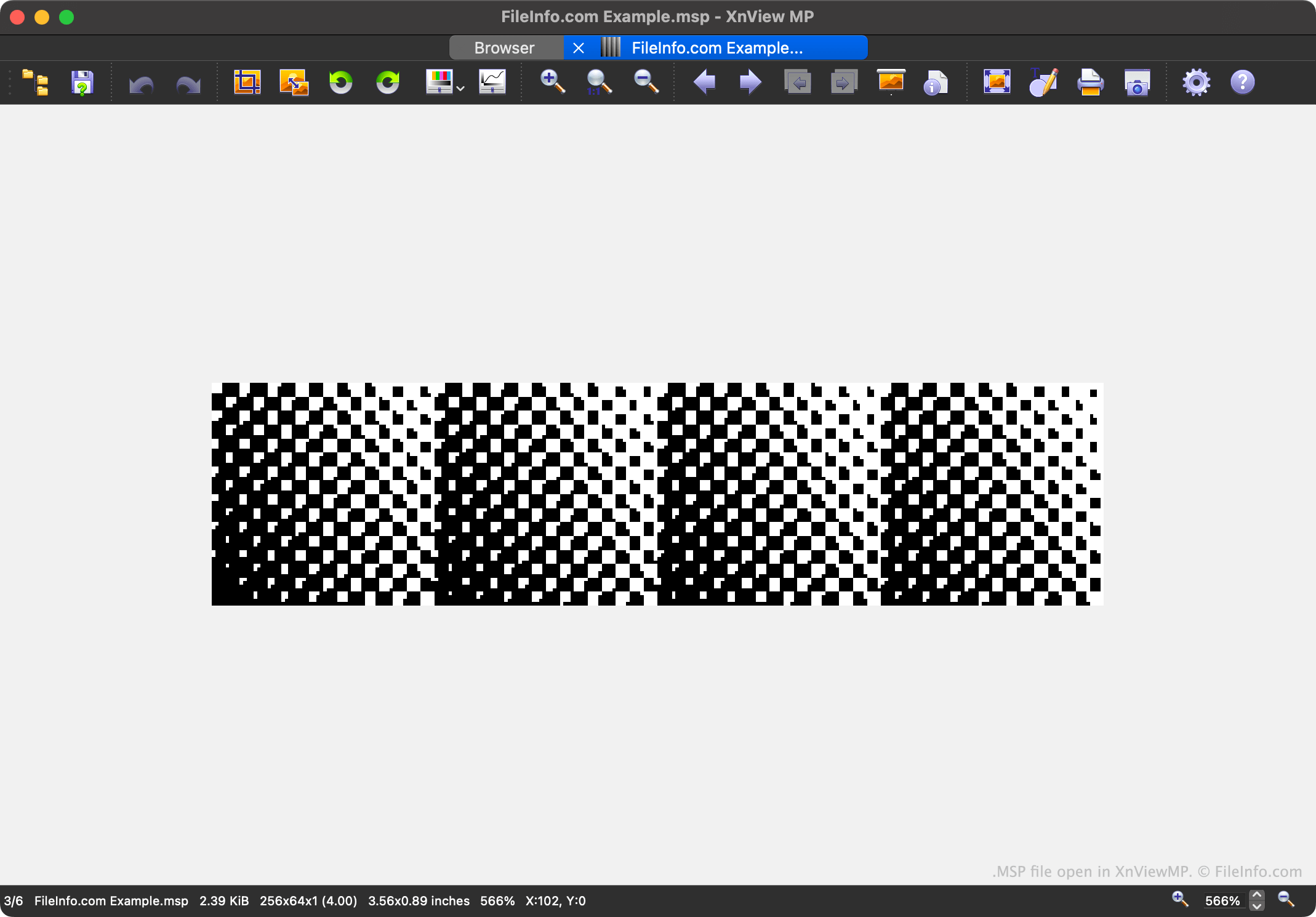
An MSP file is a black-and-white image created by the original version of Microsoft Paint, included with Windows versions 1 and 2. It contains a graphic a user drew with Paint's pencil, shape, and brush tools. MSP files are now mostly obsolete, so not many image viewers and editors can open them.
추가 정보
All versions of Microsoft Windows have included some version of Microsoft Paint. The Windows 1 and 2 versions of Paint allowed users to "paint" black-and-white images, using a variety of drawing tools. These images were saved as MSP files.
In Windows 3, Microsoft replaced Paint with a new version called Paintbrush. Paintbrush saved images as .BMP or .PCX files (which notably supported color). While Paintbrush could open MSP files, it could not save images as MSP files. With the ability to create MSP files deprecated, MSP images soon became uncommon.
참고: The Windows 1 and Windows 2 versions of Paint save MSP files in slightly-different formats. You may see these different formats referred to as MSP 1 and MSP 2.
MSP 파일을 여는 방법
In most cases, modern versions of Windows regard MSP images as Windows Installer Patches, and as a result, do not let users open them in image viewers or editors. However, Windows users can open version 1 MSP files with Logipole Konvertor. (Version 2 MSP files appear as a series of black bars.)
Mac and Linux users can use XnViewMP to open version 2 MSP files. However, XnViewMP cannot open version 1 MSP files.
MSP 파일을 변환하는 방법
Windows users can use Logipole Konvertor to convert version 1 MSP files to .BMP, .JPG, .PNG, and other more common image formats. To do so, select your MSP file in Konvertor, and then select Manage → Quick Convert from Konvertor's menu bar. (You can change the image format to which you're converting in the To Format: dropdown.)
Mac and Linux users can use XnViewMP to convert version 2 MSP files to .JPG, .GIF, .PNG and other formats. To do so, select your MPS file in XnViewMP and click the Export button.
MSP 파일을 여는 프로그램
MaxScript Page File
| 개발사 | MAXSIS |
| 인기도 |
2.4 | 9 투표 |
추가 정보
MSP 파일을 열거나 참조하는 프로그램
ClarisWorks Dictionary File
| 개발사 | Apple |
| 인기도 |
2.0 | 7 투표 |
File used by ClarisWorks and AppleWorks office suite software products; contains a word list used by the software's spell checker; can support multiple languages and dialects.
추가 정보
Example MSP files include usenglsh.msp and ukenglsh.msp. These files store the dictionaries for the United States English language and the United Kingdom English language, respectively.
참고: Both ClarisWorks and AppleWorks have been discontinued.