

.JXL 파일 확장자
JPEG XL 이미지
| 개발사 | Joint Photographic Experts Group |
| 인기도 |
4.5 | 71 표 |
JXL 파일이란 무엇인가요?
JXL 파일은 Joint Photographic Experts Group(JPEG)에서 개발한 JPEG XL 파일 형식으로 저장된 이미지입니다. 디지털 사진과 같은 이미지가 JPEG XL 압축을 사용해 압축되어 있습니다.
추가 정보
JXL은 .JPEG 형식의 새로운 버전입니다. 시각적으로 무손실이며, 이는 압축으로 인한 시각적 효과를 거의 감지할 수 없다는 뜻입니다. 향상된 압축 기능을 사용하면 이미지 크기를 비슷한 JPEG 이미지보다 최대 55%, 비슷한 .AVIF 파일보다 25% 더 작게 만들 수 있습니다.
디지털 카메라와 웹사이트 모두 JXL 파일을 사용할 수 있습니다. JPEG XL 형식은 이미지가 다양한 시각적 크기로 렌더링되는 반응형 웹 환경에서 특히 유용합니다. 추가 압축 기능을 사용하면 웹 개발자가 표준 JPEG 파일보다 작은 파일 크기로 큰 이미지를 게시할 수 있습니다.
JPEG XL은 다음을 지원합니다:
- 채널당 32비트
- 애니메이션
- 알파 채널
- CMYK 호환성
- 레이어
- 무손실 코딩
- 썸네일
.AVIF, .WEBP, .HEIF와 같은 다른 최신 이미지 형식과 달리 JXL 이미지는 프로그레시브 디코딩을 사용해 디코딩할 수 있습니다. 이를 통해 웹 브라우저는 JXL 파일을 완전히 디코딩하기 전에 사용자에게 저화질 미리 보기 이미지를 보여줄 수 있습니다.
참고: 2024년 9월 9일, Apple은 iPhone 16 Pro가 JPEG XL 이미지 캡처를 지원할 것이라고 발표했습니다.
JXL 파일을 여는 방법
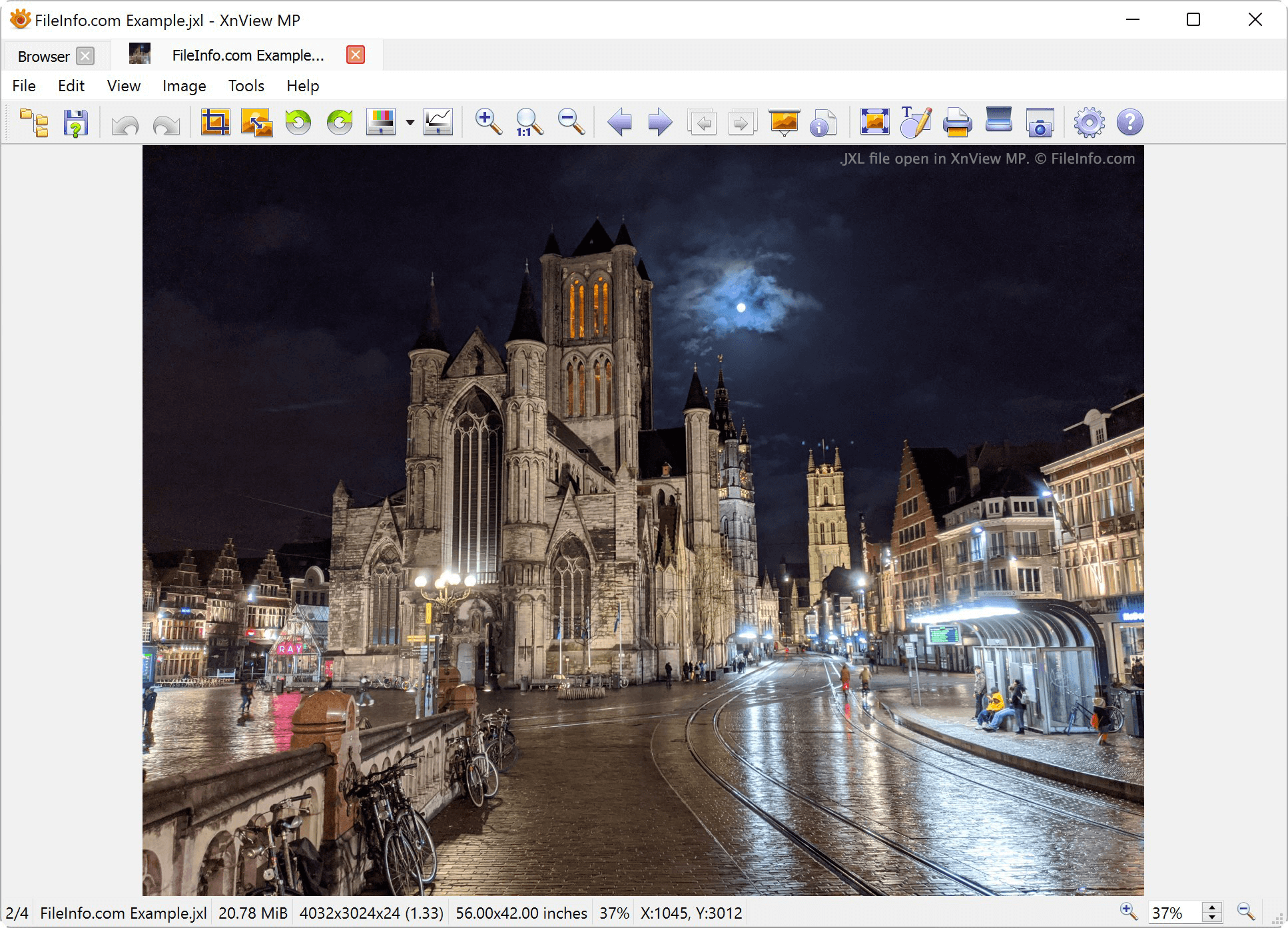
ImageMagick, XnViewMP, IrfanView, GIMP를 비롯한 다양한 이미지 뷰어와 편집기에서 JXL 파일을 열 수 있습니다. 일부 프로그램에서는 JXL 파일을 열기 전에 관련 플러그인을 설치해야 할 수 있습니다. 이러한 프로그램 중 일부 버전만 JXL 파일을 지원할 수 있다는 점에 유의하세요. 예를 들어 현재 XnViewMP의 Windows 버전만 JXL 파일을 지원합니다.
JXL 파일을 변환하는 방법
JXL 파일을 열 수 있는 대부분의 프로그램에서는 JXL 파일을 다른 이미지 형식으로 변환할 수 있습니다. 예를 들어 XnViewMP에서는 JXL 이미지를 다음 형식으로 내보낼 수 있습니다: