

.JXL Bestandsextensie
JPEG XL-afbeelding
| Ontwikkelaar | Joint Photographic Experts Group |
| Populariteit |
4,5 | 71 stemmen |
Wat is een JXL-bestand?
Een JXL-bestand is een afbeelding die is opgeslagen in de JPEG XL-bestandsindeling, ontwikkeld door de Joint Photographic Experts Group (JPEG). Het bevat een afbeelding, zoals een digitale foto, die is gecomprimeerd met JPEG XL-compressie.
Meer informatie
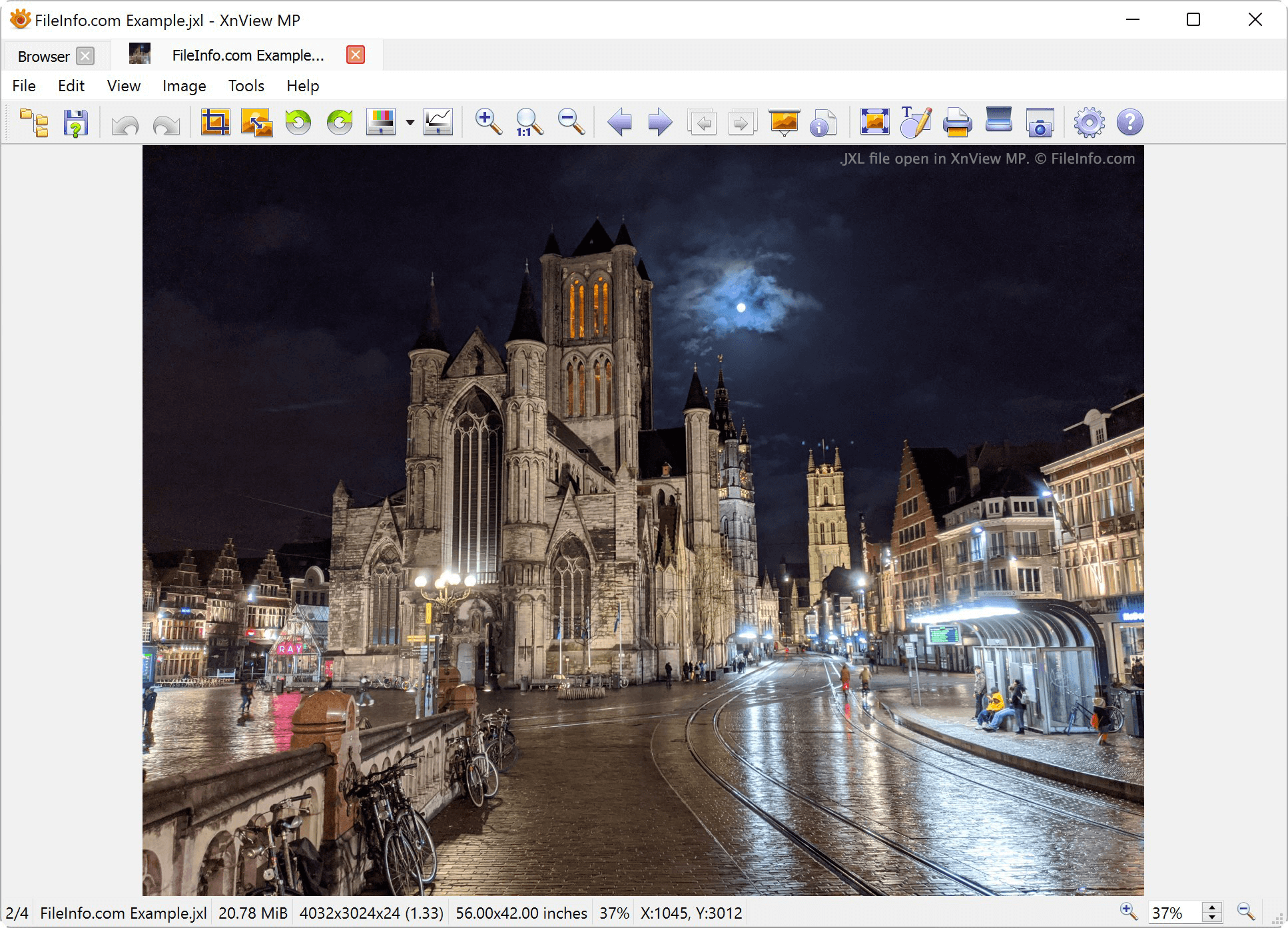
JXL is een nieuwe versie van de .JPEG-indeling. De indeling is visueel verliesvrij, wat betekent dat het visuele effect van compressie vrijwel onmogelijk te detecteren is. De verbeterde compressie levert afbeeldingen op die tot 55% kleiner zijn dan vergelijkbare JPEG-afbeeldingen en 25% kleiner dan vergelijkbare .AVIF-bestanden.
Zowel digitale camera's als websites kunnen JXL-bestanden gebruiken. De JPEG XL-indeling is vooral nuttig in responsieve webomgevingen, waarin afbeeldingen in verschillende visuele formaten worden weergegeven. Dankzij de extra compressie kunnen webontwikkelaars grote afbeeldingen publiceren met kleinere bestandsgroottes dan standaard JPEG-bestanden.
JPEG XL ondersteunt:
- 32 bits per kanaal
- animatie
- alfakanalen
- compatibiliteit met CMYK
- lagen
- verliesvrije codering
- miniaturen
In tegenstelling tot andere moderne afbeeldingsindelingen, zoals .AVIF, .WEBP en .HEIF, kunnen JXL-afbeeldingen worden gedecodeerd met progressieve decodering. Hierdoor kunnen webbrowsers gebruikers afbeeldingen met een lage kwaliteit als voorbeeld tonen voordat ze een JXL-bestand volledig hebben gedecodeerd.
OPMERKING: Op 9 september 2024 kondigde Apple aan dat de iPhone 16 Pro het vastleggen van afbeeldingen in JPEG XL zal ondersteunen.
Een JXL-bestand openen
Je kunt een JXL-bestand openen in veel afbeeldingsviewers en -editors, waaronder ImageMagick, XnViewMP, IrfanView en GIMP. Voor sommige programma's moet je mogelijk eerst een bijbehorende plug-in installeren voordat je JXL-bestanden kunt openen. Houd er rekening mee dat alleen bepaalde versies van deze programma's JXL-bestanden ondersteunen. Zo ondersteunt momenteel alleen de Windows-versie van XnViewMP JXL-bestanden.
Een JXL-bestand converteren
Met de meeste programma's waarmee je JXL-bestanden kunt openen, kun je ze converteren naar andere afbeeldingsindelingen. Met XnViewMP kun je JXL-afbeeldingen bijvoorbeeld exporteren naar de volgende indelingen: