

.JXL Dateiendung
JPEG-XL-Bild
| Entwickler | Joint Photographic Experts Group |
| Beliebtheit |
4,5 | 71 Stimmen |
Was ist eine JXL-Datei?
Eine JXL-Datei ist ein Bild, das im JPEG-XL-Dateiformat gespeichert wurde, das von der Joint Photographic Experts Group (JPEG) entwickelt wurde. Sie enthält ein Bild, beispielsweise ein digitales Foto, das mit der JPEG-XL-Kompression komprimiert wurde.
Weitere Informationen
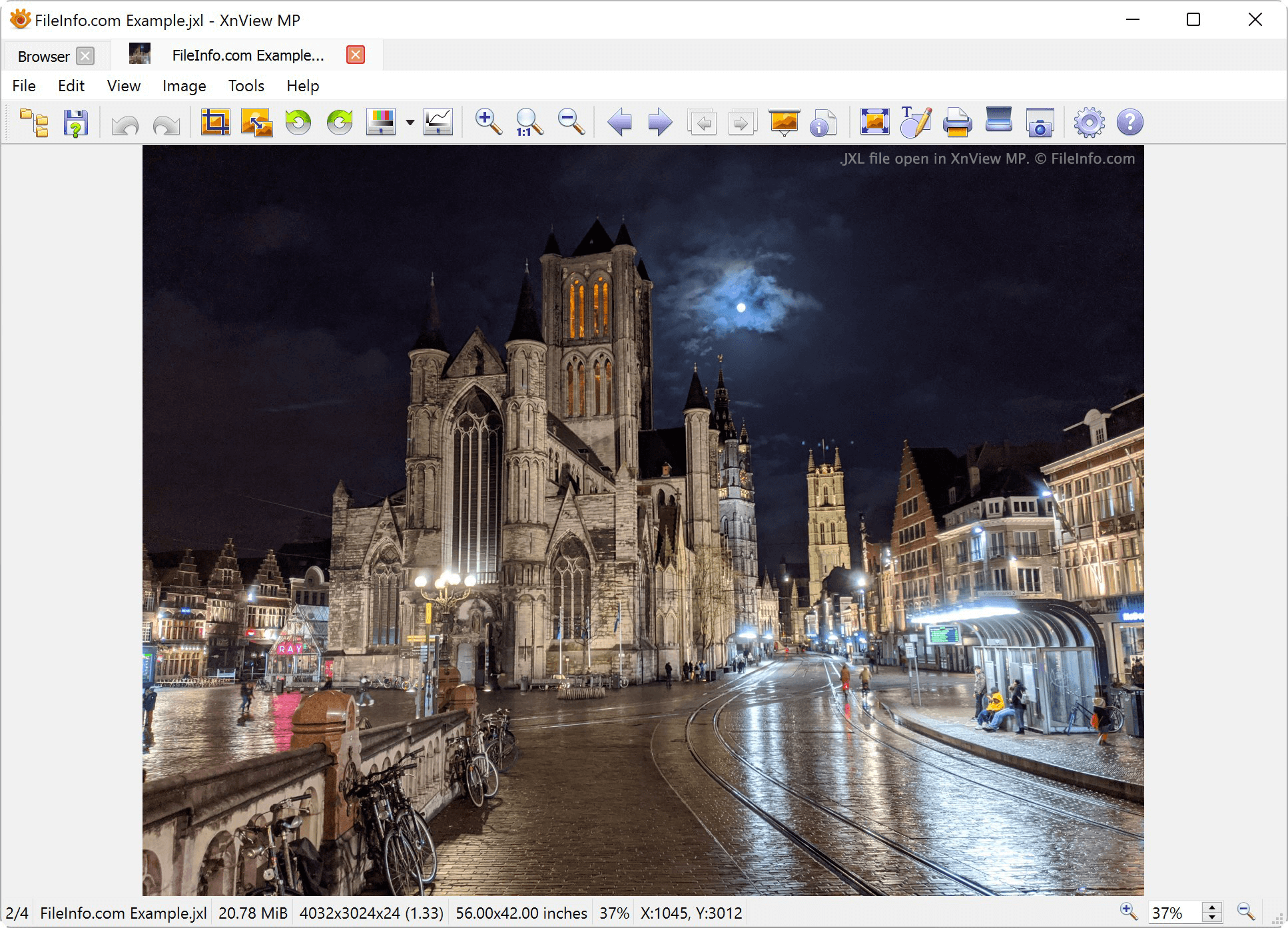
JXL ist eine neue Version des .JPEG-Formats. Es ist visuell verlustfrei, das heißt, die visuellen Auswirkungen der Kompression sind nahezu unmöglich zu erkennen. Durch die verbesserte Kompression sind Bilder bis zu 55 % kleiner als vergleichbare JPEG-Bilder und 25 % kleiner als vergleichbare .AVIF-Dateien.
Sowohl Digitalkameras als auch Websites können JXL-Dateien verwenden. Das JPEG-XL-Format ist besonders in responsiven Webumgebungen nützlich, in denen Bilder in unterschiedlichen visuellen Größen dargestellt werden. Durch die zusätzliche Kompression können Webentwickler große Bilder mit kleineren Dateigrößen als bei Standard-JPEG-Dateien veröffentlichen.
JPEG XL unterstützt:
- 32 Bit pro Kanal
- Animationen
- Alphakanäle
- CMYK-Kompatibilität
- Ebenen
- verlustfreie Codierung
- Miniaturbilder
Im Gegensatz zu anderen modernen Bildformaten wie .AVIF, .WEBP und .HEIF können JXL-Bilder mithilfe der progressiven Decodierung decodiert werden. Dadurch können Webbrowser Benutzern Bilder mit einer Vorschau von geringer Qualität anzeigen, bevor eine JXL-Datei vollständig decodiert wurde.
HINWEIS: Am 9. September 2024 gab Apple bekannt, dass das iPhone 16 Pro die Aufnahme von JPEG-XL-Bildern unterstützen wird.
So öffnen Sie eine JXL-Datei
Sie können eine JXL-Datei in vielen Bildbetrachtern und -bearbeitungsprogrammen öffnen, darunter ImageMagick, XnViewMP, IrfanView und GIMP. Bei einigen Programmen müssen Sie möglicherweise zuerst ein entsprechendes Plug-in installieren, bevor Sie JXL-Dateien öffnen können. Beachten Sie, dass möglicherweise nur bestimmte Versionen dieser Programme JXL-Dateien unterstützen. Beispielsweise unterstützt derzeit nur die Windows-Version von XnViewMP JXL-Dateien.
So konvertieren Sie eine JXL-Datei
Die meisten Programme, die JXL-Dateien öffnen können, ermöglichen deren Konvertierung in andere Bildformate. Beispielsweise können Sie mit XnViewMP JXL-Bilder in die folgenden Formate exportieren: