.CFM 파일 확장자

2개의 파일 유형.cfm 확장자를 사용합니다.

ColdFusion Markup File

개발사 Adobe Systems
인기도
3.4  |  61 투표
 
🔍File Helper(으)로 .CFM 파일을 웹 브라우저에서 바로 여세요.온라인으로 보기

CFM 파일이란 무엇인가요?

A CFM file is a webpage that contains ColdFusion code, or CFML (ColdFusion Markup Language). It is dynamically executed by a ColdFusion web server when the page is accessed by a user. CFM files can run ColdFusion applications and scripts written in CFScript and may reference database information, generate forms, and create PDF reports on the fly.

추가 정보

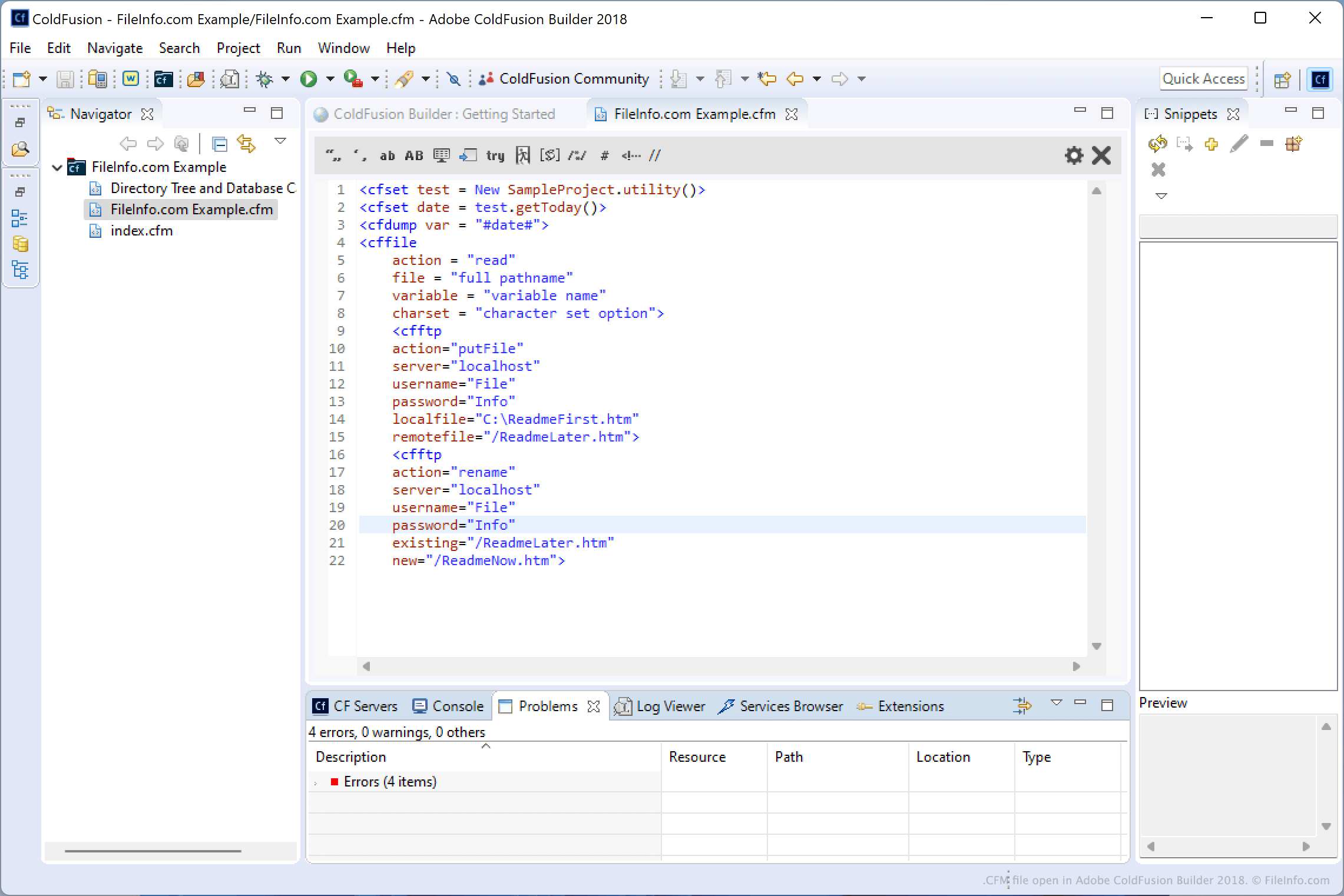
Adobe ColdFusion Builder 2018에서 열린 .cfm 파일의 스크린샷
Adobe ColdFusion Builder 2018에서 열린 CFM 파일

You will most likely encounter CFM files only if you are a web developer and integrating ColdFusion functionality into your webpages. Developers typically use Adobe ColdFusion Builder for creating applications in CFML. However, they may use a variety of other CFML IDEs and editors, such as Adobe Dreamweaver, CFEclipse (plug-in for Eclipse), and CFBrackets (extension for the Brackets source code editor).

CFML is a tag-based language that features a syntax similar to HTML and XML. It includes unique tags and support for custom tags for creating dynamic web applications. All CFML tags begin with cf.

참고: ColdFusion was originally developed by Allaire, then later bought by Macromedia, and is now distributed by Adobe Systems after acquiring Macromedia in 2005.

CFM 파일을 여는 방법

ColdFusion developers typically open and edit CFM files with Adobe ColdFusion Builder. You can also open and edit CFM files with source code editors, such as Microsoft Visual Studio Code or GitHub Atom, and plain text editors, such as Microsoft Notepad or Apple Textedit. Source code editors included helpful tools that make reading and editing ColdFusion code easier.

CFM 파일을 여는 프로그램

Windows
Mac
무료 체험판
무료 체험판
무료 체험판
무료
무료 체험판
Linux
무료 체험판
무료
무료 체험판
Web
카테고리:
업데이트: 2022-02-18

dBASE Custom Form

개발사 dBase
인기도
2.0  |  1 투표
 

A CFM file is a custom form created by dBASE, an IDE with database management capabilities. It contains information about a form, including the placement of components within the form, such as entry fields, buttons, images, and progress bars. dBASE users create custom forms to configure the design of other forms (.WFM files) that make up the user interface (UI) for how end users will enter or modify data in a program featuring a dBASE database.

추가 정보

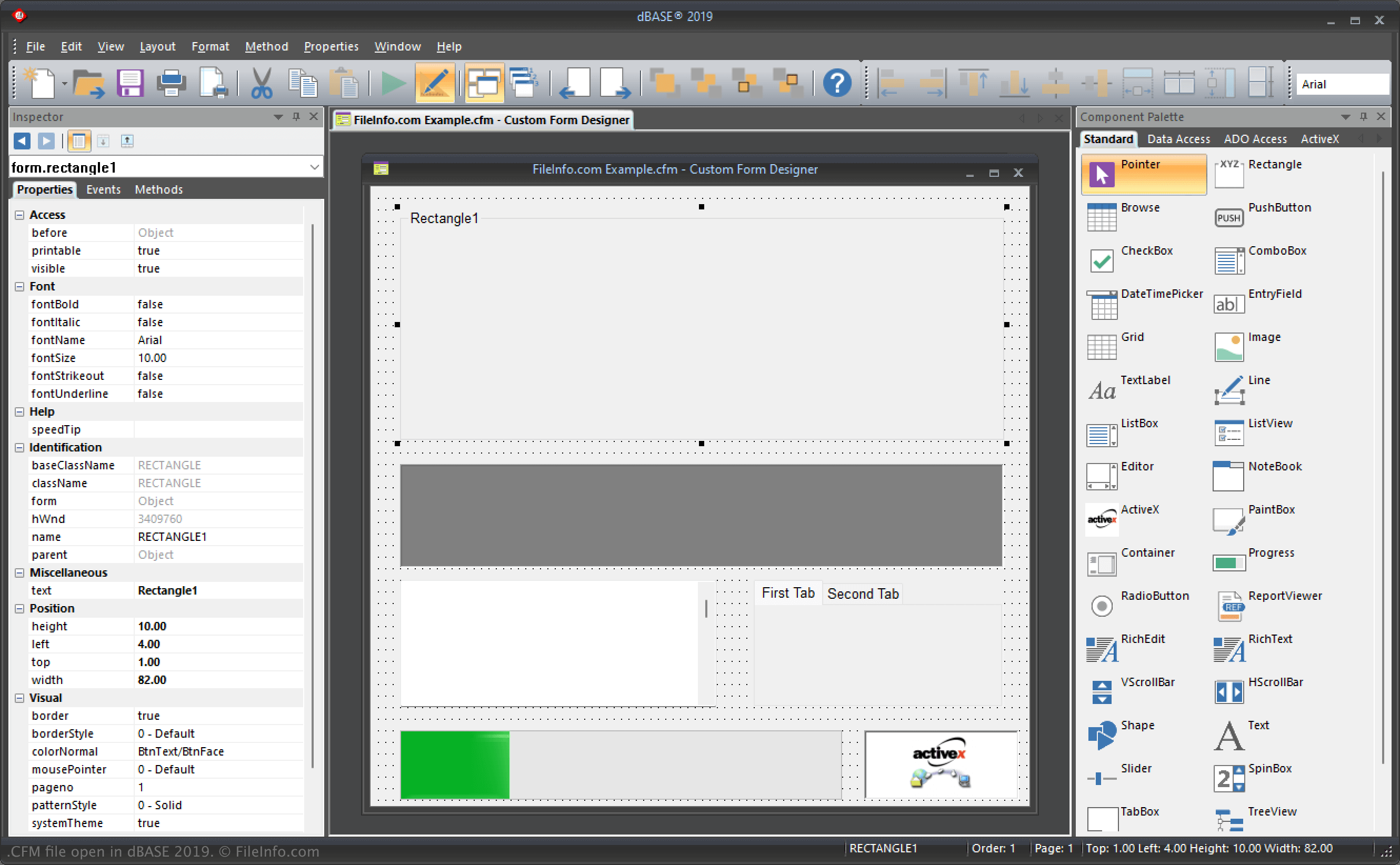
dBASE 2019에서 열린 .cfm 파일의 스크린샷
dBASE 2019에서 열린 CFM 파일

dBASE is a Windows program that provides various features for managing databases, building programs, and compiling them. In the IDE, forms function as the "window" to how users will interact with the application once compiled. Therefore, when you configure forms, you are configuring the UI.

Additionally, custom forms function similarly to templates, allowing you to configure the layout of components on which other forms are based. For example, you might create a custom form with a logo or design at the bottom of the form that you want to appear on all the other forms.

dBASE users create custom forms via the Custom Form Designer in dBASE and organize them in projects (.PRJ files). dBASE saves CFM files in the following directory by default:

C:\​Users\​[user]\​AppData\​Local\​dBASE\​dBASE[version]\​Bin

CFM 파일을 여는 방법

You can open CFM files with dBASE in Windows. For example, you can open a CFM file by selecting File → Open.

Opening a CFM file with a text editor

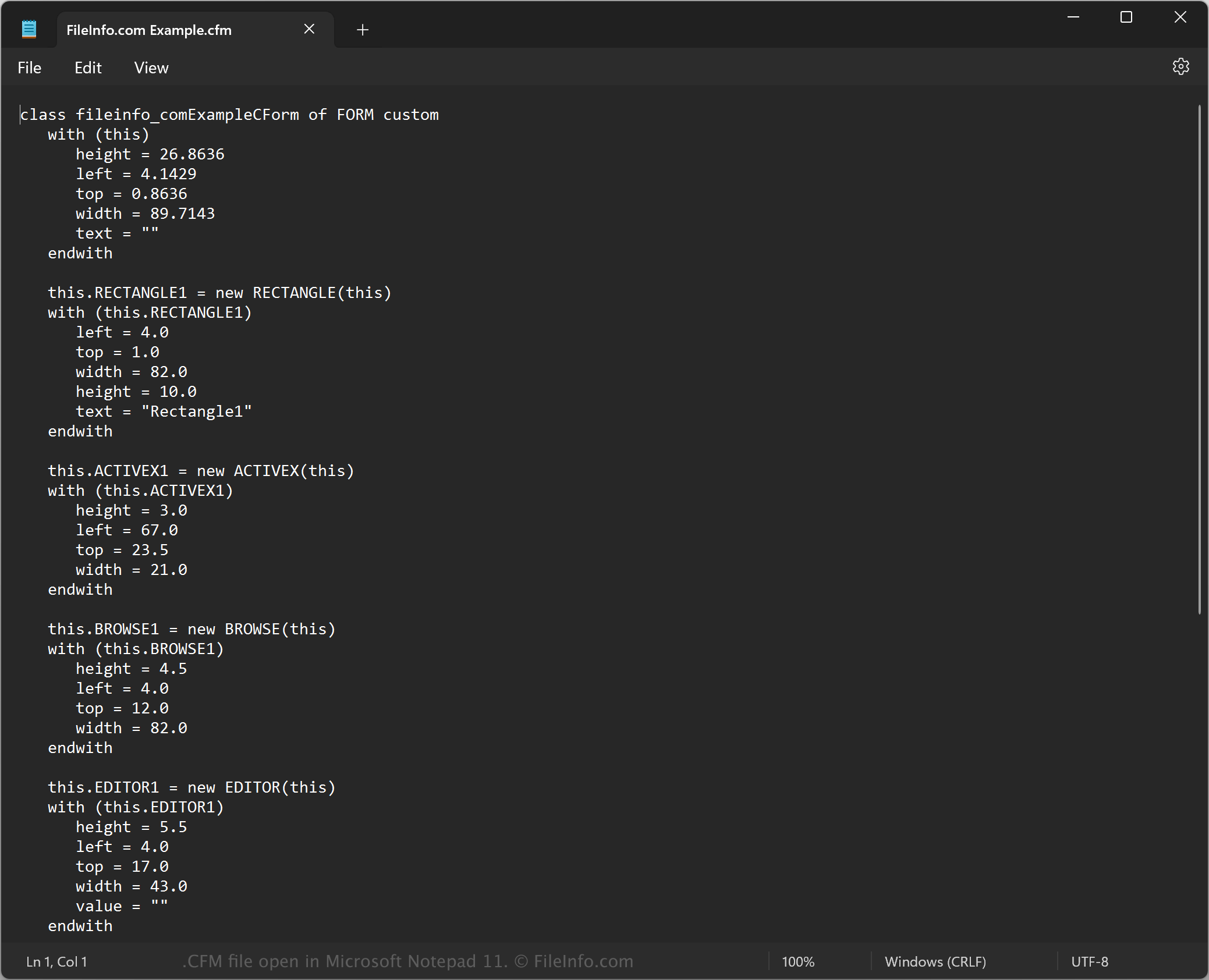
CFM file open in Microsoft Notepad

Since CFM files are saved in plain text, you can also open them with a text editor, such as Microsoft Notepad (Windows) or Apple TextEdit (Mac). You may need to rename the .cfm file extension to .txt for the text editor to recognize it.

When opened in a text editor, you can modify the properties of the custom form in the CFM file. However, if you incorrectly edit the file, you may inadvertently break the custom form.

CFM 파일을 여는 프로그램

Windows
무료 체험판
카테고리: 개발자
업데이트: 2023-11-17

검증자 FileInfo.com

FileInfo.com 팀 이 페이지에 나열된 모든 파일 형식과 소프트웨어 프로그램을 독자적으로 조사했습니다. 저희의 목표는 100% 정확성이며, 검증한 파일 유형에 대한 정보만 게시합니다.

이 페이지에 추가하거나 업데이트할 내용을 제안하고 싶으시면 알려 주세요.