

.CFM Estensione file
File di markup ColdFusion
| Sviluppatore | Adobe Systems |
| Popolarità |
3,4 | 61 Voti |
Che cos'è un file CFM?
Un file CFM è una pagina web che contiene codice ColdFusion, ovvero CFML (ColdFusion Markup Language). Viene eseguito dinamicamente da un server web ColdFusion quando un utente accede alla pagina. I file CFM possono eseguire applicazioni e script ColdFusion scritti in CFScript e possono fare riferimento a informazioni contenute nei database, generare moduli e creare report PDF al volo.
Maggiori informazioni
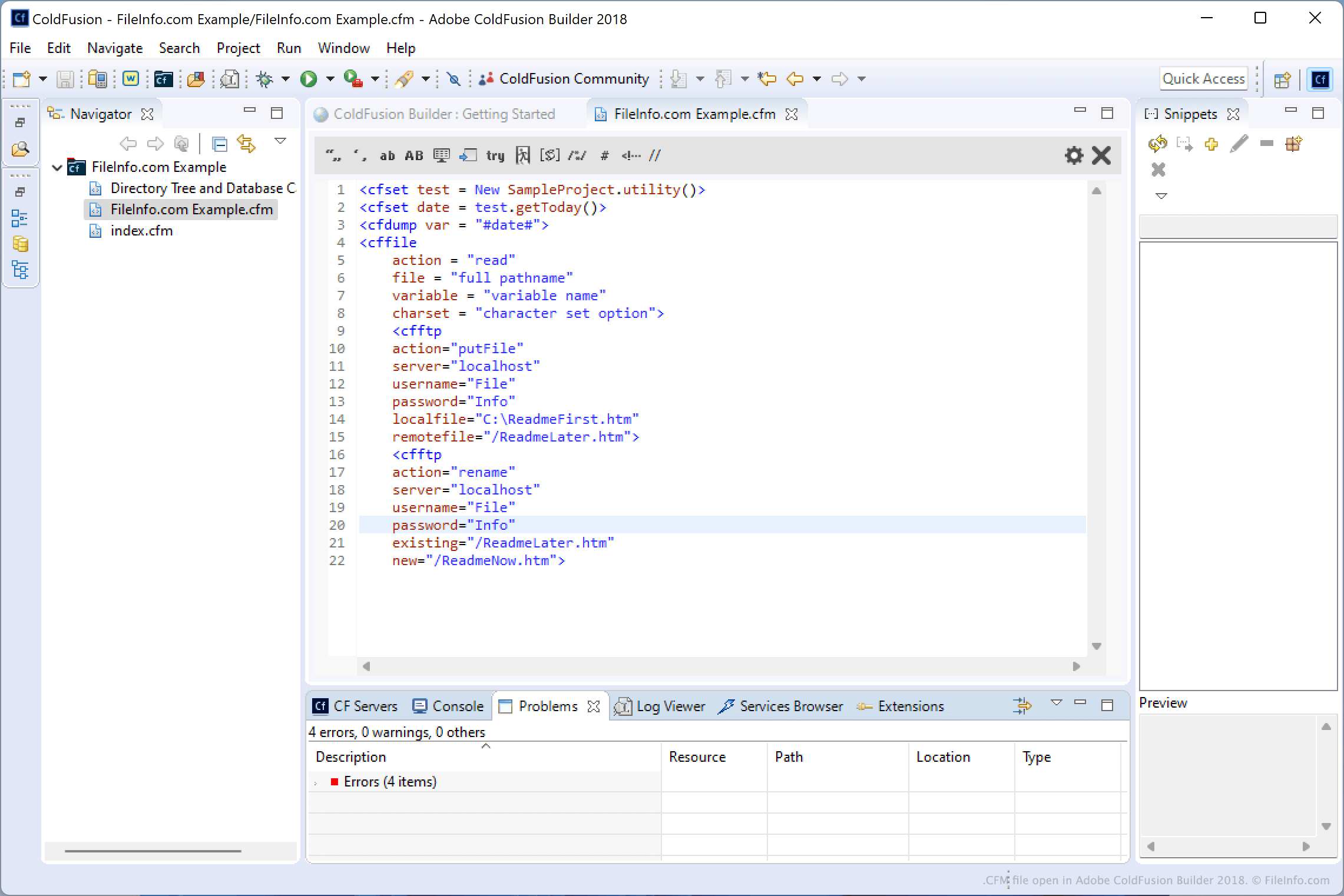
È molto probabile che incontrerai file CFM solo se sei uno sviluppatore web e stai integrando funzionalità ColdFusion nelle tue pagine web. Gli sviluppatori utilizzano in genere Adobe ColdFusion Builder per creare applicazioni in CFML. Tuttavia, possono usare diversi altri IDE ed editor CFML, come Adobe Dreamweaver, CFEclipse (un plug-in per Eclipse) e CFBrackets (un'estensione per l'editor di codice sorgente Brackets).
CFML è un linguaggio basato su tag che presenta una sintassi simile a HTML e XML. Include tag unici e il supporto per tag personalizzati per creare applicazioni web dinamiche. Tutti i tag CFML iniziano con cf.
NOTA: ColdFusion è stato originariamente sviluppato da Allaire, poi acquistato da Macromedia e ora distribuito da Adobe Systems, dopo che quest'ultima ha acquisito Macromedia nel 2005.
Come aprire un file CFM
Gli sviluppatori ColdFusion in genere aprono e modificano i file CFM con Adobe ColdFusion Builder. Puoi anche aprire e modificare i file CFM con editor di codice sorgente, come Microsoft Visual Studio Code o GitHub Atom, e con editor di testo semplice, come Microsoft Notepad o Apple Textedit. Gli editor di codice sorgente includono strumenti utili che semplificano la lettura e la modifica del codice ColdFusion.
Programmi che aprono i file CFM
Modulo personalizzato dBASE
| Sviluppatore | dBase |
| Popolarità |
2,0 | 1 Voto |
Un file CFM è un modulo personalizzato creato da dBASE, un ambiente di sviluppo integrato con funzionalità di gestione dei database. Contiene informazioni su un modulo, inclusa la disposizione dei componenti al suo interno, come campi di immissione, pulsanti, immagini e barre di avanzamento. Gli utenti di dBASE creano moduli personalizzati per configurare il design di altri moduli (file .WFM) che costituiscono l'interfaccia utente (UI) per l'inserimento o la modifica dei dati da parte degli utenti finali in un programma che utilizza un database dBASE.
Maggiori informazioni
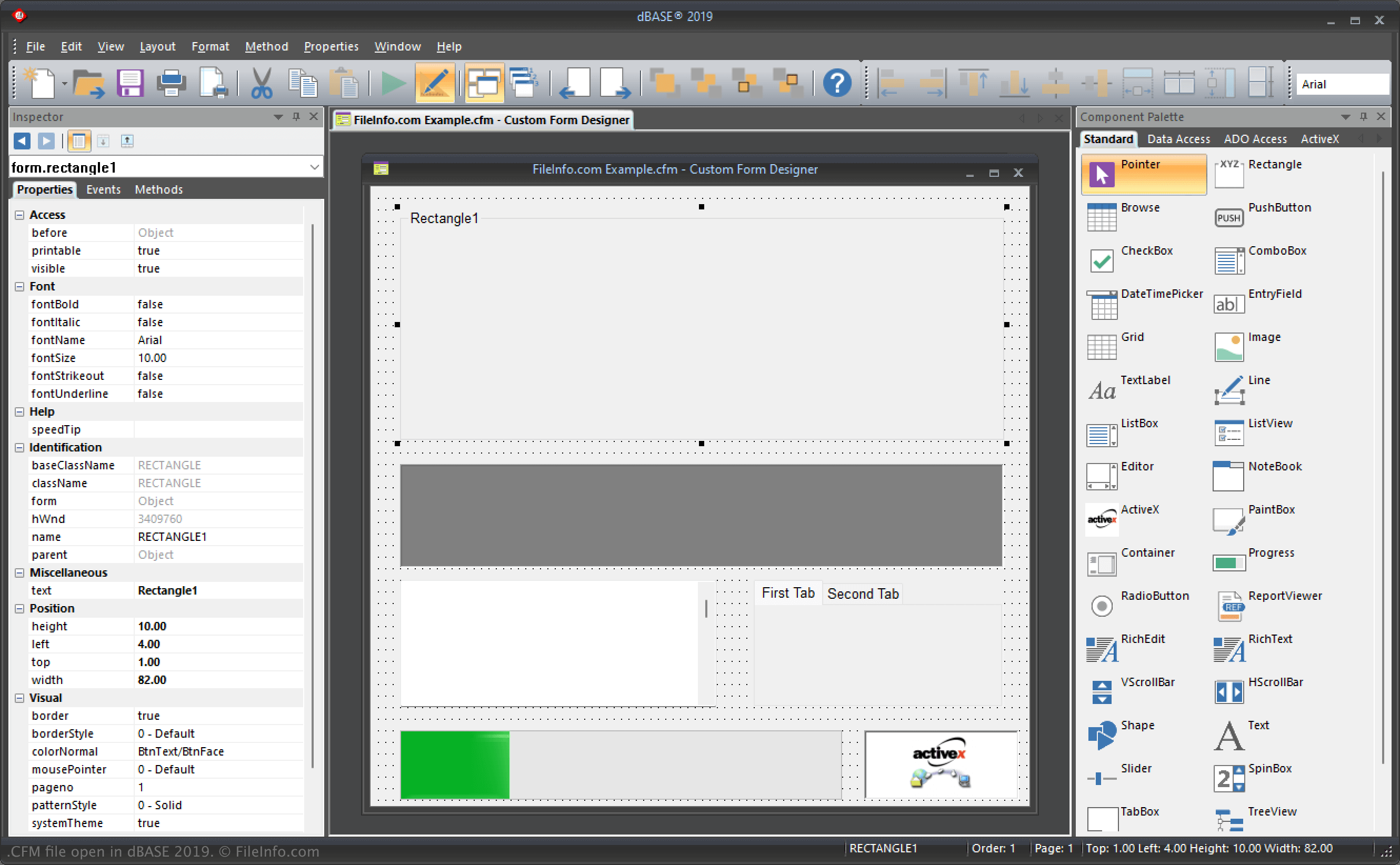
dBASE è un programma per Windows che offre varie funzionalità per la gestione dei database, la creazione di programmi e la loro compilazione. Nell'ambiente di sviluppo integrato, i moduli fungono da "finestra" attraverso la quale gli utenti interagiranno con l'applicazione una volta compilata. Pertanto, quando configuri i moduli, stai configurando l'interfaccia utente.
Inoltre, i moduli personalizzati funzionano in modo simile ai modelli e consentono di configurare la disposizione dei componenti su cui si basano altri moduli. Ad esempio, potresti creare un modulo personalizzato con un logo o un design nella parte inferiore del modulo che vuoi visualizzare in tutti gli altri moduli.
Gli utenti di dBASE creano moduli personalizzati tramite Custom Form Designer in dBASE e li organizzano in progetti (file .PRJ). Per impostazione predefinita, dBASE salva i file CFM nella seguente directory:
C:\Users\[user]\AppData\Local\dBASE\dBASE[version]\Bin
Come aprire un file CFM
Puoi aprire i file CFM con dBASE in Windows. Ad esempio, puoi aprire un file CFM selezionando .
Apertura di un file CFM con un editor di testo
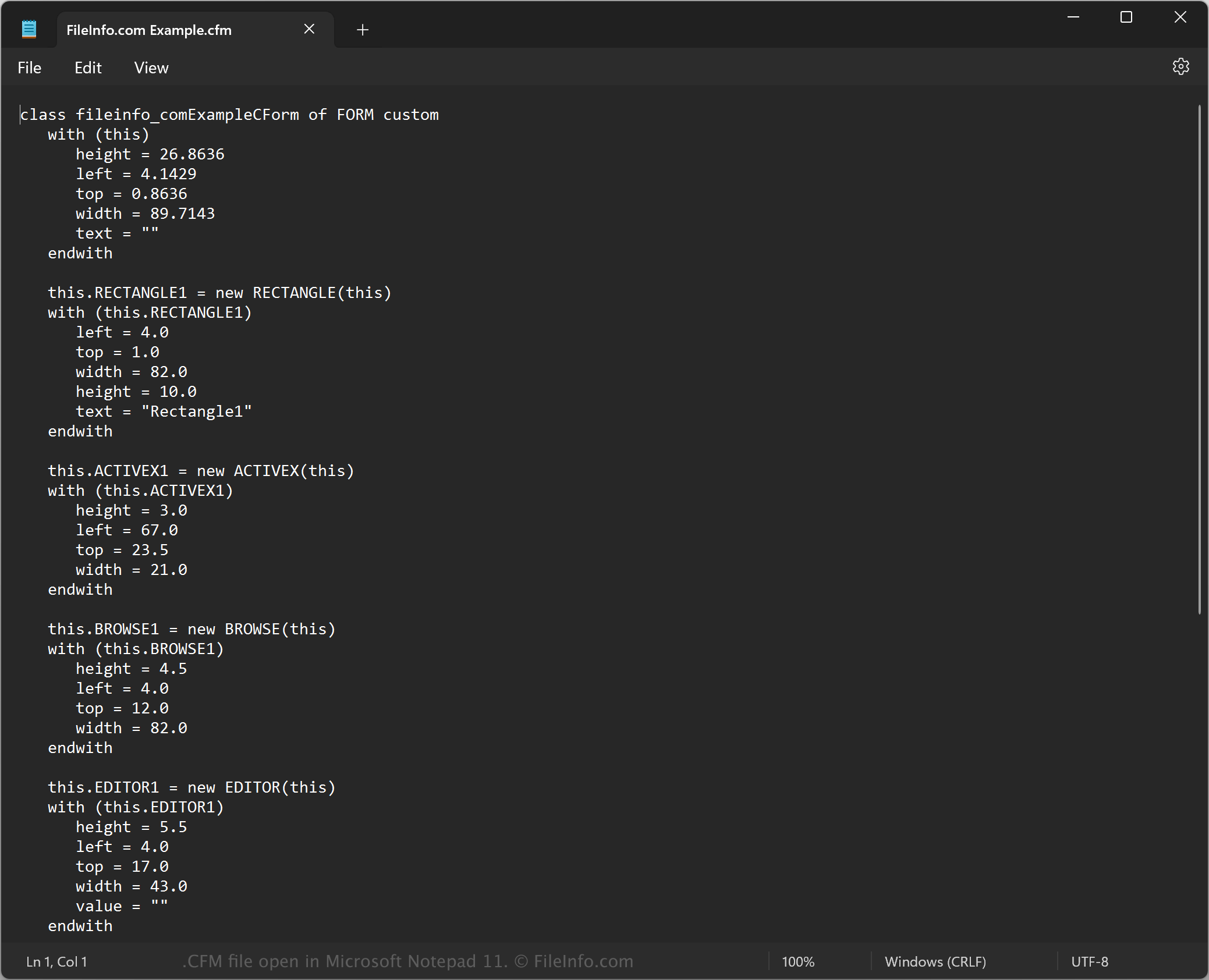
Poiché i file CFM vengono salvati come testo normale, puoi anche aprirli con un editor di testo, come Microsoft Notepad (Windows) o Apple TextEdit (Mac). Potrebbe essere necessario rinominare l'estensione del file .cfm in .txt affinché l'editor di testo lo riconosca.
Quando apri il file in un editor di testo, puoi modificare le proprietà del modulo personalizzato nel file CFM. Tuttavia, se modifichi il file in modo errato, potresti danneggiare involontariamente il modulo personalizzato.