.CFM 文件扩展名

ColdFusion Markup File

开发者 Adobe Systems
受欢迎程度
3.4  |  61 
 
🔍使用File Helper直接在您的网络浏览器中打开 .CFM 文件在线查看

什么是 CFM 文件?

A CFM file is a webpage that contains ColdFusion code, or CFML (ColdFusion Markup Language). It is dynamically executed by a ColdFusion web server when the page is accessed by a user. CFM files can run ColdFusion applications and scripts written in CFScript and may reference database information, generate forms, and create PDF reports on the fly.

更多信息

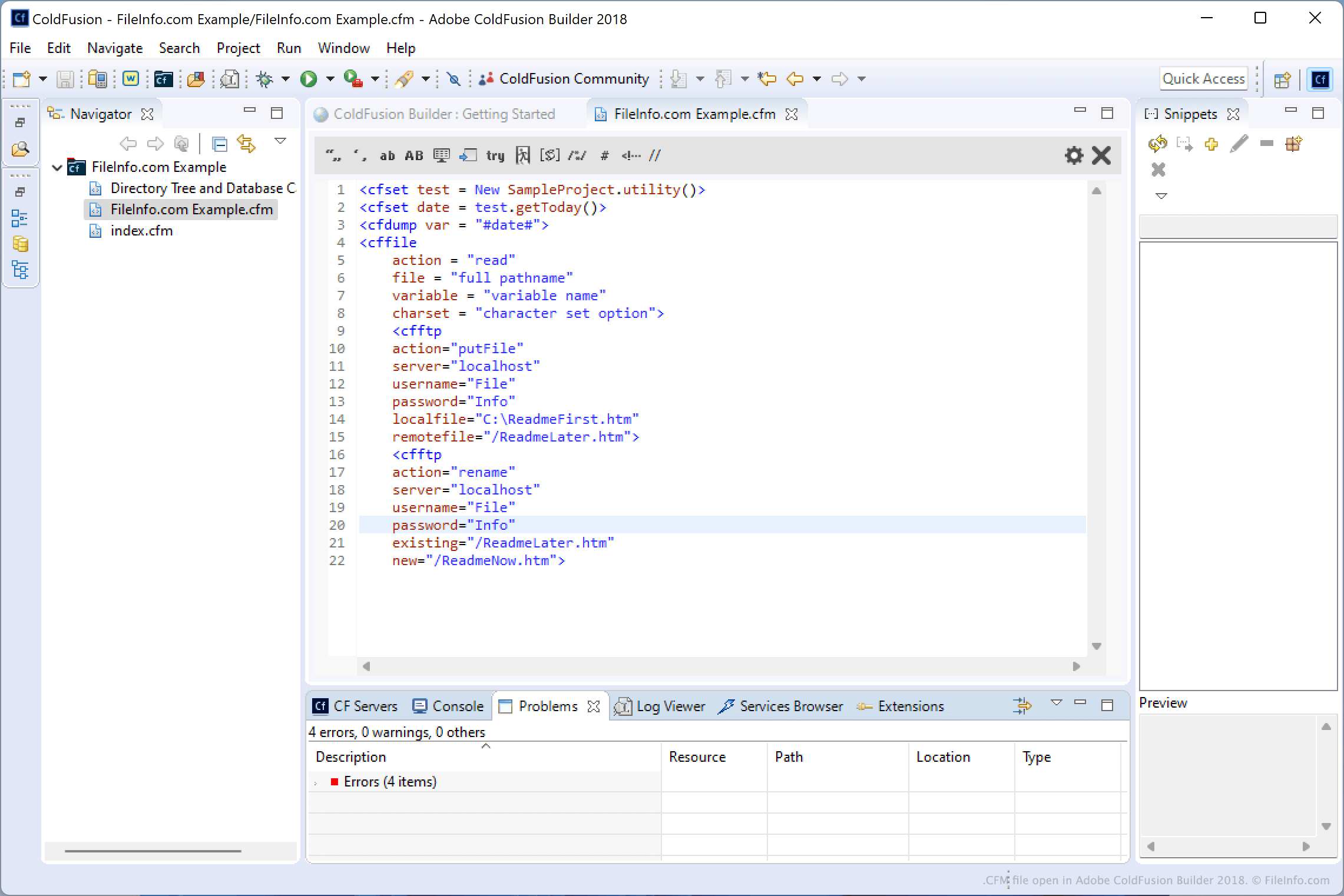
在 Adobe ColdFusion Builder 2018 中打开的 .cfm 文件截图
在 Adobe ColdFusion Builder 2018 中打开的 CFM 文件

You will most likely encounter CFM files only if you are a web developer and integrating ColdFusion functionality into your webpages. Developers typically use Adobe ColdFusion Builder for creating applications in CFML. However, they may use a variety of other CFML IDEs and editors, such as Adobe Dreamweaver, CFEclipse (plug-in for Eclipse), and CFBrackets (extension for the Brackets source code editor).

CFML is a tag-based language that features a syntax similar to HTML and XML. It includes unique tags and support for custom tags for creating dynamic web applications. All CFML tags begin with cf.

注: ColdFusion was originally developed by Allaire, then later bought by Macromedia, and is now distributed by Adobe Systems after acquiring Macromedia in 2005.

如何打开 CFM 文件

ColdFusion developers typically open and edit CFM files with Adobe ColdFusion Builder. You can also open and edit CFM files with source code editors, such as Microsoft Visual Studio Code or GitHub Atom, and plain text editors, such as Microsoft Notepad or Apple Textedit. Source code editors included helpful tools that make reading and editing ColdFusion code easier.

可打开 CFM 文件的程序

分类: 网页
更新时间: 2022-02-18

dBASE Custom Form

开发者 dBase
受欢迎程度
2.0  |  1 
 

A CFM file is a custom form created by dBASE, an IDE with database management capabilities. It contains information about a form, including the placement of components within the form, such as entry fields, buttons, images, and progress bars. dBASE users create custom forms to configure the design of other forms (.WFM files) that make up the user interface (UI) for how end users will enter or modify data in a program featuring a dBASE database.

更多信息

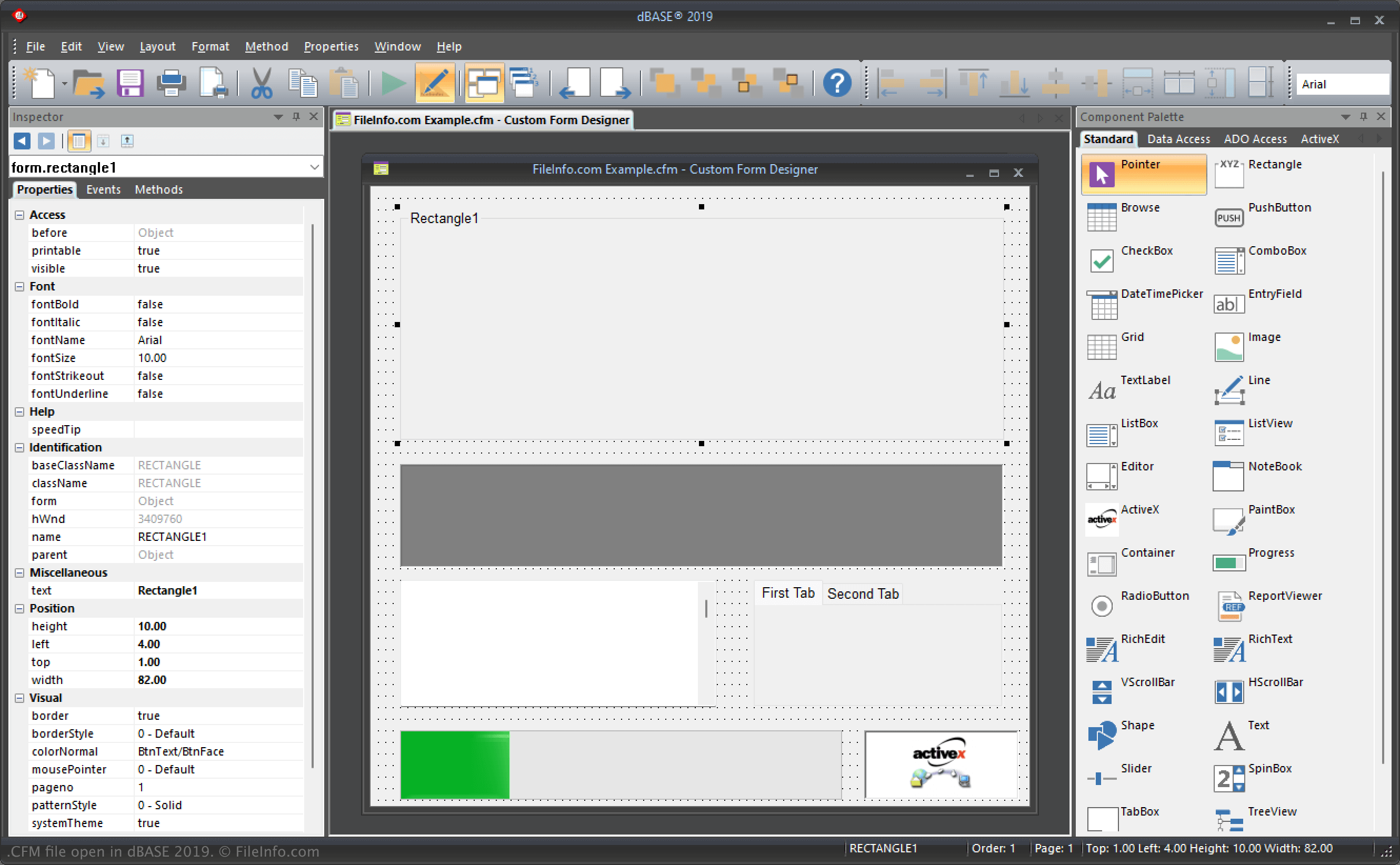
在 dBASE 2019 中打开的 .cfm 文件截图
在 dBASE 2019 中打开的 CFM 文件

dBASE is a Windows program that provides various features for managing databases, building programs, and compiling them. In the IDE, forms function as the "window" to how users will interact with the application once compiled. Therefore, when you configure forms, you are configuring the UI.

Additionally, custom forms function similarly to templates, allowing you to configure the layout of components on which other forms are based. For example, you might create a custom form with a logo or design at the bottom of the form that you want to appear on all the other forms.

dBASE users create custom forms via the Custom Form Designer in dBASE and organize them in projects (.PRJ files). dBASE saves CFM files in the following directory by default:

C:\​Users\​[user]\​AppData\​Local\​dBASE\​dBASE[version]\​Bin

如何打开 CFM 文件

You can open CFM files with dBASE in Windows. For example, you can open a CFM file by selecting File → Open.

Opening a CFM file with a text editor

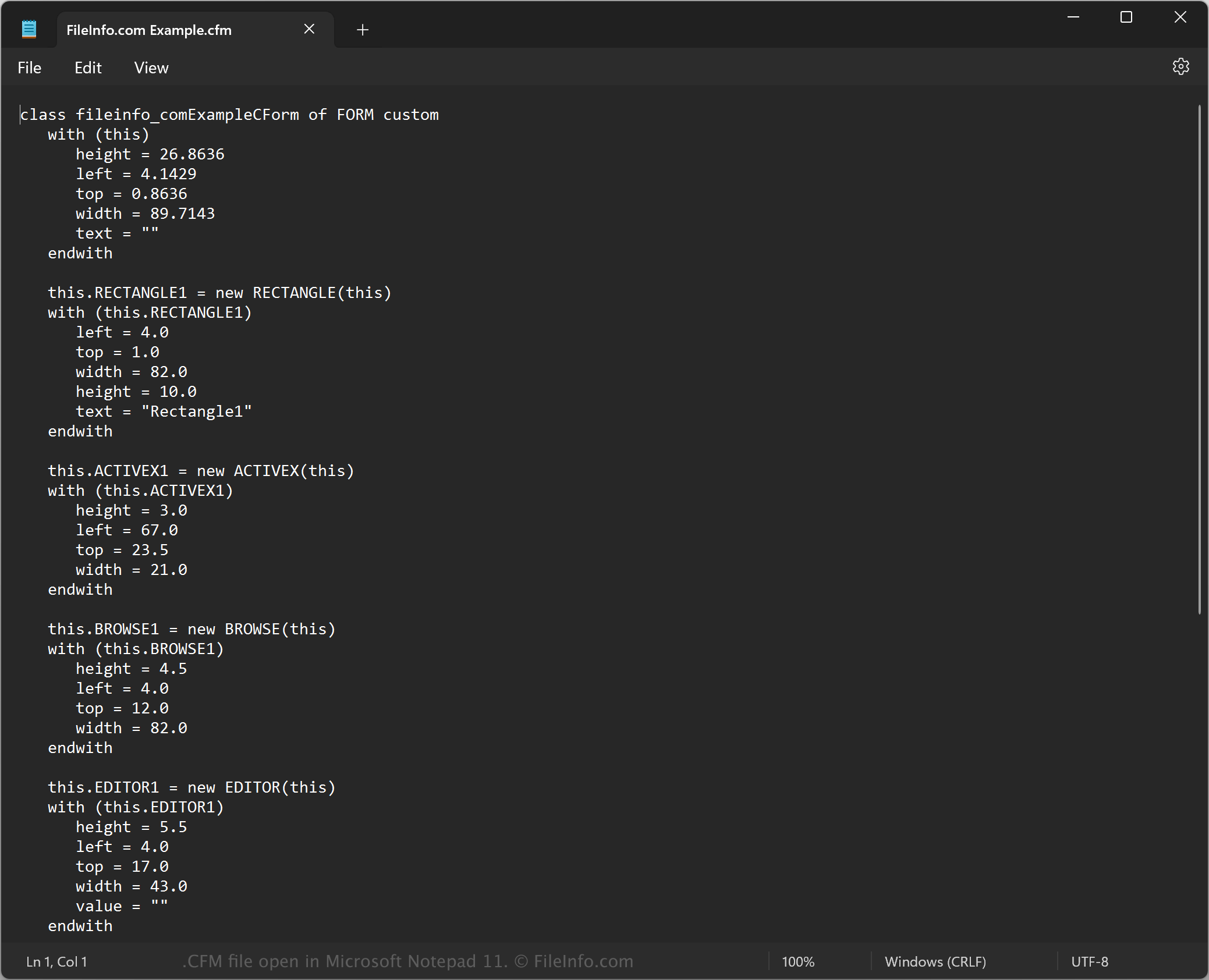
CFM file open in Microsoft Notepad

Since CFM files are saved in plain text, you can also open them with a text editor, such as Microsoft Notepad (Windows) or Apple TextEdit (Mac). You may need to rename the .cfm file extension to .txt for the text editor to recognize it.

When opened in a text editor, you can modify the properties of the custom form in the CFM file. However, if you incorrectly edit the file, you may inadvertently break the custom form.

可打开 CFM 文件的程序

Windows
免费试用
分类: 开发者
更新时间: 2023-11-17

验证者 FileInfo.com

FileInfo.com 团队 独立研究了本页面列出的所有文件格式和软件程序。 我们的目标是达到 100% 的准确率,并且仅发布我们已验证过的文件类型信息。

如果您想为此页面提出新增或更新建议,请告诉我们