

.CFM ファイル拡張子
ColdFusionマークアップファイル
| 開発元 | Adobe Systems |
| 人気度 |
3.4 | 61 票 |
CFMファイルとは?
CFMファイルは、ColdFusionコードまたはCFML(ColdFusion Markup Language)を含むウェブページです。ユーザーがページにアクセスすると、ColdFusionウェブサーバーによって動的に実行されます。CFMファイルでは、CFScriptで記述されたColdFusionアプリケーションやスクリプトを実行できるほか、データベース情報を参照したり、フォームを生成したり、PDFレポートをその場で作成したりできます。
詳細情報
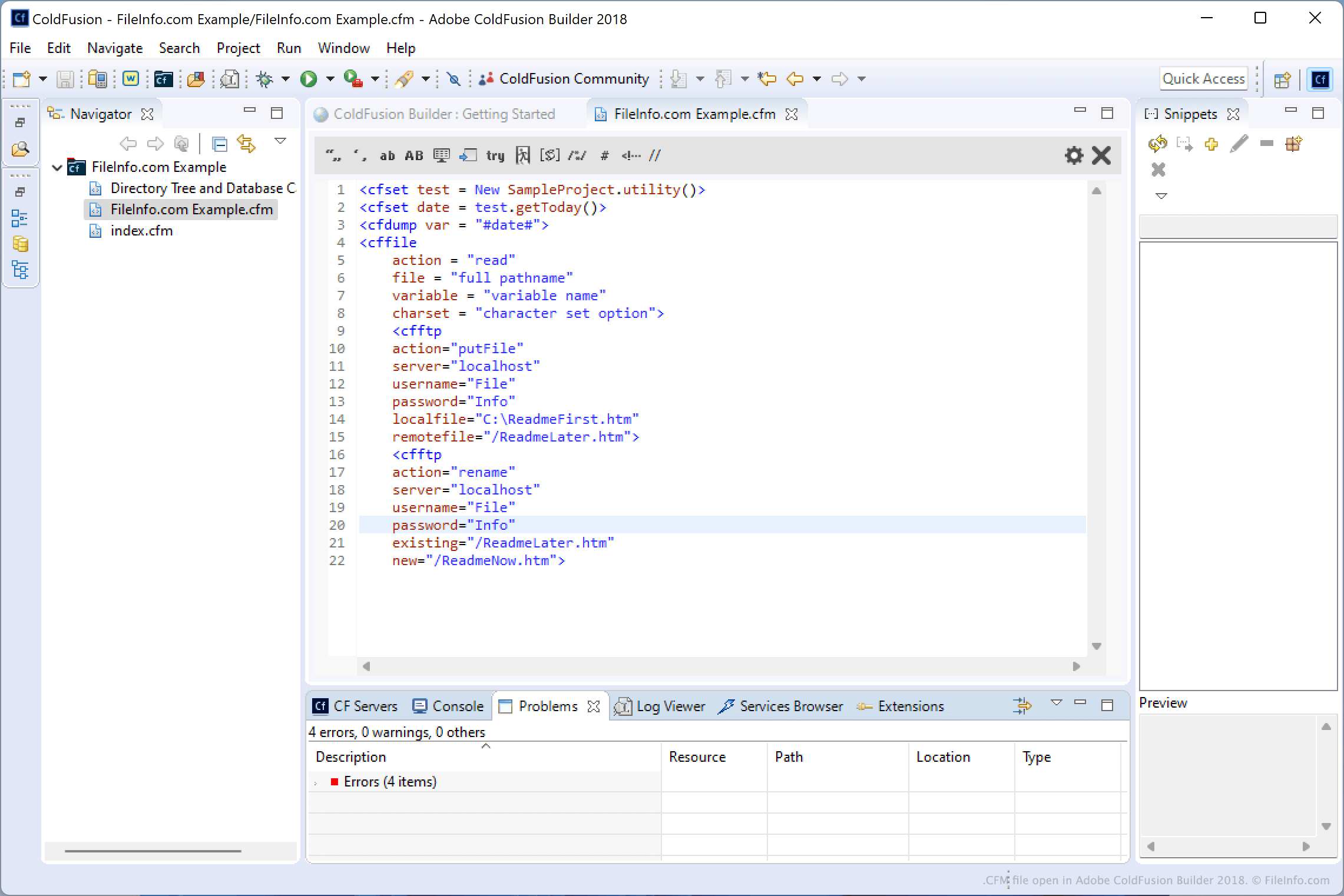
CFMファイルに遭遇するのは、ウェブ開発者で、ウェブページにColdFusionの機能を組み込んでいる場合に限られるでしょう。開発者は通常、CFMLでアプリケーションを作成するためにAdobe ColdFusion Builderを使用します。ただし、Adobe Dreamweaver、CFEclipse(Eclipse用プラグイン)、CFBrackets(Bracketsソースコードエディター用拡張機能)など、さまざまなCFML IDEやエディターを使用することもあります。
CFMLは、タグベースの言語で、HTMLやXMLに似た構文を備えています。動的なウェブアプリケーションを作成するための独自のタグと、カスタムタグのサポートが含まれています。CFMLのすべてのタグはcfで始まります。
注: ColdFusionはもともとAllaireによって開発され、その後Macromediaに買収され、2005年にAdobe SystemsがMacromediaを買収した後、現在はAdobe Systemsによって配布されています。
CFMファイルの開き方
ColdFusionの開発者は通常、Adobe ColdFusion BuilderでCFMファイルを開いて編集します。Microsoft Visual Studio CodeやGitHub Atomなどのソースコードエディター、またはMicrosoft NotepadやApple TexteditなどのプレーンテキストエディターでCFMファイルを開いて編集することもできます。ソースコードエディターには、ColdFusionコードを読みやすく、編集しやすくする便利なツールが含まれています。
CFMファイルを開くプログラム
dBASEカスタムフォーム
| 開発元 | dBase |
| 人気度 |
2.0 | 1 票 |
CFMファイルは、データベース管理機能を備えた統合開発環境であるdBASEで作成されたカスタムフォームです。フォーム内の入力フィールド、ボタン、画像、プログレスバーなどのコンポーネントの配置を含む、フォームに関する情報が含まれています。dBASEユーザーは、dBASEデータベースを使用するプログラムでエンドユーザーがデータを入力または変更する方法を決めるユーザーインターフェース(UI)を構成する他のフォーム(.WFMファイル)のデザインを設定するために、カスタムフォームを作成します。
詳細情報
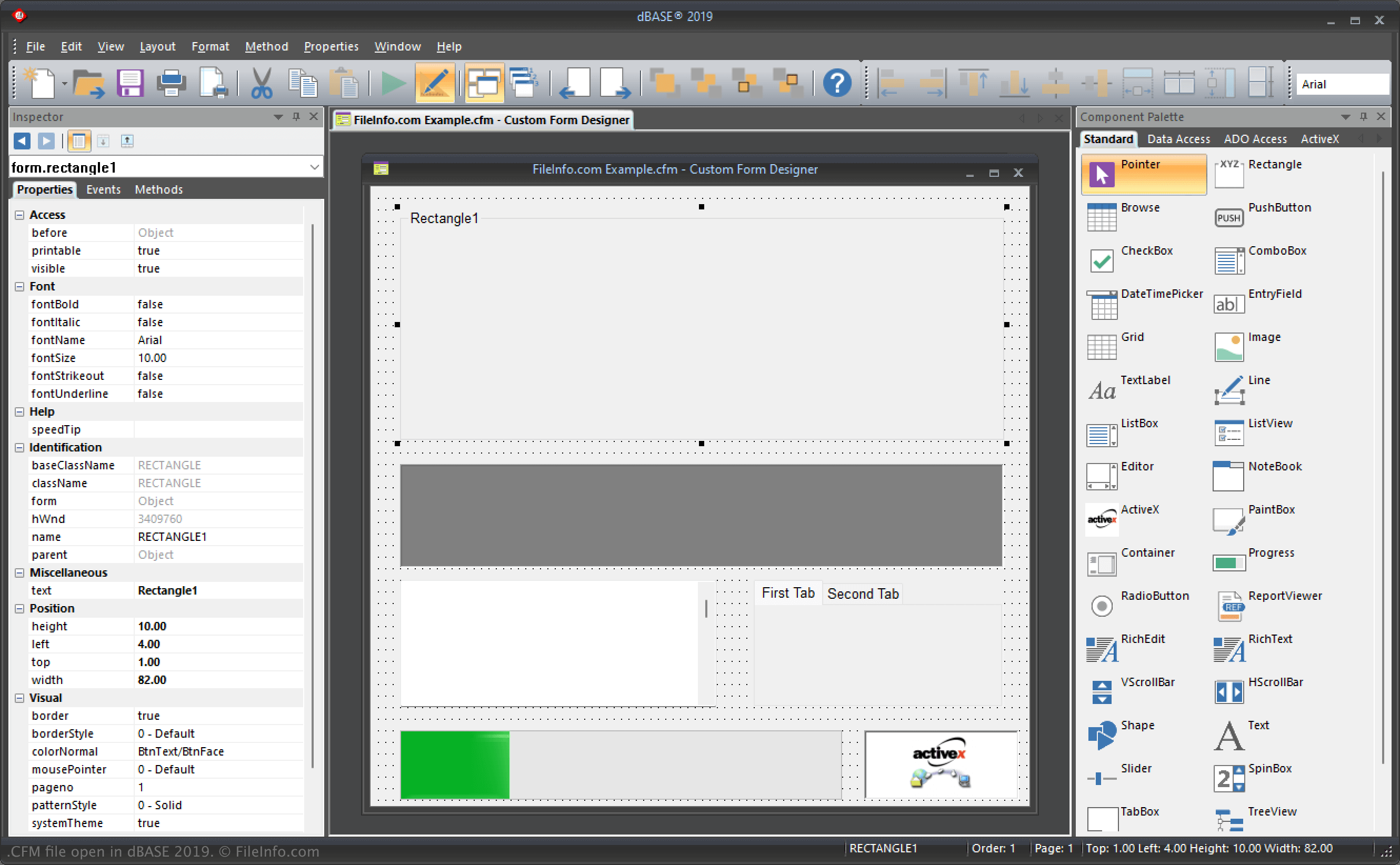
dBASEは、データベースの管理、プログラムの構築、コンパイルなど、さまざまな機能を提供するWindowsプログラムです。IDEでは、フォームはコンパイル後にユーザーがアプリケーションを操作する方法を示す「ウィンドウ」として機能します。そのため、フォームを設定することはUIを設定することになります。
さらに、カスタムフォームはテンプレートと同様に機能し、他のフォームの基盤となるコンポーネントのレイアウトを設定できます。たとえば、他のすべてのフォームに表示したいロゴやデザインをフォームの下部に配置したカスタムフォームを作成できます。
dBASEユーザーは、dBASEのCustom Form Designerを使用してカスタムフォームを作成し、プロジェクト(.PRJファイル)に整理します。dBASEは、デフォルトでCFMファイルを次のディレクトリに保存します。
C:\Users\[user]\AppData\Local\dBASE\dBASE[version]\Bin
CFMファイルの開き方
WindowsではdBASEでCFMファイルを開けます。たとえば、を選択するとCFMファイルを開けます。
テキストエディターでCFMファイルを開く
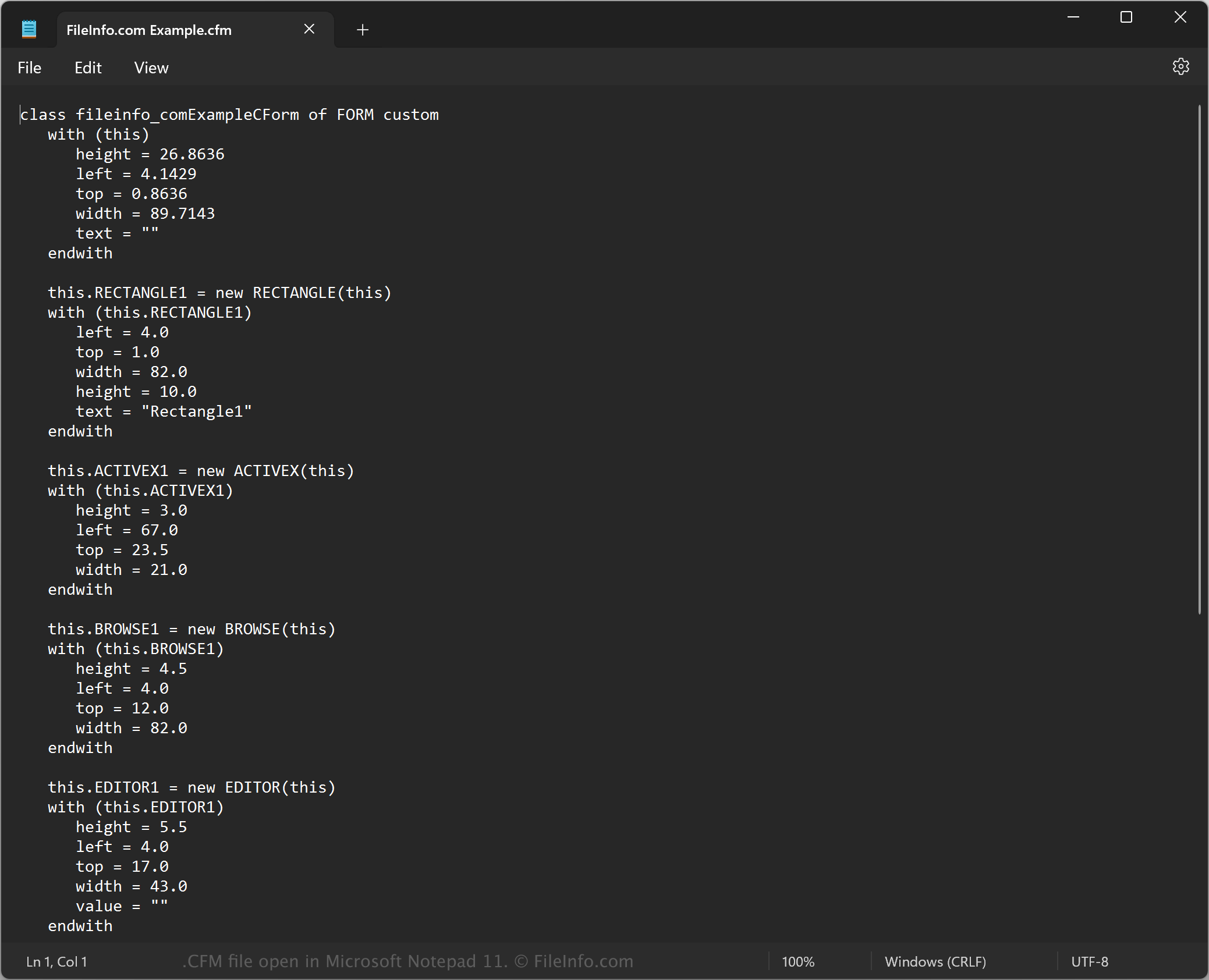
CFMファイルはプレーンテキストで保存されるため、Microsoft Notepad(Windows)やApple TextEdit(Mac)などのテキストエディターでも開けます。テキストエディターが認識できるように、.cfmファイル拡張子を.txtに変更する必要がある場合があります。
テキストエディターで開くと、CFMファイル内のカスタムフォームのプロパティを変更できます。ただし、ファイルを誤って編集すると、意図せずカスタムフォームを壊してしまう可能性があります。