.STG ファイル拡張子
ActiveSync Backup File
| 開発元 | Microsoft |
| 人気度 |
3.9 | 18 票 |
STGファイルとは?
Backup created by ActiveSync, a program used to synchronize PCs with mobile devices; contains a backup of all mobile device files, including contacts, notes, and calendar data; typically seen with the filename backup.stg.
詳細情報
注: Microsoft removed the backup and restore feature beginning with ActiveSync version 4.2. To recover backup files with ActiveSync, use version 4 or an earlier version that is compatible with STG files.
STGファイルを開くプログラム
ScreenToGif Project
| 開発元 | Nicke Manarin |
| 人気度 |
3.3 | 4 票 |
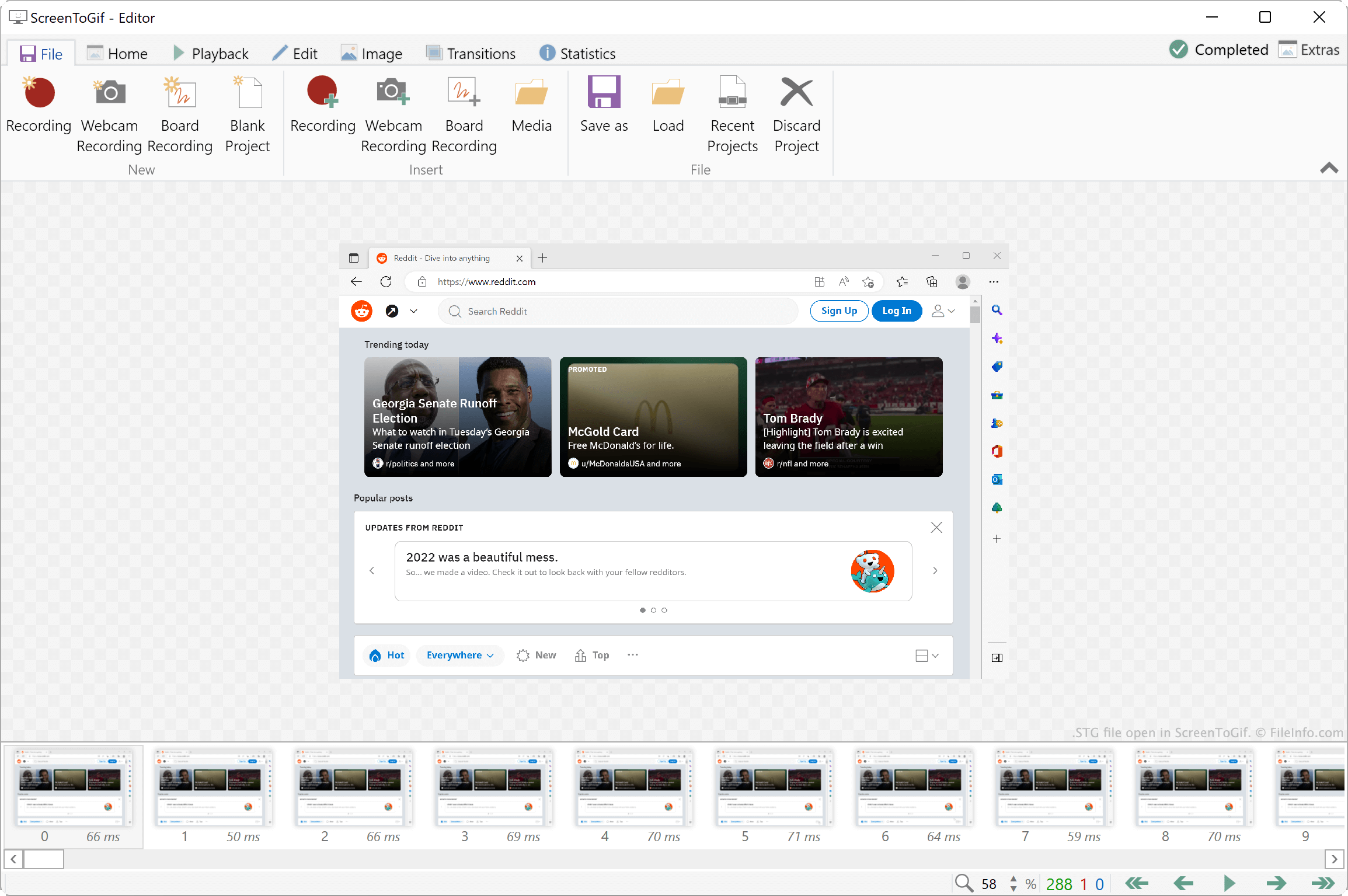
An STG file is a project file created by ScreenToGif, a program used to turn a screen, webcam, or sketchboard recording into a GIF or video. STG files are Zip-compressed. They store .PNG images of each of a project's included frames and a .JSON file that defines the project's metadata.
詳細情報
ScreenToGif is a screen, webcam, and sketchboard recording tool that allows you to edit your recordings and export them as .GIF, video (.MP4, .AVI, etc.), or image (.JPG, .PNG, etc.) files. You can then share the exported files with others, to let them view your recording.
Optionally, you can save a recording editing project as an STG file. This lets you continue to edit your recording, even after exporting it. For example, if you plan to edit your recording in response to feedback, you should save your project as an STG file, to make future editing easier.
How to save a ScreenToGif project as an STG file
To save a ScreenToGif project as an STG file:
- Select File → Save as.
- In the Save as sidebar, click the dropdown menu that appears beneath File type and preset.
- Select Project from the dropdown menu.
- Click the Save button.
STGファイルの開き方
You can open an STG file with ScreenToGif (Windows). To do so, select File → Load from the program's menu bar. Then, navigate to and open your STG file.
If you want to view the individual frames and .JSON file an STG file contains, you can rename the file's extension to .zip and open it as you would any .ZIP file.
STGファイルを開くプログラム
Statistica Graph File
| 開発元 | TIBCO Software |
| 人気度 |
3.0 | 1 票 |
詳細情報
TIBCO Statistica is an analytics suite that data analysts use to analyze data and create predictive models. As part of their data analysis, analysts can create graphs that allow them to visualize, connect, and draw conclusions from their data. These graphs are saved as STG files.
Statistica allows users to create and combine a wide variety of graphs, including line graphs, bar graphs, scatterplots, 3D graphs, pie charts, drawings, and maps. STG files may contain any combination of these types of graphs. STG files that contain more than one graph are sometimes referred to as complex compound graphs.
When a user saves a graph (or set of graphs) as an STG file, Statistica saves all the data needed to continue using and editing that graph within the file. That way, users can continue editing the graph even if they don't have access to the original files used to create it. If a Statistica user wants to share a graph with someone who does not have Statistica, they can export the graph as an image or PDF file. Statistica users also often export graphs for use in presentations.
STGファイルの開き方
You can open an STG file (TIBCO Statistica Graph) in TIBCO Statistica (Windows). After you do, the graph(s) your STG file contains will appear in a new Statistica window.