

.LRPLUGIN ファイル拡張子
Adobe Lightroom Classicプラグイン
| 開発元 | Adobe Systems |
| 人気度 |
3.0 | 1 票 |
LRPLUGINファイルとは?
LRPLUGINファイルは、デスクトップ専用バージョンのAdobe LightroomであるAdobe Lightroom Classicが使用するプラグインです。Lightroom Classicに新しい機能を追加するために使用されるデータが含まれています。たとえば、LRPLUGINファイルには、写真をFacebook、Flickr、または別のオンラインサービスに自動的に公開できるプラグインが含まれている場合があります。
詳細情報
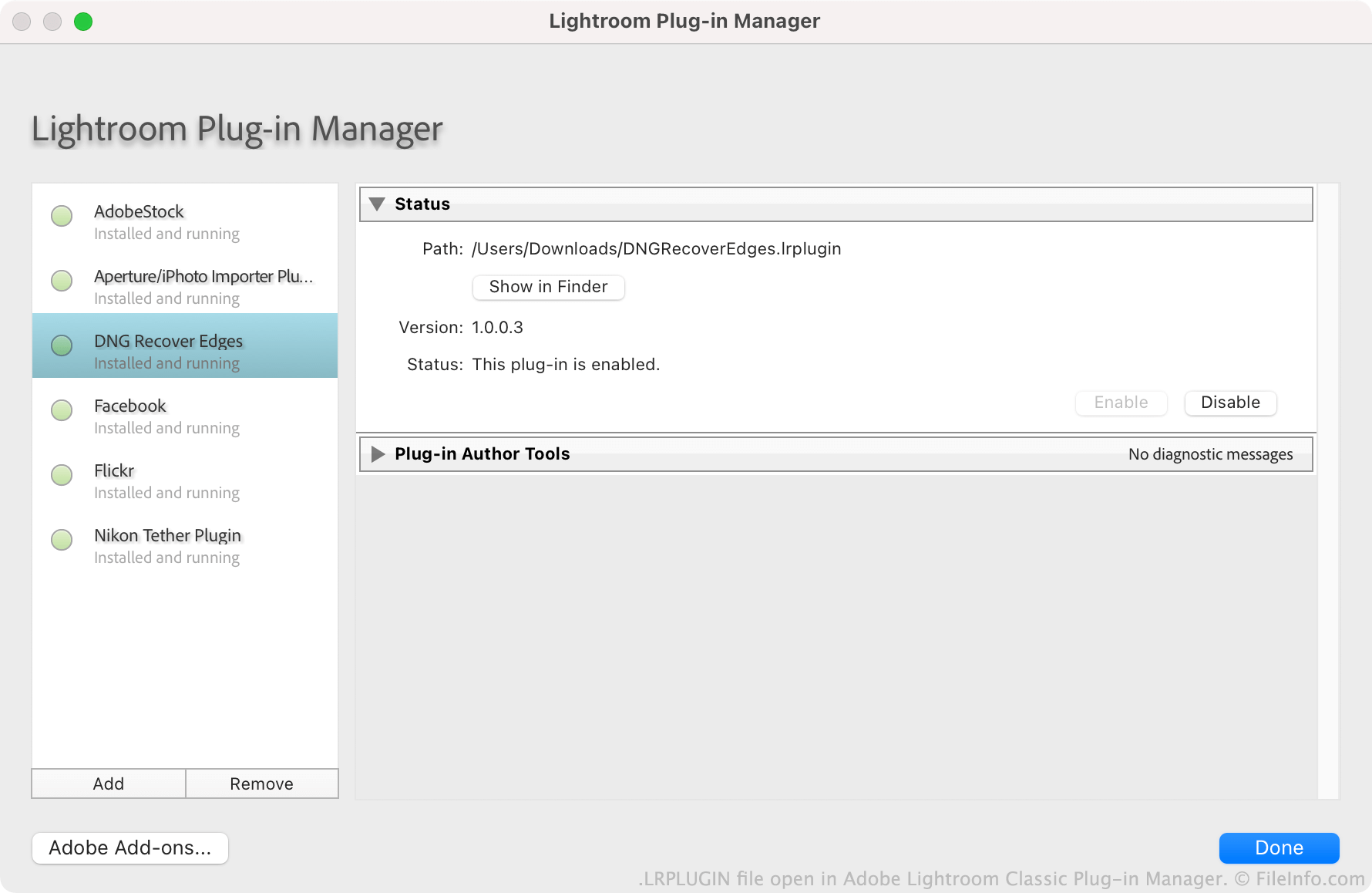
Adobeは、ユーザーがLightroom Classicプラグインを作成、配布、インストールすることを推奨しています。各プラグインはLRPLUGINファイルとして保存されます。LRPLUGINファイルには通常、プラグインの動作を制御する.LUAソースコードファイルなど、多数のコンポーネントファイルが含まれています。
ユーザーは、Lightroom Classicのプラグインマネージャーを使用してLRPLUGINファイルをインストールします。通常版のLightroomにはプラグインマネージャーが含まれていないため、ユーザーはLRPLUGINファイルをインストールできません。
LRPLUGINファイルの開き方
Adobe Lightroom Classic(Mac、Windows)でLRPLUGINファイルを開くことができます。手順は次のとおりです。
- プログラムのメニューバーからを選択します。
- Lightroomプラグインマネージャーウィンドウが表示されたら、ボタンを選択します。
- プラグインを探して選択します。次に、をクリックします。
LRPLUGINファイルに含まれるプラグインがプラグインマネージャーに表示され、そこで有効または無効にできます。
LRPLUGINファイルを開くプログラム
Windows
Mac