.FP ファイル拡張子
Fragment Program File
| 開発元 | OpenGL |
| 人気度 |
3.3 | 6 票 |
FPファイルとは?
File used by programs that use OpenGL technology; specifies appearance properties for fragments (pixels in 3D space) in a three-dimensional model; enables the manipulation of pixels before rendering.
詳細情報
FP files are written using low-level syntax called assembly language. They are saved in a plain text format.
FPファイルを開く、または参照するプログラム
FileMaker Pro Spreadsheet
| 開発元 | Claris |
| 人気度 |
2.9 | 9 票 |
An FP file is a spreadsheet created by Claris FileMaker Pro. It contains data organized into columns and rows. FP files are saved in a format proprietary to FileMaker Pro.
詳細情報
Businesses use FileMaker Pro to organize and review their business data. For example, businesses can use FileMaker Pro to create databases and spreadsheets that list their inventory, personnel, and projects. Some spreadsheets created with FileMaker Pro are saved with the .fp extension.
FPファイルの開き方
You can open an FP file with FileMaker Pro (Windows, Mac).
FPファイルを開くプログラム
FinePrint File
| 開発元 | FinePrint Software |
| 人気度 |
1.5 | 2 票 |
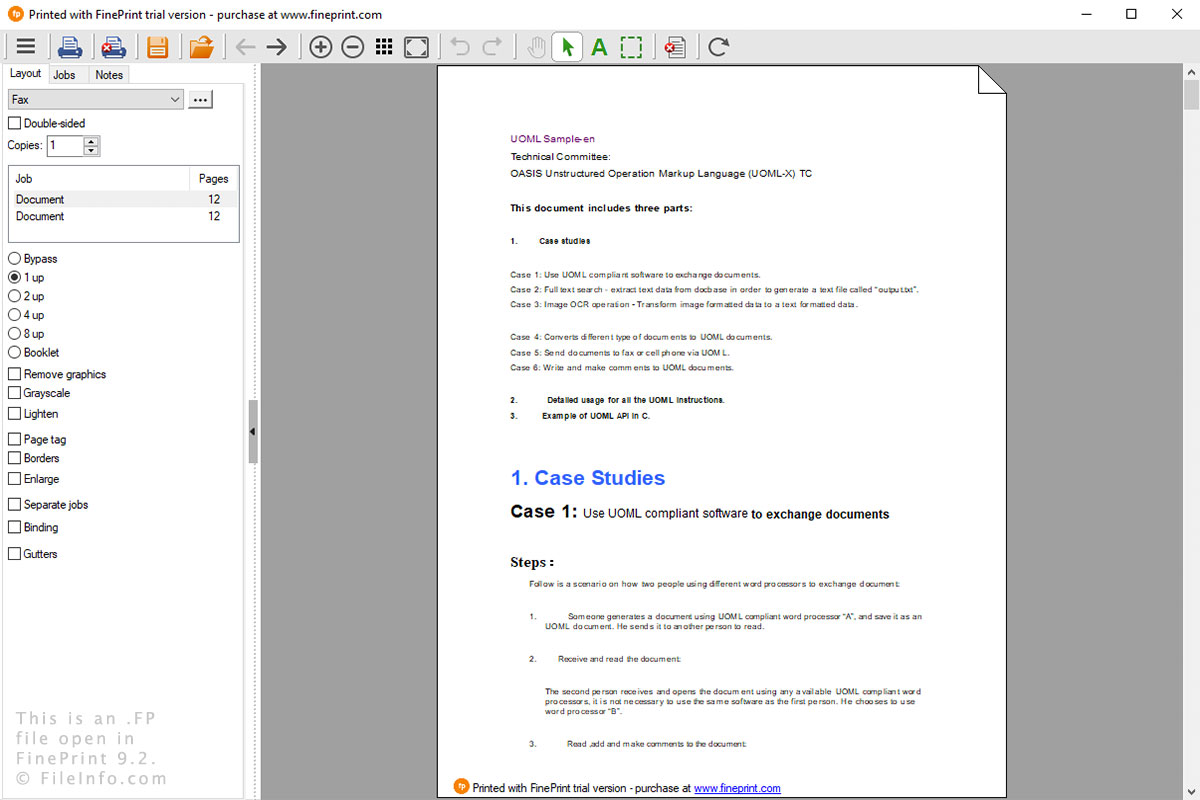
An FP file is a file created by FinePrint, a Windows printing utility that allows you to modify print jobs. It contains a print job, which includes one or more pages to be printed, edits to the print, layout of the print job, and print settings.
詳細情報
FinePrint is used to modify print jobs in Windows. You can perform a variety of functions, such as preview prints, add and remove pages, edit text, highlight text, print multiple pages on a single sheet, convert to grayscale, and crop pages. If you choose to save your print job in FinePrint, the FP file is created to store the print job.
After installing FinePrint, you can open the utility when printing a document from any Windows program. After you select Print, the utility will open, allowing you to modify the document and print it.
You can save a print job by selecting the floppy disk icon, naming the file, and choosing the save location. You can open an FP file by simply double-clicking the file or selecting the folder icon in FinePrint and navigating to the FP file.