

.EGG Extension de fichier
Fichier de modèle Panda3D
| Développeur | Carnegie Mellon |
| Popularité |
3,3 | 54 Votes |
Qu'est-ce qu'un fichier EGG ?
Un fichier EGG est un modèle 3D ou une animation utilisé par Panda3D, un moteur 3D conçu principalement pour le développement de jeux vidéo. Il contient un modèle Panda3D, un acteur, une animation, ou un ensemble composé d'un acteur et d'une animation. Les fichiers EGG sont créés en exportant des modèles et des animations depuis d'autres programmes de modélisation 3D, tels qu'Autodesk Maya ou Blender, puis en les convertissant pour les utiliser dans Panda3D.
Plus d'informations
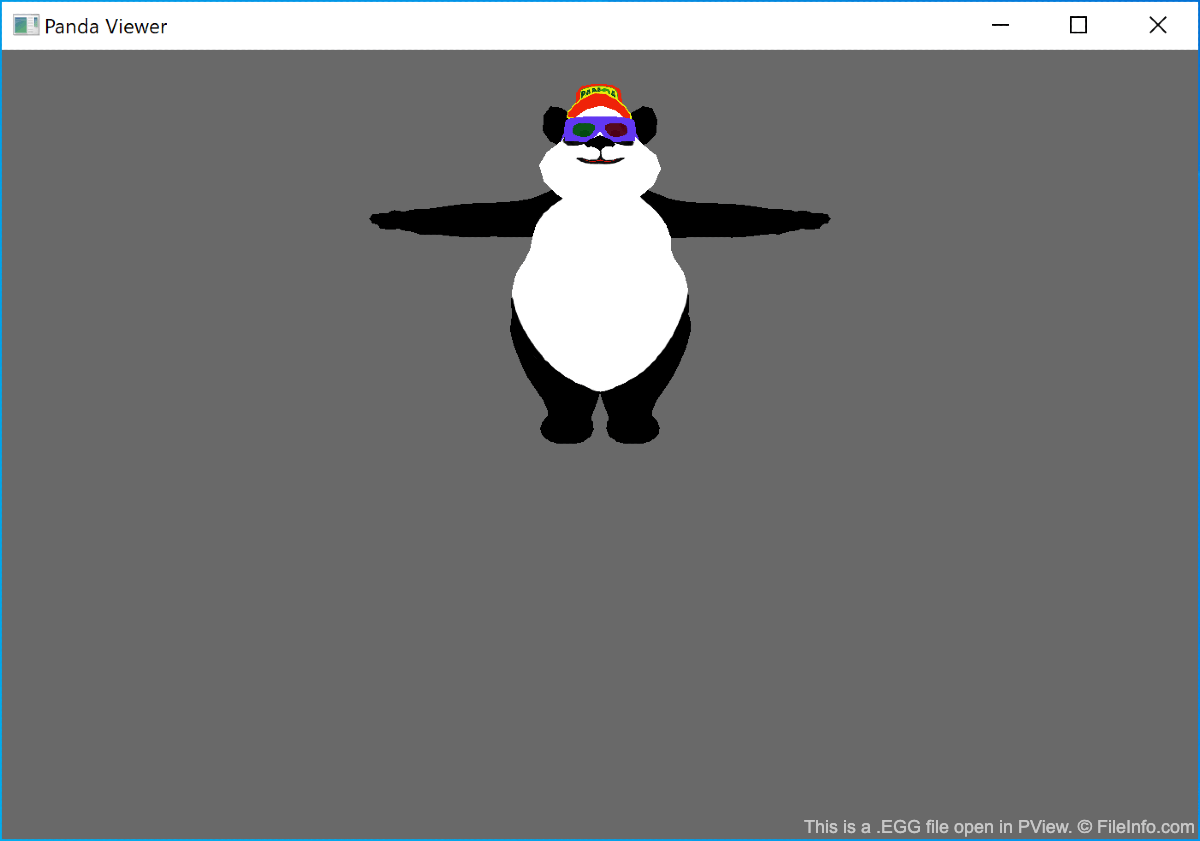
Dans Panda3D, le terme « modèle » désigne un modèle 3D statique, tandis que le terme « acteur » désigne un modèle 3D pouvant être animé. Les acteurs enregistrés dans des fichiers EGG sont animés à l'aide d'animations enregistrées dans des fichiers EGG distincts. Bien que les développeurs puissent enregistrer un acteur et l'animation associée dans le même fichier EGG, Panda3D recommande de ne pas le faire afin d'éviter toute confusion lors de la programmation.
Pour convertir en fichiers EGG des modèles 3D et des animations créés dans d'autres applications, les développeurs doivent utiliser l'un des différents utilitaires disponibles. L'utilitaire à utiliser dépend du programme employé pour créer le modèle ou l'animation.
REMARQUE : Après qu'un développeur a importé un fichier EGG dans Panda3D, celui-ci est converti en fichier BAM optimisé pour de meilleures performances et un accès plus rapide.
Comment ouvrir un fichier EGG
Vous pouvez ouvrir et afficher le contenu d'un fichier EGG avec PView, un visualiseur de modèles et d'animations fourni avec Panda3D. Pour cela :
- Installez Panda3D.
- Ouvrez une fenêtre de ligne de commande.
- Saisissez la commande pview yourfilename.egg.
REMARQUE : N'oubliez pas que certains fichiers EGG contiennent des modèles 3D, tandis que d'autres contiennent des animations. Si vous souhaitez afficher un modèle et une animation ensemble, saisissez la commande pview yourmodelfile.egg youranimationfile.egg. Vous ne pouvez pas afficher une animation sans l'associer à un modèle.
Programmes qui ouvrent les fichiers EGG
Archive ALZip
| Développeur | ESTsoft |
| Popularité |
2,8 | 41 Votes |
Un fichier EGG est une archive compressée créée par ALZip, un programme de compression et de décompression de fichiers. Il contient un ou plusieurs fichiers compressés au format propriétaire EGG. Les fichiers EGG peuvent intégrer un chiffrement AES-256 et une protection par mot de passe pour sécuriser l’archive.
Plus d'informations
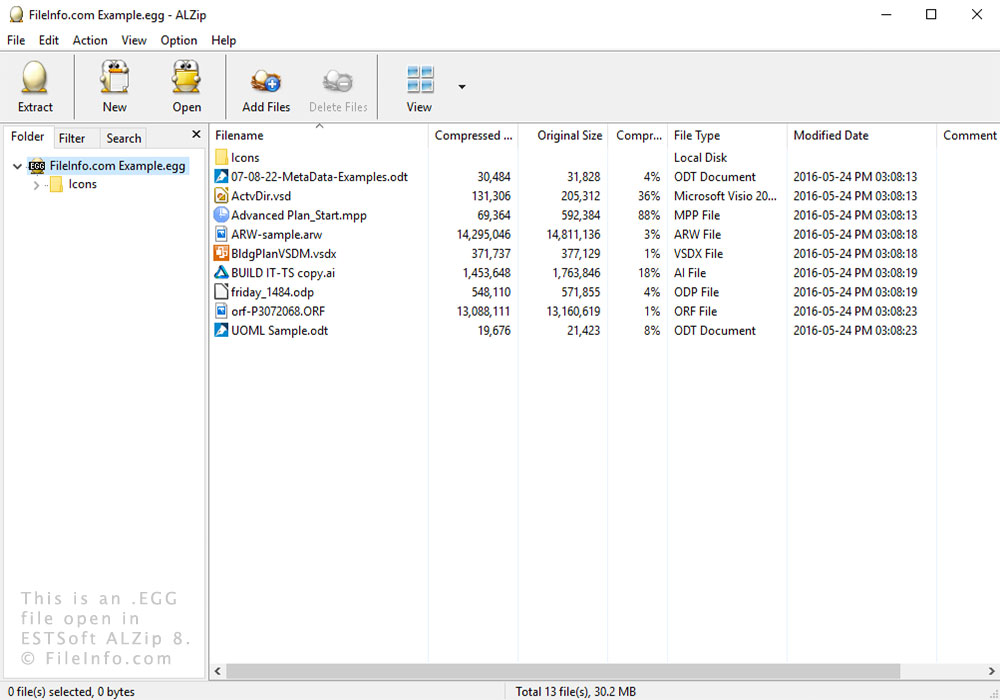
Vous pouvez décompresser des fichiers EGG avec ALZip et Bandizip sous Windows. Vous pouvez également utiliser UnEgg sous Linux.
Le format EGG utilise des techniques de compression intelligentes pour créer des fichiers de plus petite taille. Il prend également en charge Unicode et est donc utile pour les archives multilingues.
ALZip est un outil de compression simple pour Windows, particulièrement populaire en Corée. Il possède deux formats propriétaires : le format EGG, sorti avec la version 8, et le format .ALZ, similaire au format Zip. Le programme peut également compresser et décompresser des fichiers dans d’autres formats, tels que .TAR et .ZIP.