

.EGG Dateiendung
Panda3D-Modelldatei
| Entwickler | Carnegie Mellon |
| Beliebtheit |
3,3 | 54 Stimmen |
Was ist eine EGG-Datei?
Eine EGG-Datei ist ein 3D-Modell oder eine Animation, die von Panda3D verwendet wird, einer 3D-Engine, die hauptsächlich für die Spieleentwicklung entwickelt wurde. Sie enthält ein Panda3D-Modell, einen Actor, eine Animation oder ein Actor-Animations-Paar. EGG-Dateien werden erstellt, indem Modelle und Animationen aus anderen 3D-Modellierungsprogrammen wie Autodesk Maya oder Blender exportiert und für die Verwendung in Panda3D konvertiert werden.
Weitere Informationen
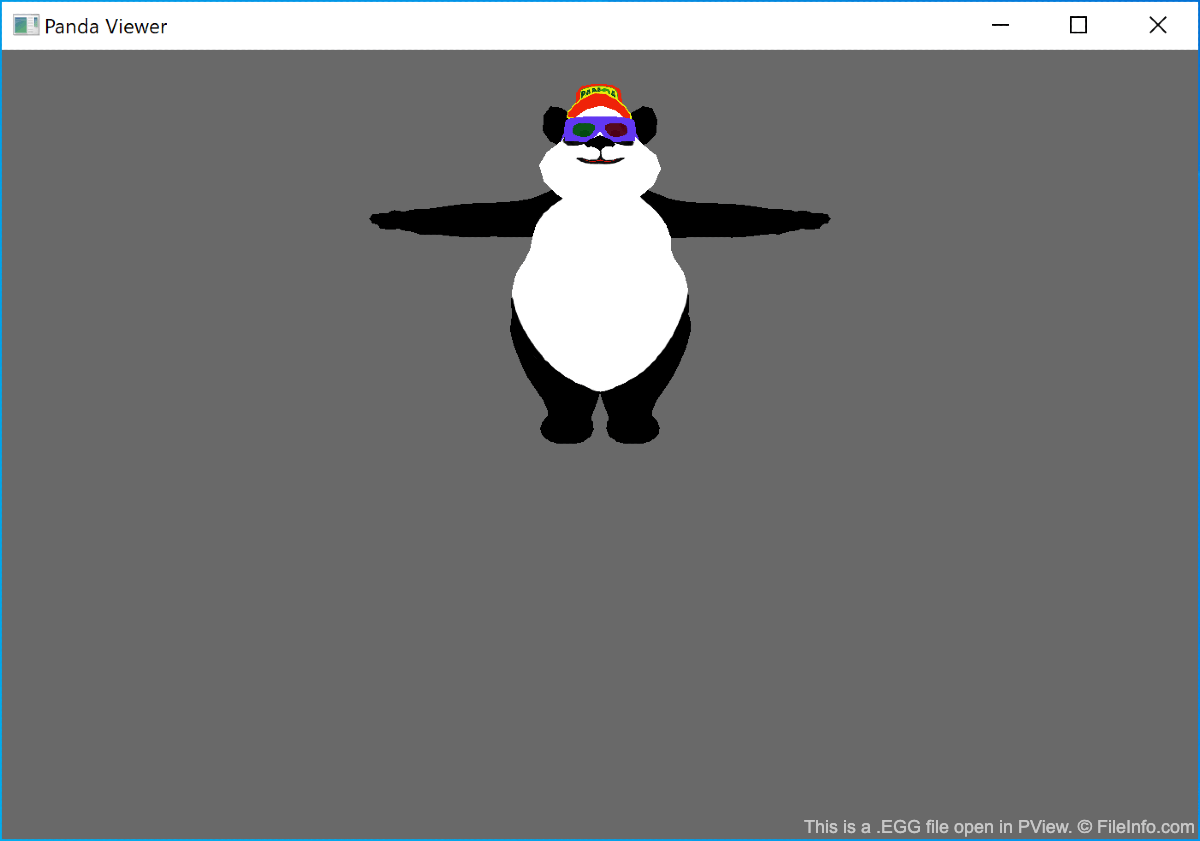
In Panda 3D bezeichnet der Begriff „Modell“ ein statisches 3D-Modell, während „Actor“ ein animierbares 3D-Modell bezeichnet. In EGG-Dateien gespeicherte Actors werden mithilfe von Animationen animiert, die in separaten EGG-Dateien gespeichert sind. Obwohl Entwickler einen Actor und seine zugehörige Animation in derselben EGG-Datei speichern können, empfiehlt Panda3D, dies nicht zu tun, um Verwirrung beim Programmieren zu vermeiden.
Um in anderen Anwendungen erstellte 3D-Modelle und Animationen in EGG-Dateien zu konvertieren, müssen Entwickler eines von mehreren separaten Dienstprogrammen verwenden. Welches Dienstprogramm sie verwenden müssen, hängt von dem Programm ab, mit dem sie ihr Modell oder ihre Animation erstellt haben.
HINWEIS: Nachdem ein Entwickler eine EGG-Datei in Panda3D importiert hat, wird sie für einen schnelleren Zugriff in eine leistungsoptimierte BAM-Datei konvertiert.
So öffnen Sie eine EGG-Datei
Sie können den Inhalt einer EGG-Datei mit PView öffnen und anzeigen, einem in Panda3D enthaltenen Modell- und Animationsbetrachter. Gehen Sie dazu wie folgt vor:
- Installieren Sie Panda3D.
- Öffnen Sie ein Befehlszeilenfenster.
- Geben Sie den Befehl pview yourfilename.egg ein.
HINWEIS: Denken Sie daran, dass einige EGG-Dateien 3D-Modelle und andere Animationen enthalten. Wenn Sie ein Modell und eine Animation zusammen anzeigen möchten, geben Sie den Befehl pview yourmodelfile.egg youranimationfile.egg ein. Sie können eine Animation nicht anzeigen, ohne sie einem Modell zuzuordnen.
Programme, die .EGG-Dateien öffnen
ALZip-Archiv
| Entwickler | ESTsoft |
| Beliebtheit |
2,8 | 41 Stimmen |
Eine EGG-Datei ist ein komprimiertes Archiv, das von ALZip, einem Programm zum Komprimieren und Dekomprimieren von Dateien, erstellt wurde. Sie enthält eine oder mehrere Dateien, die im proprietären EGG-Format komprimiert wurden. EGG-Dateien können AES-256-Verschlüsselung und einen Passwortschutz zum Sichern des Archivs enthalten.
Weitere Informationen
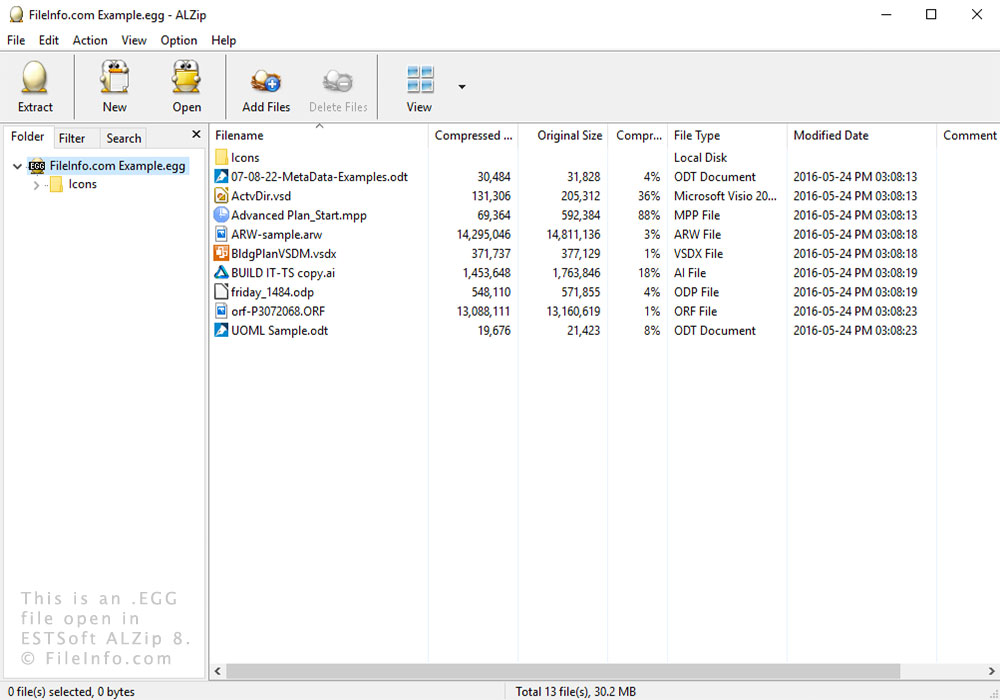
Sie können EGG-Dateien unter Windows mit ALZip und Bandizip dekomprimieren. Unter Linux können Sie auch UnEgg verwenden.
Das EGG-Format verwendet intelligente Komprimierungstechniken, um kleinere Dateigrößen zu erzeugen. Es unterstützt außerdem Unicode und eignet sich daher für mehrsprachige Archive.
ALZip ist ein einfaches Komprimierungsprogramm für Windows, das besonders in Korea beliebt ist. Es verfügt über zwei proprietäre Formate: das EGG-Format, das mit Version 8 eingeführt wurde, und das .ALZ-Format, das dem Zip-Format ähnelt. Das Programm kann Dateien außerdem in andere Formate wie .TAR und .ZIP komprimieren und dekomprimieren.