

.IGS Dateiendung
IGES-Zeichnung
| Entwickler | ICAM |
| Beliebtheit |
3,7 | 58 Stimmen |
Was ist eine IGS-Datei?
Eine IGS-Datei ist eine Grafikdatei, die in einem 2D-/3D-Vektorformat gespeichert ist, das auf der Initial Graphics Exchange Specification (IGES) basiert, einem standardisierten ASCII-basierten Textformat. Sie speichert Drahtgittermodelle, Darstellungen von Oberflächen oder Volumenkörpern, Schaltpläne und andere Objekte. Viele CAD-Anwendungen speichern Vektordaten als IGS-Dateien und exportieren sie in diesem Format.
Weitere Informationen
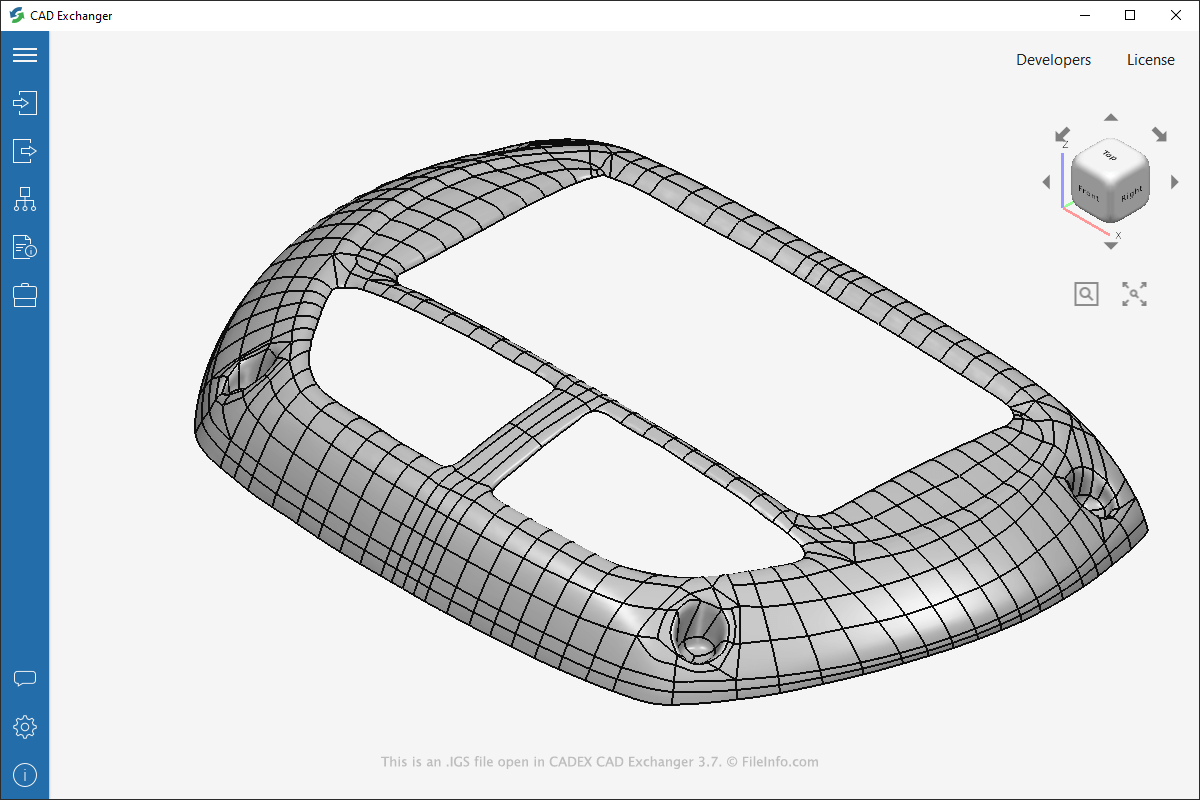
IGES ist ein Standard für die Übertragung dreidimensionaler Modelle zwischen CAD-Programmen. Eine IGS-Datei wird Ihnen höchstwahrscheinlich nur begegnen, wenn Sie mit CAD-Software in einem Bereich arbeiten, der die Fertigung umfasst, etwa in der Automobil- oder Luftfahrtindustrie.
Die Abteilung Integrated Computer-Aided Manufacturing (ICAM) der US-Luftwaffe entwickelte das IGES-Format 1980. Viele CAD-Programme übernahmen es anschließend, und es wurde zu einem Standard. Mitte der 1990er-Jahre ersetzte jedoch das STEP-Format (.STP) das IGES-Format, und die Verwendung von IGS-Dateien ging schließlich zurück.
HINWEIS: IGS-Dateien können auch mit der Dateierweiterung .iges gespeichert werden (.IGES-Dateien).
So öffnen Sie eine IGS-Datei
Sie können IGS-Dateien mit verschiedenen Desktop-CAD-Programmen öffnen, etwa mit Autodesk Fusion 360 (Windows), Dassault Systemes CATIA (plattformübergreifend), Nemetschek VectorWorks (plattformübergreifend) und CADEX CAD Exchanger (macOS). Sie können IGS-Dateien auch mit Online-Viewern öffnen und anzeigen, indem Sie sie in CADEX CAD Exchanger Cloud oder ShareCAD.org hochladen.
Da IGS-Dateien Informationen im Klartext speichern, können Sie sie mit einem Texteditor öffnen (möglicherweise müssen Sie dazu die Dateierweiterung .igs in .txt ändern). Wenn Sie die Dateien mit einem Texteditor anzeigen, erscheinen die Inhalte jedoch als Text und nicht als visuelle Darstellung eines Modells, wie bei der Anzeige mit CAD-Software. Sie können Texteditoren wie Microsoft Wordpad (in Windows enthalten) oder Apple TextEdit (in macOS enthalten) verwenden, um den Klartext in IGS-Dateien anzuzeigen.
So konvertieren Sie eine IGS-Datei
Verschiedene CAD-Anwendungen, darunter CADEX CAD Exchanger, Autodesk Fusion 360 und Dassault Systemes CATIA, können IGS-Dateien in andere Formate konvertieren.
CAD Exchanger kann IGS-Dateien beispielsweise in die folgenden Formate konvertieren:
Programme, die .IGS-Dateien öffnen
Indigo Renderer-Szenendatei
| Entwickler | Glare Technologies |
| Beliebtheit |
3,2 | 20 Stimmen |
Eine IGS-Datei ist eine 3D-Szene, die von Glare Technologies Indigo Renderer und Indigo RT verwendet wird, Anwendungen zum Erzeugen fotorealistischer Bilder. Sie enthält Informationen zu einer Szene im XML-Standard, darunter die Modelle, Materialien, Netze sowie Kamera- und Rendereinstellungen.
Weitere Informationen
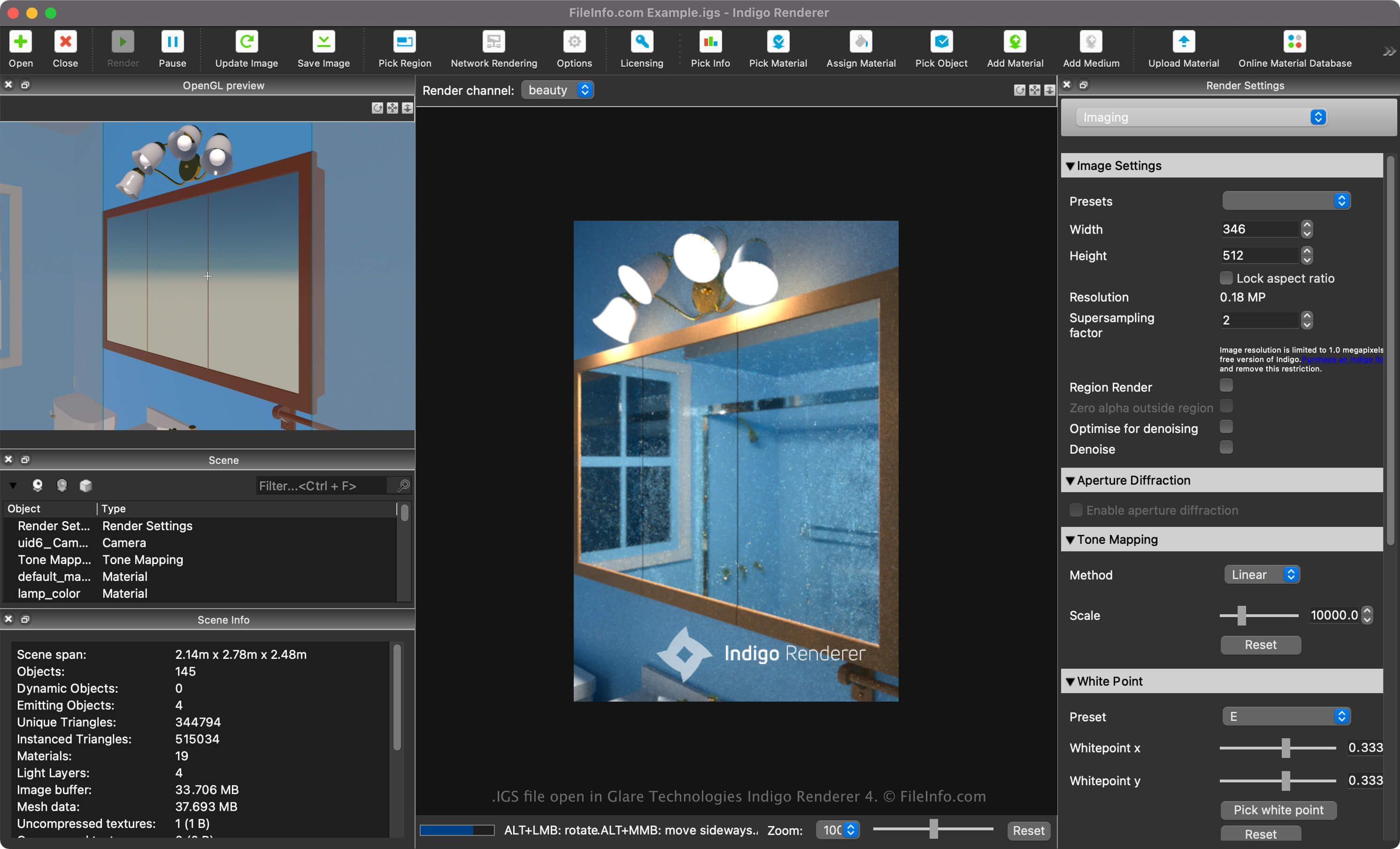
Glare Technologies Indigo Renderer und Renderer RT sind plattformübergreifende 3D-Rendering-Anwendungen, die hauptsächlich von professionellen Künstlern zum Erstellen fotorealistischer Bilder verwendet werden. Indigo RT bietet ähnliche Funktionen wie Indigo Render, ist jedoch zu einem günstigeren Preis erhältlich. Indigo Renderer ist auch als eigenständige Anwendung oder als Plugin für andere 3D-CAD-Programme verfügbar.
So erstellen Sie eine IGS-Datei mit Indigo Renderer
Sie können eine IGS-Datei mit Indigo Renderer beim Speichern einer Szene erstellen. Sie können eine Szene auch aus einem anderen 3D-Modellierungsprogramm mit dem Indigo-Renderer-Plugin als IGS-Datei exportieren, darunter Blender, 3ds Max, Cinema 4D, Maya, SketchUp oder Revit.
Um eine IGS-Datei mit Indigo Renderer zu erstellen, wählen Sie oder .
So öffnen Sie eine IGS-Datei
Sie können eine IGS-Datei mit Glare Technologies Indigo Renderer (plattformübergreifend) und Indigo RT (plattformübergreifend) öffnen. Um die Datei beispielsweise mit Indigo Renderer zu öffnen, wählen Sie .
Nachdem Sie eine IGS-3D-Szene in Indigo Renderer importiert haben, können Sie sie in ein fertiges Bild rendern. Die Software unterstützt die GPU-Beschleunigung, sodass Bilder schneller erstellt werden können.
Eine IGS-Datei mit einem Texteditor öffnen

Da IGS-Dateien als Klartext gespeichert werden, können Sie sie auch mit einem Texteditor wie Microsoft Notepad (Windows) oder Apple TextEdit (Mac) oder mit einem Quelltexteditor öffnen. Möglicherweise müssen Sie die Dateierweiterung der .igs-Datei in .txt umbenennen, damit der Texteditor sie erkennt.
Wenn Sie die Datei in einem Texteditor oder Quelltexteditor öffnen, können Sie die Eigenschaften der IGS-Datei ändern. Wenn Sie die Datei jedoch falsch bearbeiten, kann die Szene möglicherweise unbeabsichtigt beschädigt werden.