

.BF Dateiendung
Birdfont-Projektdatei
| Entwickler | Johan Mattsson |
| Beliebtheit |
3,2 | 5 Stimmen |
Eine BF-Datei ist eine benutzerdefinierte Schriftarten-Projektdatei, die von BirdFont erstellt wird. Sie enthält XML-formatierten Text, der eine benutzerdefinierte Schriftart beschreibt. BF-Dateien werden verwendet, um Schriftarten in gängigen Schriftartenformaten wie .TTF, .OTF, .EOT und .SVG zu exportieren.
Weitere Informationen
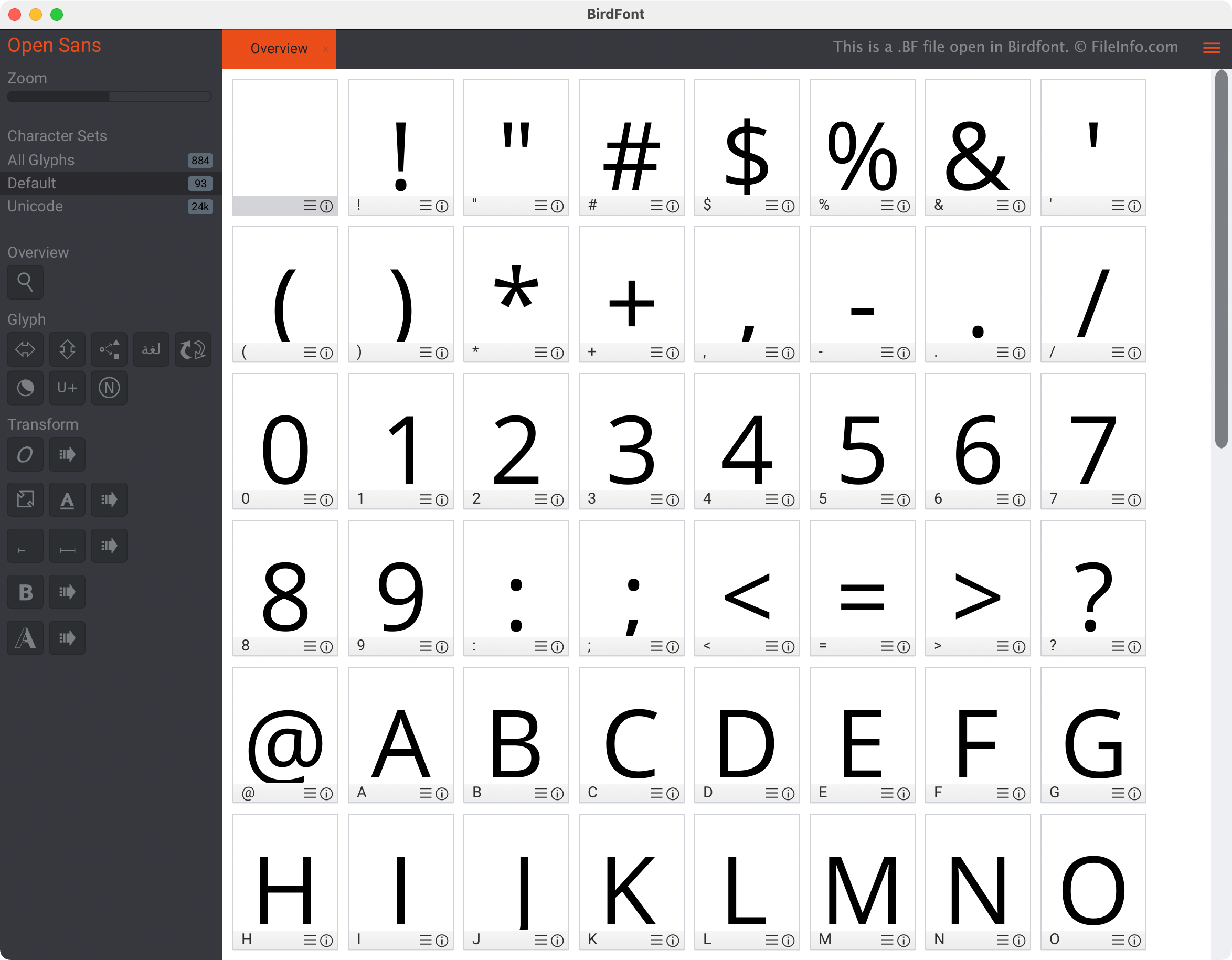
Birdfont ist ein Schriftarten-Designprogramm, mit dem Benutzer Schriftarten erstellen, importieren und bearbeiten können. Das Programm ist sowohl in einer kostenlosen als auch in einer kommerziellen Version verfügbar, die viele, aber nicht alle gleichen Funktionen enthalten. Beispielsweise kann die kostenlose Version von Birdfont nur Schriftarten exportieren, die unter der SIL Open Font License erstellt wurden.
Wenn ein Birdfont-Benutzer ein noch nicht abgeschlossenes Schriftarten-Designprojekt speichert, wird das Projekt als BF-Datei gespeichert. BF-Dateien sind XML-Dateien, das heißt, sie enthalten Klartext, der mithilfe eines XML-Schemas und von Elementen organisiert ist. Dieser Text beschreibt die Schriftart, die der Benutzer in Birdfont erstellt hat. Beispielsweise kennzeichnet das Element <collection> den Beginn einer neuen Beschreibung eines Schriftzeichen.
Wenn BF-Dateien jedoch in Birdfont geöffnet werden, erscheinen sie nicht als XML-Dateien. Stattdessen erscheinen sie als Schriftarten-Stylesheets, mit denen ein Benutzer grafisch interagieren und die er bearbeiten kann, anstatt dies über Text zu tun.
So öffnen Sie eine BF-Datei
Sie können eine BF-Datei in Birdfont (plattformübergreifend) öffnen. Wählen Sie dazu das Sandwich-Menü von Birdfont (in der oberen rechten Ecke des Programms) aus, wählen Sie und navigieren Sie anschließend zu Ihrer BF-Datei und öffnen Sie sie. Die Schriftart, die Ihre Datei beschreibt, wird im Übersichtsfenster von Birdfont angezeigt.
Wie konvertiere ich eine BF-Datei in eine TTF-, OTF-, EOT- oder SVG-Datei?
Um eine BF-Datei als TTF-, OTF-, EOT- oder SVG-Datei zu exportieren, öffnen Sie die Datei in der kostenpflichtigen Version von Birdfont und wählen Sie das Sandwich-Menü aus. Wählen Sie anschließend .
Programme, die .BF-Dateien öffnen
Beef-Quellcodedatei
| Entwickler | Brian Fete |
| Beliebtheit |
3,3 | 4 Stimmen |
Eine BF-Datei ist eine Quellcodedatei, die in der Programmiersprache Beef geschrieben wurde, einer Open-Source-Sprache, die für die Spieleentwicklung und systemnahe Programmierung entwickelt wurde. Sie enthält für Menschen lesbaren Code in der Syntax von Beef, die den Sprachen C#, C++ und Rust ähnelt. Entwickler verwenden BF-Dateien, um Anwendungslogik, Strukturen und Funktionen zu definieren, die sie später zu ausführbaren Programmen oder Bibliotheken kompilieren.
Weitere Informationen
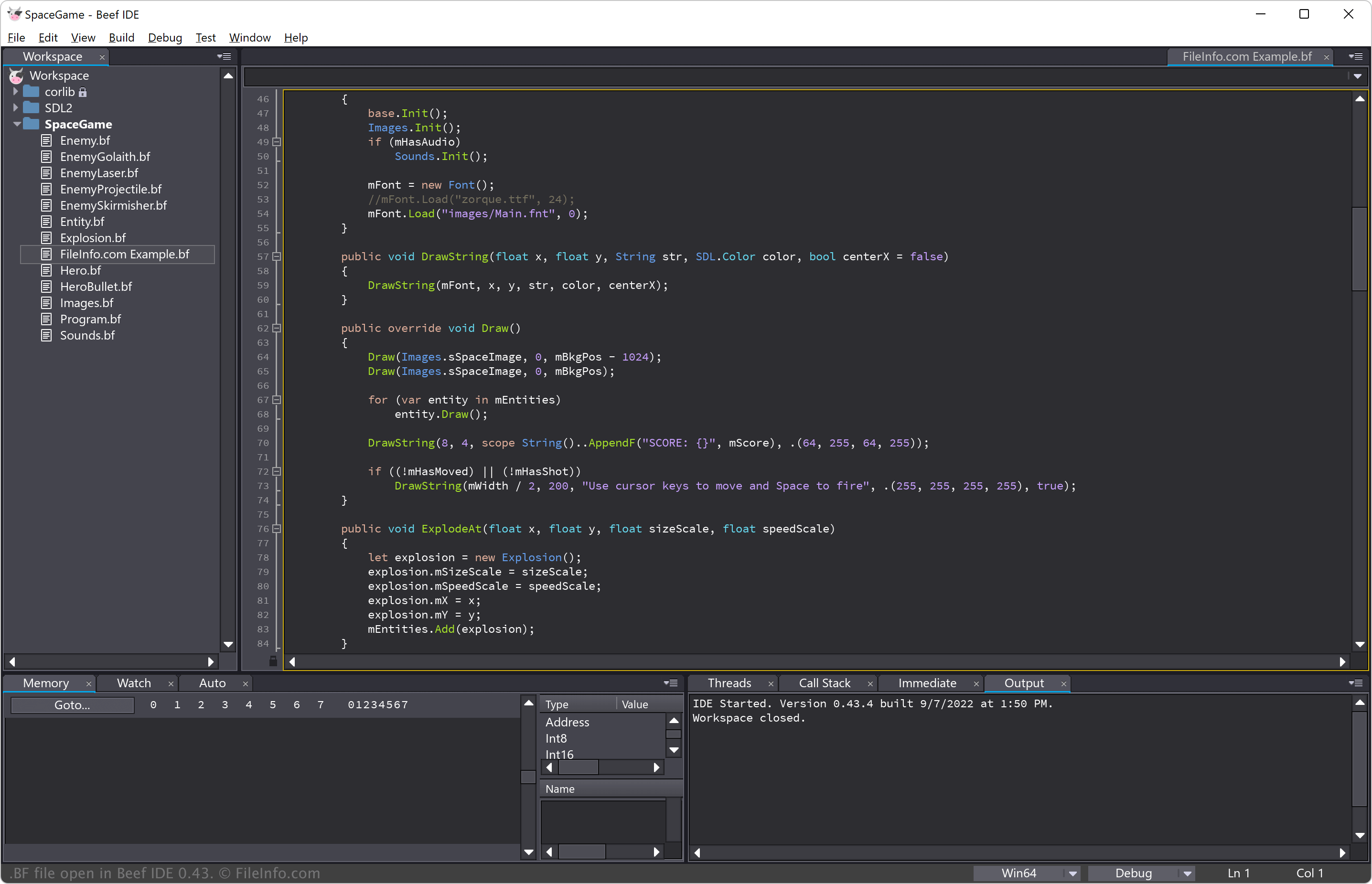
Brian Fete veröffentlichte die Programmiersprache Beef im März 2020. Seitdem hat sie bei unabhängigen Spieleentwicklern und Systemprogrammierern an Beliebtheit gewonnen, die nach einer Alternative zu C++ mit einer übersichtlicheren Syntax und besseren Sicherheitsfunktionen suchen.
Entwickler schreiben BF-Dateien in einem Code-Editor oder einer integrierten Entwicklungsumgebung und kompilieren sie anschließend mit dem Beef-Compiler. Dieser wandelt den Quellcode in Maschinencode oder Zwischendarstellungen um (um den Code vor der abschließenden Kompilierung zu optimieren). Beef bietet außerdem integrierte Werkzeuge zum Debuggen und eine Standardbibliothek für die Entwicklung.
HINWEIS: Der Name „Beef“ spiegelt das Ziel der Sprache wider, durch bessere Leistung und Benutzerfreundlichkeit „kräftiger“ als C++ zu sein.
So öffnen Sie eine BF-Datei
Sie können BF-Dateien mit der Beef IDE öffnen, die für die Beef-Entwicklung entwickelte Funktionen zur Syntaxhervorhebung, automatischen Vervollständigung und zum Debuggen bietet. Die Beef IDE ist für Windows verfügbar, Sie können sie aber auch unter macOS und Linux aus dem Quellcode erstellen.
Alternativ können Sie Microsoft Visual Studio Code, Sublime Text oder andere Texteditoren verwenden. Diese bieten jedoch keine spezielle Beef-Integration.