.YML 文件扩展名

YAML Document

开发者 不适用
受欢迎程度
3.9  |  125 
 
🔍使用File Helper直接在您的网络浏览器中打开 .YML 文件在线查看

什么是 YML 文件?

A YML file is a text document that contains data formatted using YAML (YAML Ain't Markup Language), a human-readable data format used for data serialization. It is used for reading and writing data independent of a specific programming language. Because YAML syntax is language-agnostic, YML files can be incorporated into programs written in most popular programming languages, including C/C++, Ruby, Python, Java, Perl, C#, PHP, and others.

更多信息

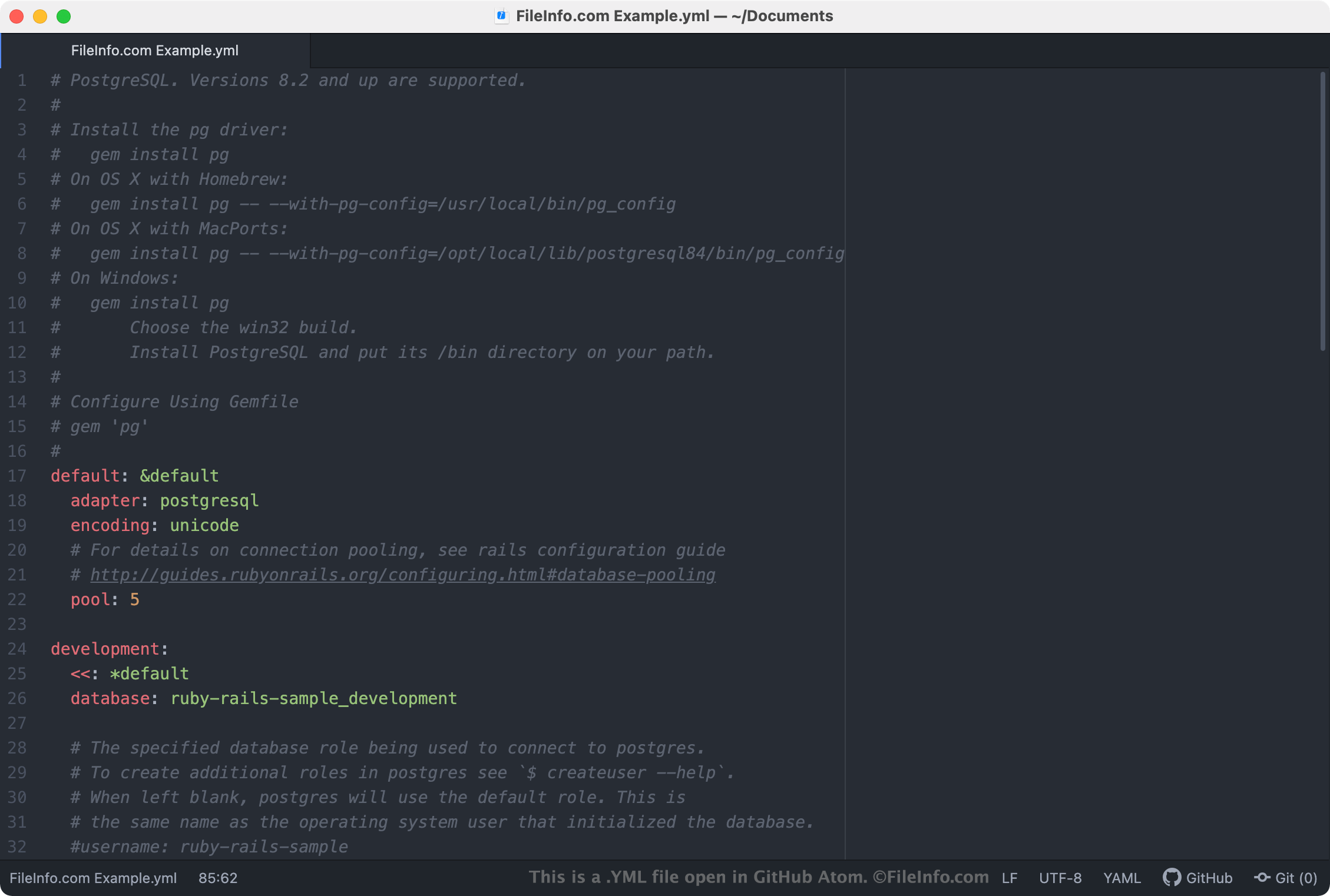
在 GitHub Atom 中打开的 .yml 文件截图
在 GitHub Atom 中打开的 YML 文件

YML files are most commonly used as configuration files, which define a program or application's settings. If a program uses a YML file as a settings file, you can edit the program's settings by opening and editing the YML file in a text or source code editor. Most settings-related YML files include comments that explain how the file can be used to adjust a program's settings.

注: YAML files are more commonly saved with the .YAML extension.

常见 .YML 文件名

database.yml - A YML file that Ruby on Rails uses to save connection information when connecting to a database.

如何打开 YML 文件

You can open a YML file in any text editor, such as Microsoft Notepad (Windows) or Apple TextEdit (Mac). However, if you intend to edit a YML file, you should open it using a source code editor, such as Microsoft Visual Studio Code (cross-platform) or GitHub Atom (cross-platform). These applications provide helpful source code editing tools and highlight YAML syntax correctly.

可打开或引用 YML 文件的程序

Linux
Web
Android
Chrome OS
操作系统自带
分类: 开发者
更新时间: 2021-03-31

验证者 FileInfo.com

FileInfo.com 团队 独立研究了本页面列出的 YAML Document 文件格式和 Mac, Windows, Linux, Android, and iOS 应用。 我们的目标是达到 100% 的准确率,并且仅发布我们已验证过的文件类型信息。

如果您想为此页面提出新增或更新建议,请告诉我们