

.YML 파일 확장자
YAML 문서
| 개발사 | 해당 없음 |
| 인기도 |
3.9 | 126 표 |
YML 파일이란 무엇인가요?
YML 파일은 데이터 직렬화에 사용되는 사람이 읽기 쉬운 데이터 형식인 YAML(YAML Ain't Markup Language)을 사용하여 형식이 지정된 데이터를 포함하는 텍스트 문서입니다. YML 파일은 특정 프로그래밍 언어와 관계없이 데이터를 읽고 쓰는 데 사용됩니다. YAML 구문은 프로그래밍 언어에 종속되지 않으므로 YML 파일은 C/C++, Ruby, Python, Java, Perl, C#, PHP를 비롯한 대부분의 인기 프로그래밍 언어로 작성된 프로그램에 통합할 수 있습니다.
추가 정보
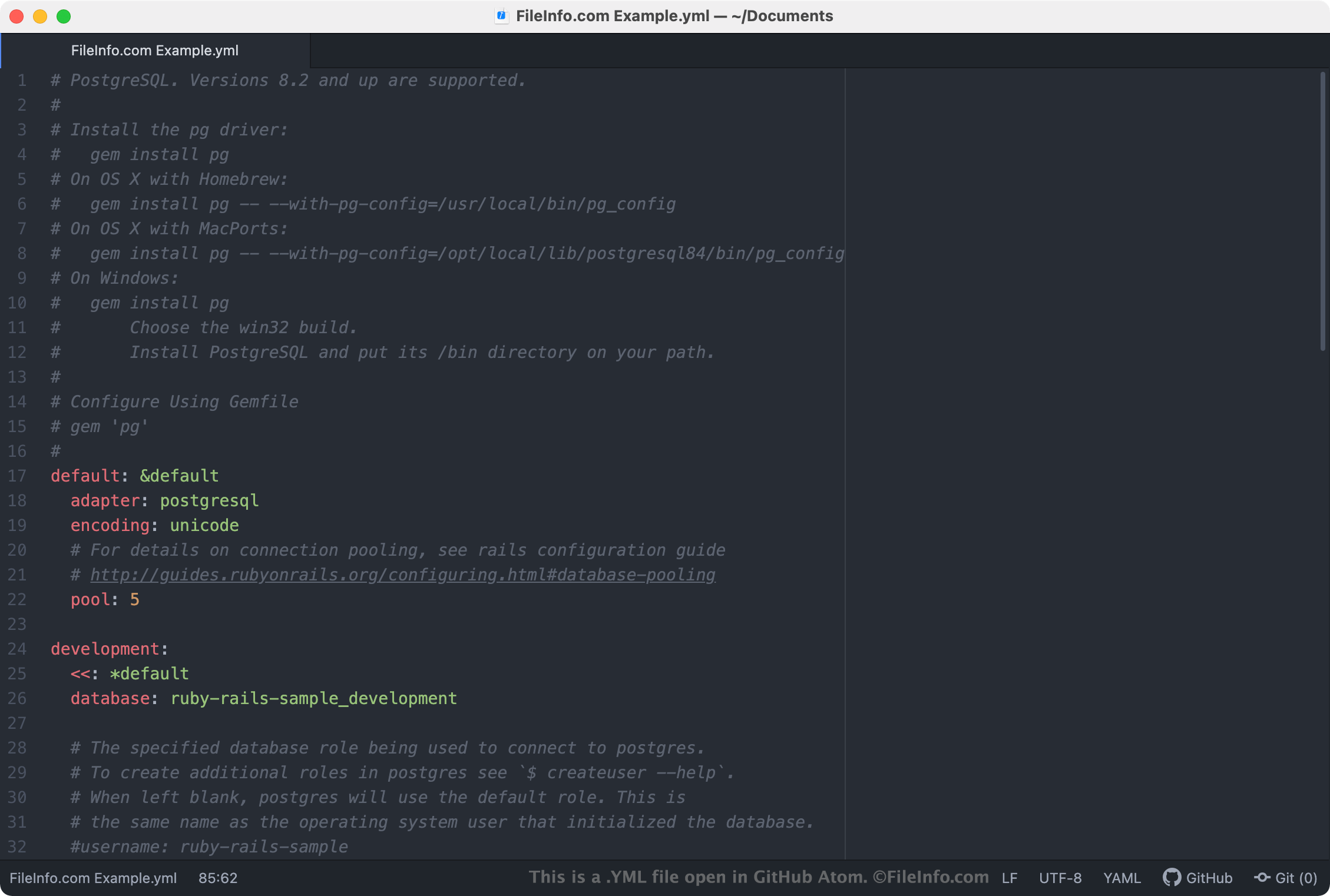
YML 파일은 가장 일반적으로 구성 파일로 사용되며, 프로그램 또는 애플리케이션의 설정을 정의합니다. 프로그램이 YML 파일을 설정 파일로 사용하는 경우 텍스트 편집기 또는 소스 코드 편집기에서 YML 파일을 열고 편집하여 프로그램의 설정을 변경할 수 있습니다. 설정과 관련된 대부분의 YML 파일에는 파일을 사용하여 프로그램의 설정을 조정하는 방법을 설명하는 주석이 포함되어 있습니다.
참고: YAML 파일은 일반적으로 .YAML 확장자로 더 많이 저장됩니다.
일반적인 .YML 파일 이름
database.yml - Ruby on Rails가 데이터베이스에 연결할 때 연결 정보를 저장하는 데 사용하는 YML 파일입니다.
YML 파일을 여는 방법
YML 파일은 Microsoft Notepad(Windows) 또는 Apple TextEdit(Mac)와 같은 모든 텍스트 편집기에서 열 수 있습니다. 그러나 YML 파일을 편집하려는 경우 Microsoft Visual Studio Code(크로스 플랫폼) 또는 GitHub Atom(크로스 플랫폼)과 같은 소스 코드 편집기를 사용하여 파일을 열어야 합니다. 이러한 애플리케이션은 유용한 소스 코드 편집 도구를 제공하며 YAML 구문을 올바르게 강조 표시합니다.