.XMDECK 文件扩展名

MindManager XML Slide Deck

开发者 Corel
受欢迎程度
2.0  |  1 
 

什么是 XMDECK 文件?

An XMDECK file is a collection of one or more slides created by Corel MindManager, an app for planning, visualizing, and sharing mind map diagrams. It stores slides comprised of branch or sub-branch topics and objects, such as icons and text, and may be made from scratch or elements in an existing MindManager Map. XMDECK files are similar to .MDECK files but saved in the XML standard instead of the binary MDECK format.

更多信息

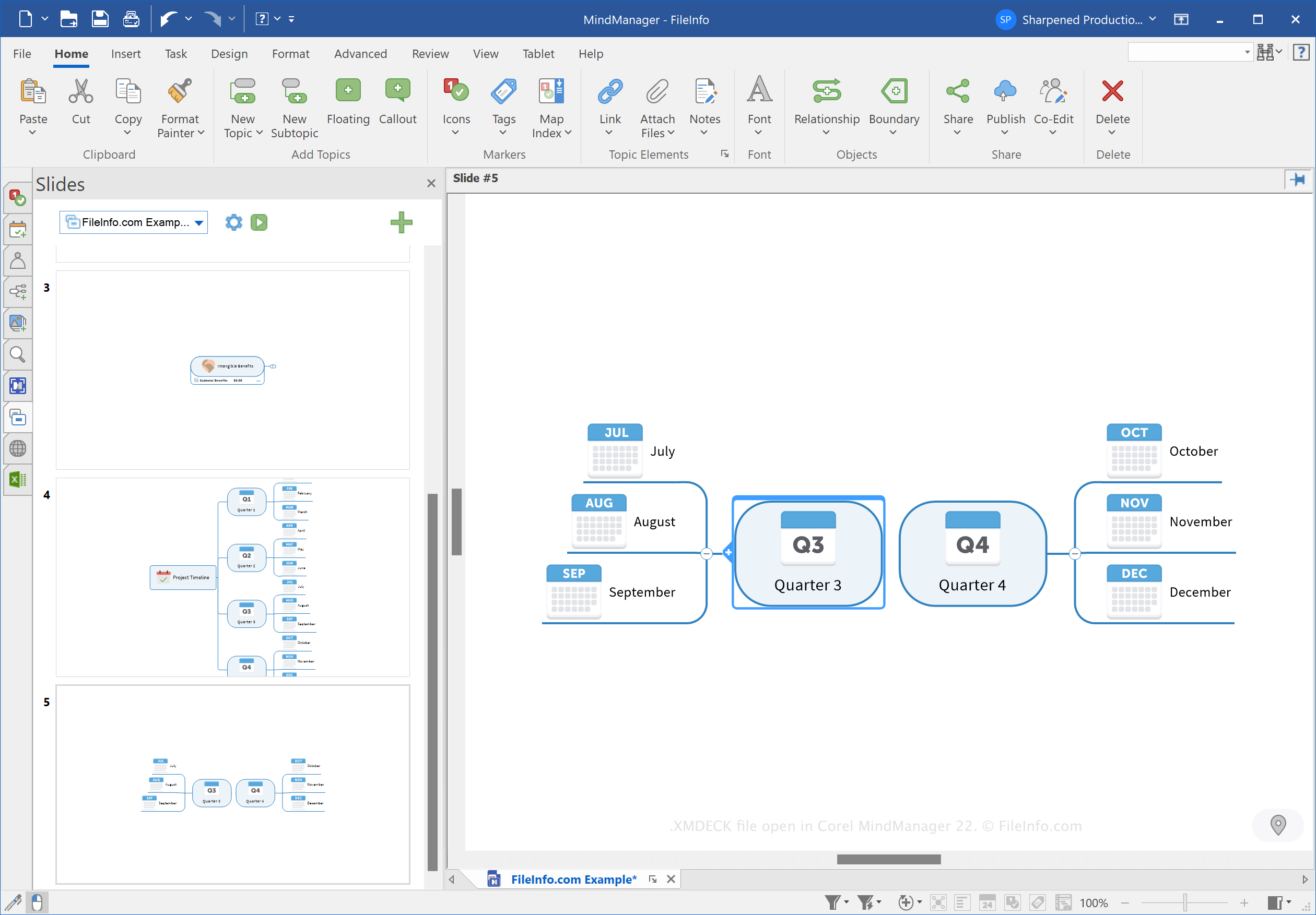
在 Corel MindManager 22 中打开的 .xmdeck 文件截图
在 Corel MindManager 22 中打开的 XMDECK 文件

MindManager allows you to create various types of mind maps, such as tree maps, Venn diagrams, and timelines, to organize, visualize, and share ideas and complex processes. For example, you can use MindManager to outline the process of migrating data to a new database.

Corel introduced the MDECK and XMDECK file types when it released MindManager 21 in March 2021. You can create slide decks to organize and store slides based on mind maps for presentation purposes.

In Windows, MindManager saves XMDECK files in the following directory by default:

C:\​Users\​[username]\​Documents\​My Maps\​My Slide Decks

如何打开 XMDECK 文件

You can open an XMDECK file with Corel MindManager in Windows and macOS. To open the file, select File → Open.

如何转换 XMDECK 文件

Corel MindManager can convert XMDECK files to the following image formats:

  • .JPG - JPEG Image
  • .PNG - Portable Network Graphic
  • .GIF - Graphical Interchange Format
  • .BMP - Bitmap Image
  • .EMF - Enhanced Windows Metafile
  • .WMF - Windows Metafile

To convert an XMDECK file, click the Slide Settings button (gear icon) in the Slides pane, then choose Export as Image(s).

使用File Viewer Plus打开 400 多种文件格式。免费下载

可打开 XMDECK 文件的程序

Windows
免费试用
Mac
免费试用
分类: 杂项
更新时间: 2022-10-27

验证者 FileInfo.com

FileInfo.com 团队 独立研究了本页面列出的 MindManager XML Slide Deck 文件格式和 Mac and Windows 应用。 我们的目标是达到 100% 的准确率,并且仅发布我们已验证过的文件类型信息。

如果您想为此页面提出新增或更新建议,请告诉我们