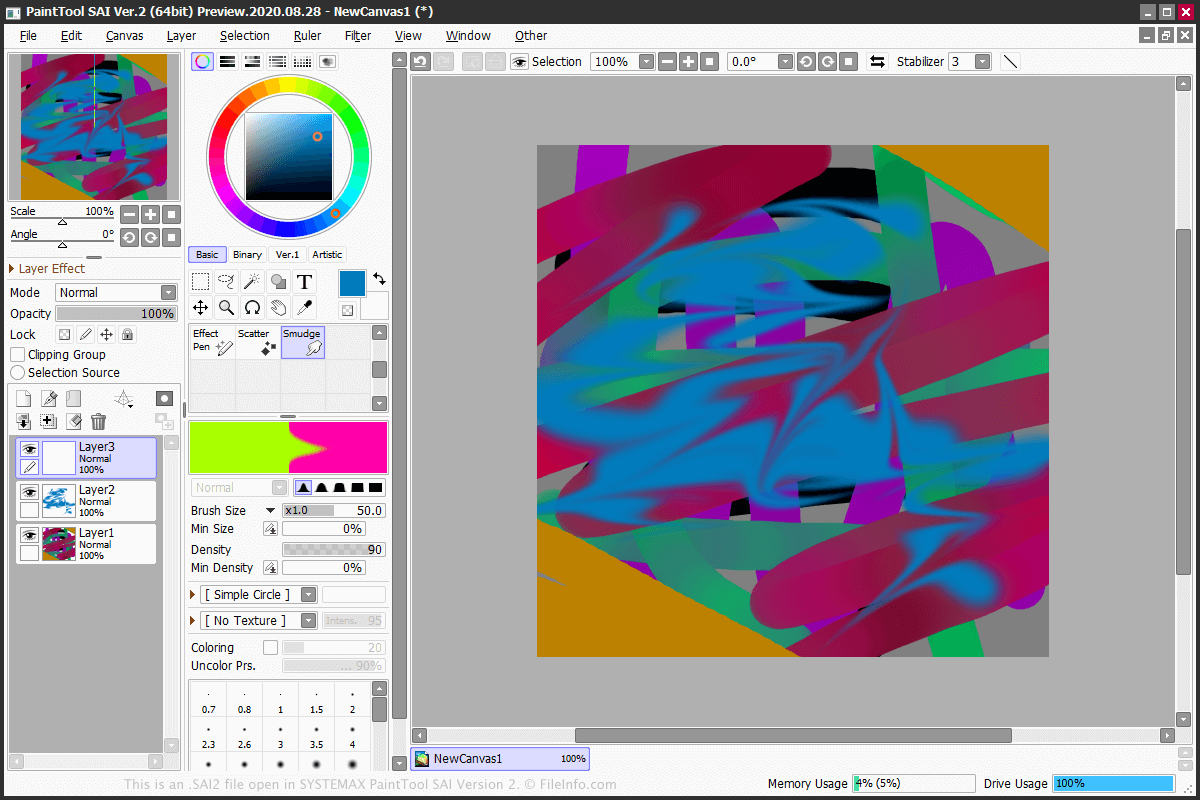
.SAI2 文件扩展名
PaintTool SAI Version 2 Image
| 开发者 | SYSTEMAX Software Development |
| 受欢迎程度 |
3.2 | 11 票 |
什么是 SAI2 文件?
An SAI2 file is a raster image created by PainTool SAI version 2, a lightweight painting application for Windows. It is saved in the SAI2 format, which is the second version of the SAI format used in .SAI files. The SAI2 file contains a drawing on a canvas created by the user, which consists of one or more independent editing layers. SAI2 files can be saved, closed, and reopened for further editing.
更多信息
An SAI2 file is the native format used by PainTool SAI version 2 to store images. To create an SAI2 file, select File → New..., then select File → Save or Save as....
PainTool SAI Version 2 features various tools that can be applied to separate layers. Some of the tools are Marker, Pencil, Pen, Eraser, Brush, WaterColor, Bucket, Line, and AirBrush. The program also comes with the lasso and magic wand selection tools.
You can export an SAI2 file to various image formats, such as .BMP, .JPG, .PNG, .PSD, .PSB, and .TGA. To export the file, select File → Export and choose the format.
常见 .SAI2 文件名
NewCanvas1.sai2 - The default name given to a new SAI2 file by PaintTool SAI Version 2.
如何打开 SAI2 文件
You can only open an SAI2 file with SYSTEMAX PaintTool SAI Version 2. To open the SAI2 file, select File → Open....