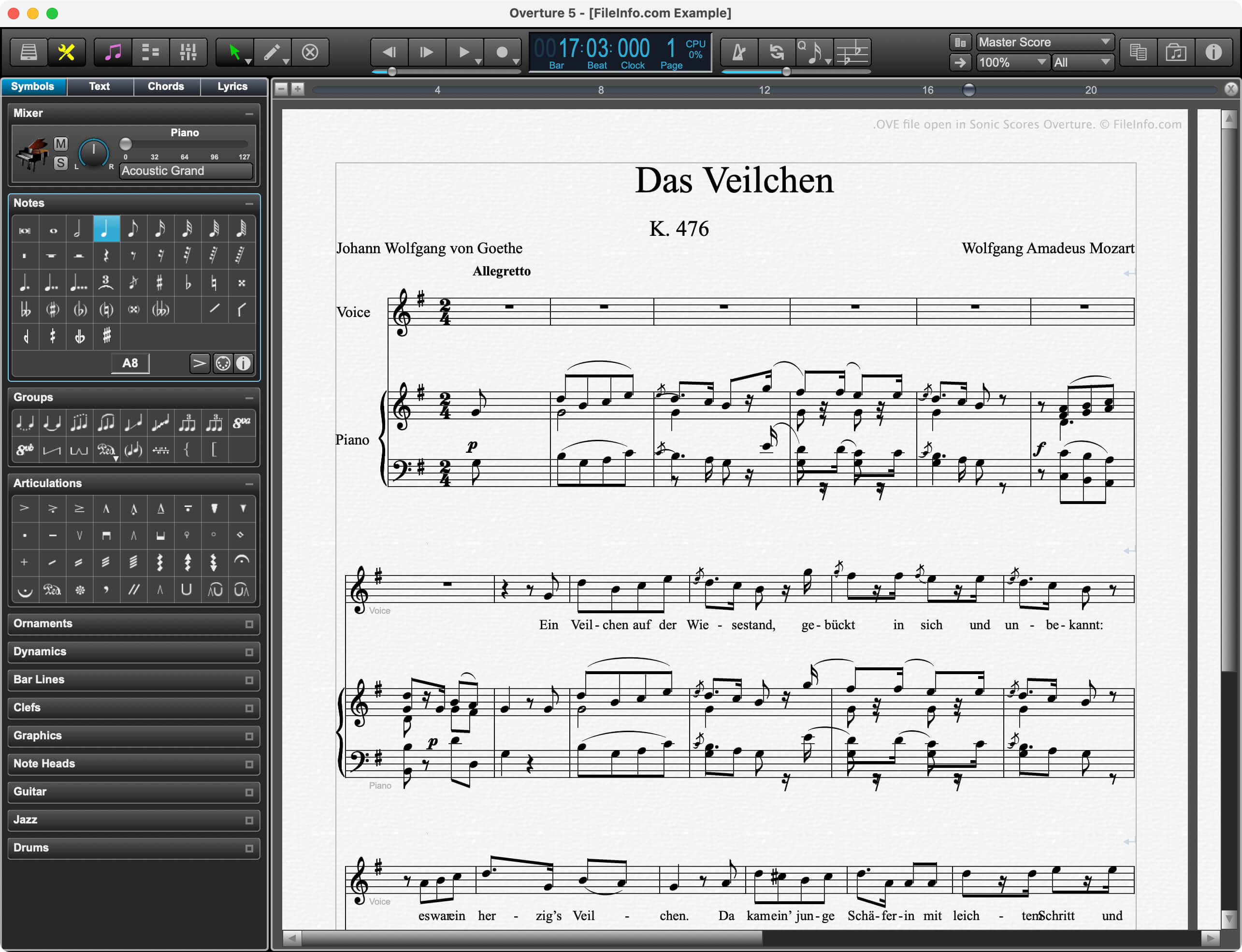
.OVE 文件扩展名
Overture Musical Score
| 开发者 | GenieSoft |
| 受欢迎程度 |
2.8 | 13 票 |
什么是 OVE 文件?
An OVE file is a musical score created by versions 4 and below of Sonic Scores Overture, a professional scorewriter. It contains musical notation, including notes, measures, clefs, tempos, and time signatures. It also includes score metadata, such as the score's title, composer, and copyright information.
更多信息
Professional composers, music teachers, and music students use Overture to create, edit, and publish musical scores. Because Overture allows composers to play scores in time with video, it is especially popular among film score composers.
Prior to version 5, Overture saved composers' scores as OVE files. In version 5, Sonic Scores replaced the OVE format with the .OVEX format. However, current versions of Overture can still open OVE files.
注: Sonic Scores was previously known as GenieSoft.
如何打开 OVE 文件
You can open an OVE file with Sonic Scores Overture (Windows, macOS). To do so:
- Select File → Open... from Overture's menu bar.
- Navigate to and open your OVE file.
如何转换 OVE 文件
Version 5 of Overture can convert OVE files to the following formats: