.OCI 文件扩展名
openCanvas Image
| 开发者 | Portalgraphics |
| 受欢迎程度 |
3.3 | 6 票 |
什么是 OCI 文件?
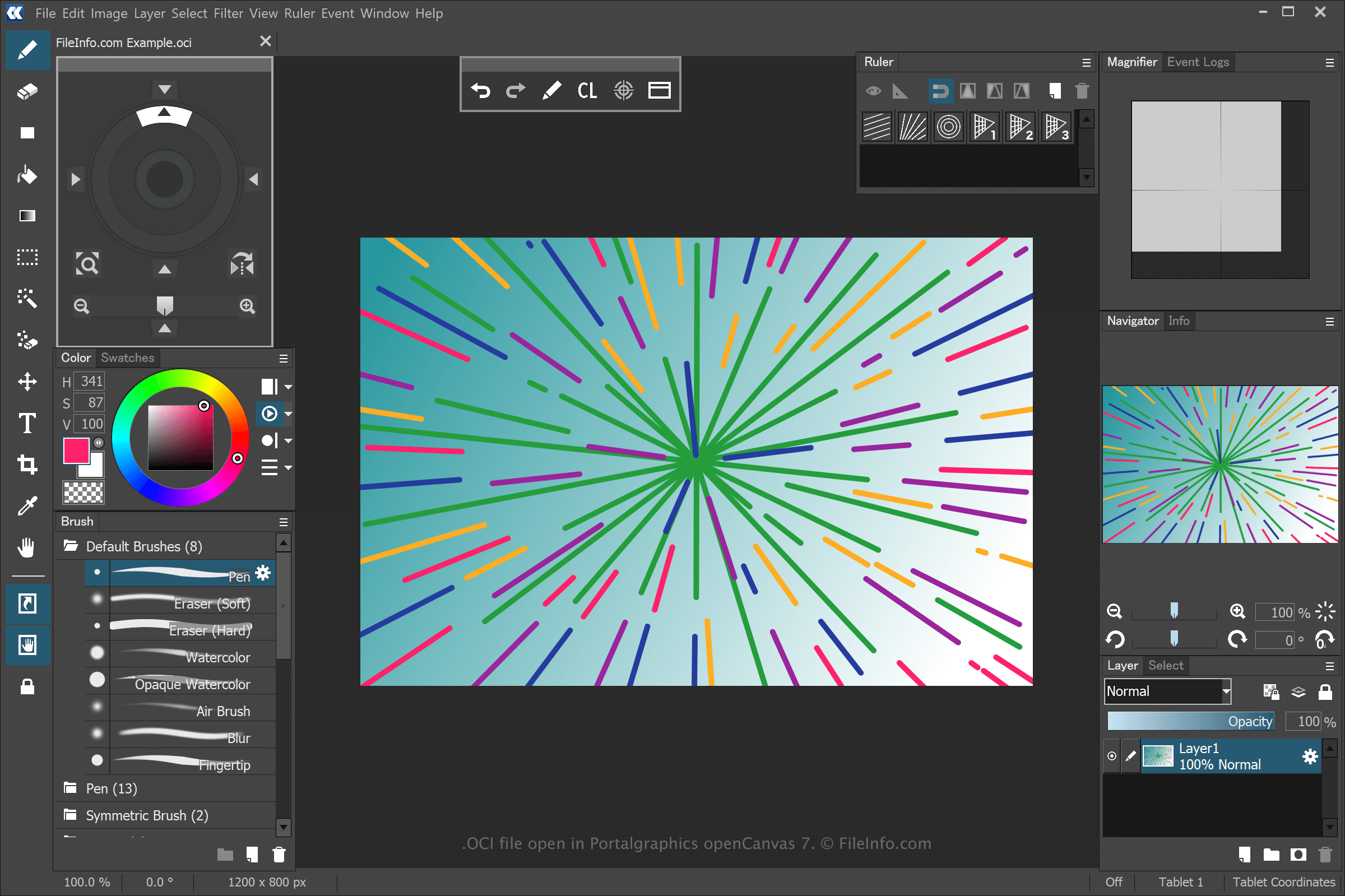
An OCI file is an image created by openCanvas, a drawing and painting application. It stores a bitmap image in the proprietary openCanvas Image (OCI) format. OCI files are often used for anime and other types of digital art.
更多信息
openCanvas is a digital art application that provides features accessible to beginners and seasoned users. When saving a drawing with openCanvas, the application creates an OCI file to store the information.
To create an OCI file with openCanvas, select File → New..., modify the drawing, then select File → Save or Save As.... After saving the OCI file, you can close the drawing, re-open it, then continue editing.
注: You can record the stroke events used to draw an OCI image and play them back in the software. openCanvas saved event files use the .OC3, .OC4, .OC5, etc. extensions, where the number is for the version of the software.
如何打开 OCI 文件
You can open OCI files with Portalgraphics openCanvas. To open the OCI file, select File → Open....