

.OCI Estensione file
Immagine openCanvas
| Sviluppatore | Portalgraphics |
| Popolarità |
3,3 | 6 Voti |
Che cos'è un file OCI?
Un file OCI è un'immagine creata da openCanvas, un'applicazione per disegnare e dipingere. Memorizza un'immagine bitmap nel formato proprietario openCanvas Image (OCI). I file OCI vengono spesso utilizzati per gli anime e altri tipi di arte digitale.
Maggiori informazioni
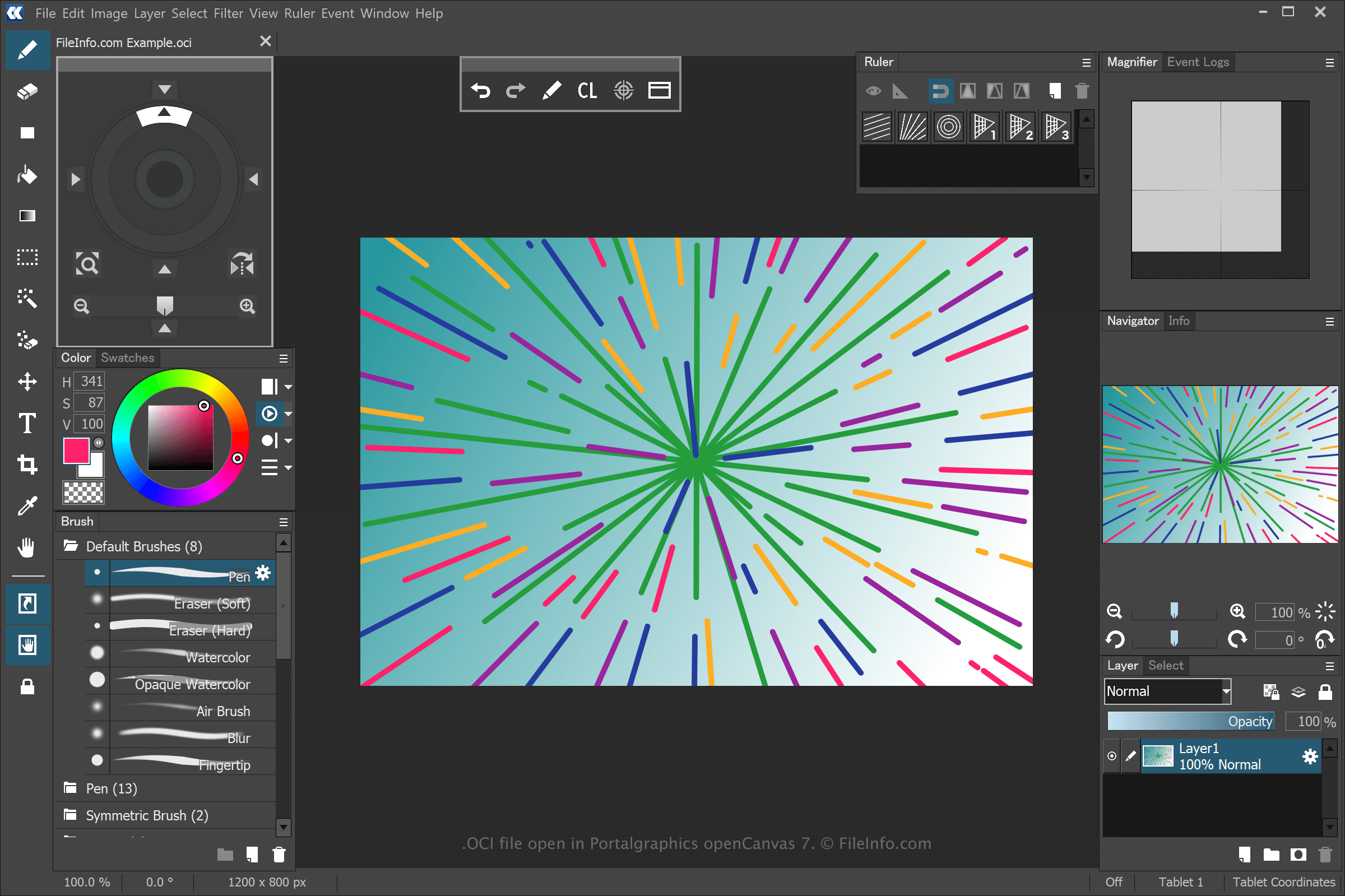
openCanvas è un'applicazione per l'arte digitale che offre funzionalità accessibili sia ai principianti sia agli utenti esperti. Quando salvi un disegno con openCanvas, l'applicazione crea un file OCI per memorizzare le informazioni.
Per creare un file OCI con openCanvas, seleziona , modifica il disegno, quindi seleziona o . Dopo aver salvato il file OCI, puoi chiudere il disegno, riaprirlo e continuare a modificarlo.
NOTA: Puoi registrare gli eventi delle pennellate utilizzati per disegnare un'immagine OCI e riprodurli nel software. I file degli eventi salvati da openCanvas utilizzano le estensioni .OC3, .OC4, .OC5, ecc., dove il numero indica la versione del software.
Come aprire un file OCI
Puoi aprire i file OCI con Portalgraphics openCanvas. Per aprire il file OCI, seleziona .