

.OCI Přípona souboru
Obrázek openCanvas
| Vývojář | Portalgraphics |
| Popularita |
3,3 | 6 hlasů |
Co je soubor OCI?
Soubor OCI je obrázek vytvořený v aplikaci openCanvas pro kreslení a malování. Ukládá rastrový obrázek v proprietárním formátu openCanvas Image (OCI). Soubory OCI se často používají pro anime a jiné typy digitálního umění.
Další informace
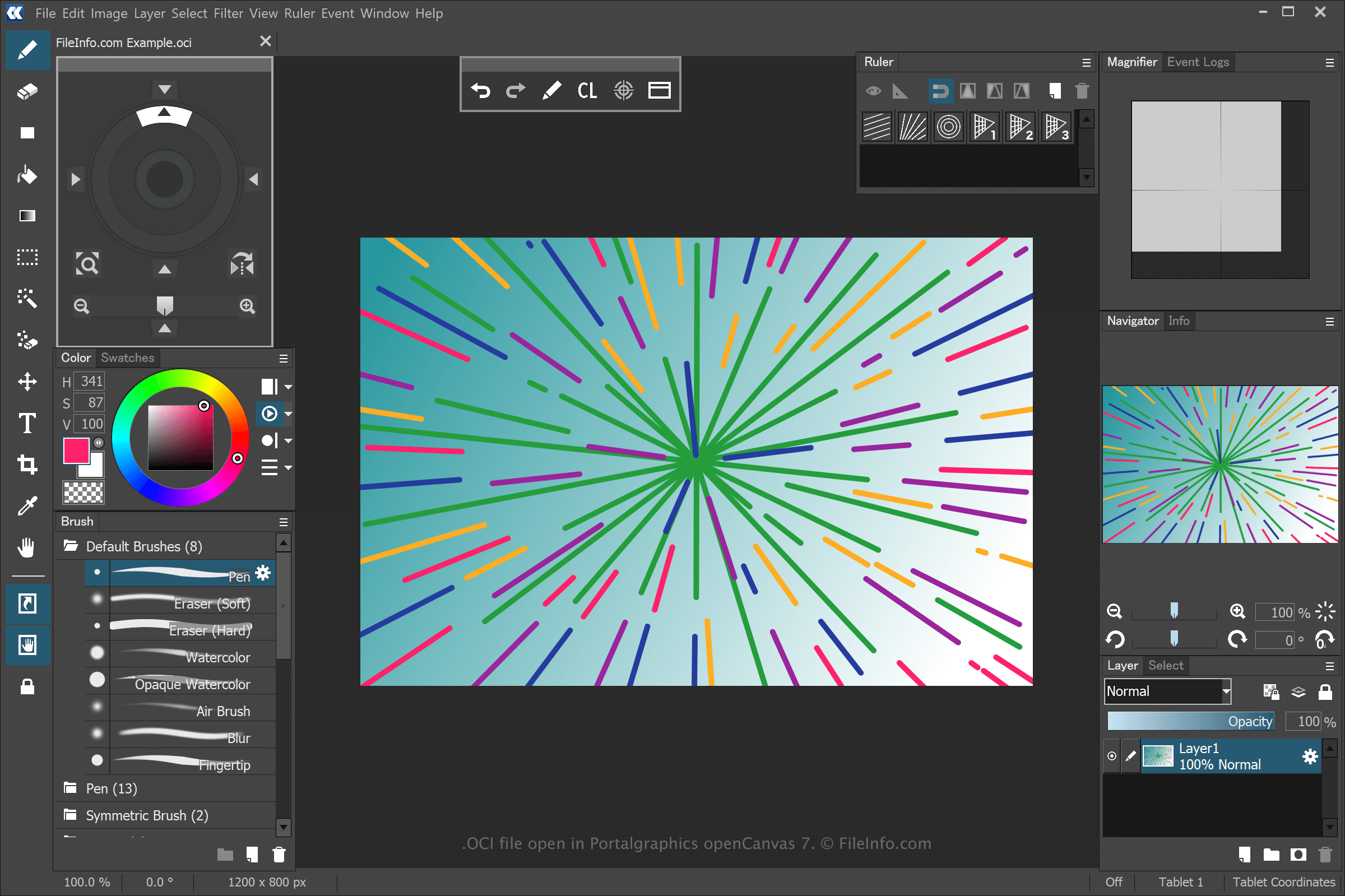
openCanvas je aplikace pro digitální umění, která nabízí funkce dostupné začátečníkům i zkušeným uživatelům. Když v aplikaci openCanvas uložíte kresbu, aplikace vytvoří soubor OCI, do kterého uloží její informace.
Chcete-li pomocí aplikace openCanvas vytvořit soubor OCI, vyberte , upravte kresbu a poté vyberte nebo . Po uložení souboru OCI můžete kresbu zavřít, znovu ji otevřít a pokračovat v úpravách.
POZNÁMKA: Události tahů použité k nakreslení obrázku OCI můžete zaznamenat a přehrát v softwaru. Soubory událostí uložené aplikací openCanvas používají přípony .OC3, .OC4, .OC5 atd., přičemž číslo označuje verzi softwaru.
Jak otevřít soubor OCI
Soubory OCI můžete otevřít pomocí aplikace Portalgraphics openCanvas. Soubor OCI otevřete výběrem možnosti .