

.OCI Extension de fichier
Image openCanvas
| Développeur | Portalgraphics |
| Popularité |
3,3 | 6 Votes |
Qu'est-ce qu'un fichier OCI ?
Un fichier OCI est une image créée par openCanvas, une application de dessin et de peinture. Il stocke une image bitmap au format propriétaire openCanvas Image (OCI). Les fichiers OCI sont souvent utilisés pour les anime et d’autres types d’art numérique.
Plus d'informations
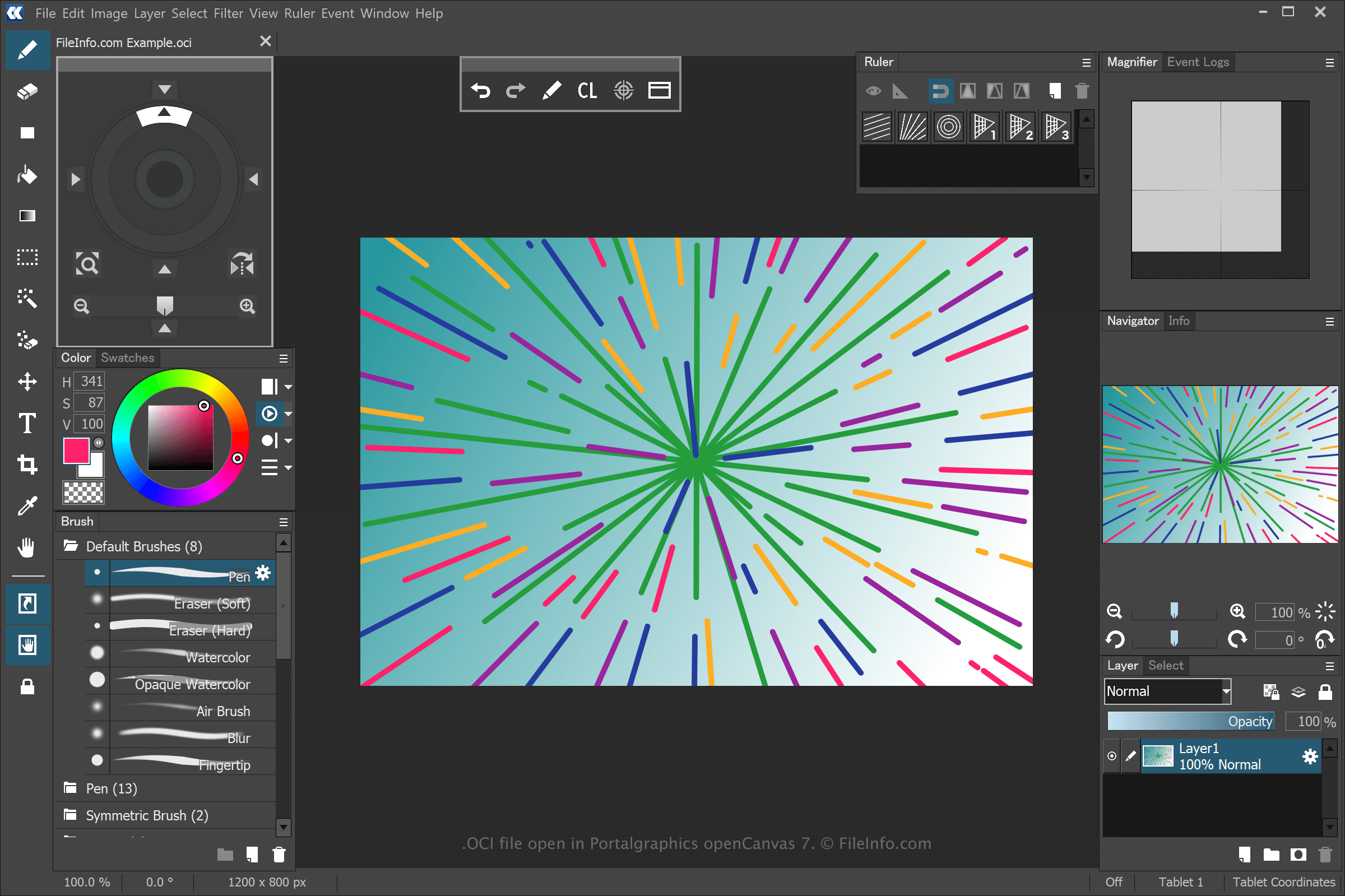
openCanvas est une application d’art numérique qui propose des fonctionnalités accessibles aux débutants comme aux utilisateurs expérimentés. Lorsque vous enregistrez un dessin avec openCanvas, l’application crée un fichier OCI pour stocker les informations.
Pour créer un fichier OCI avec openCanvas, sélectionnez , modifiez le dessin, puis sélectionnez ou . Après avoir enregistré le fichier OCI, vous pouvez fermer le dessin, le rouvrir, puis continuer à le modifier.
REMARQUE : Vous pouvez enregistrer les événements de tracé utilisés pour dessiner une image OCI et les lire dans le logiciel. Les fichiers d’événements enregistrés par openCanvas utilisent les extensions .OC3, .OC4, .OC5, etc., où le numéro correspond à la version du logiciel.
Comment ouvrir un fichier OCI
Vous pouvez ouvrir les fichiers OCI avec Portalgraphics openCanvas. Pour ouvrir le fichier OCI, sélectionnez .