

.OCI Bestandsextensie
openCanvas-afbeelding
| Ontwikkelaar | Portalgraphics |
| Populariteit |
3,3 | 6 stemmen |
Wat is een OCI-bestand?
Een OCI-bestand is een afbeelding die is gemaakt met openCanvas, een toepassing voor tekenen en schilderen. Het bevat een bitmapafbeelding in de eigen openCanvas Image-indeling (OCI). OCI-bestanden worden vaak gebruikt voor anime en andere soorten digitale kunst.
Meer informatie
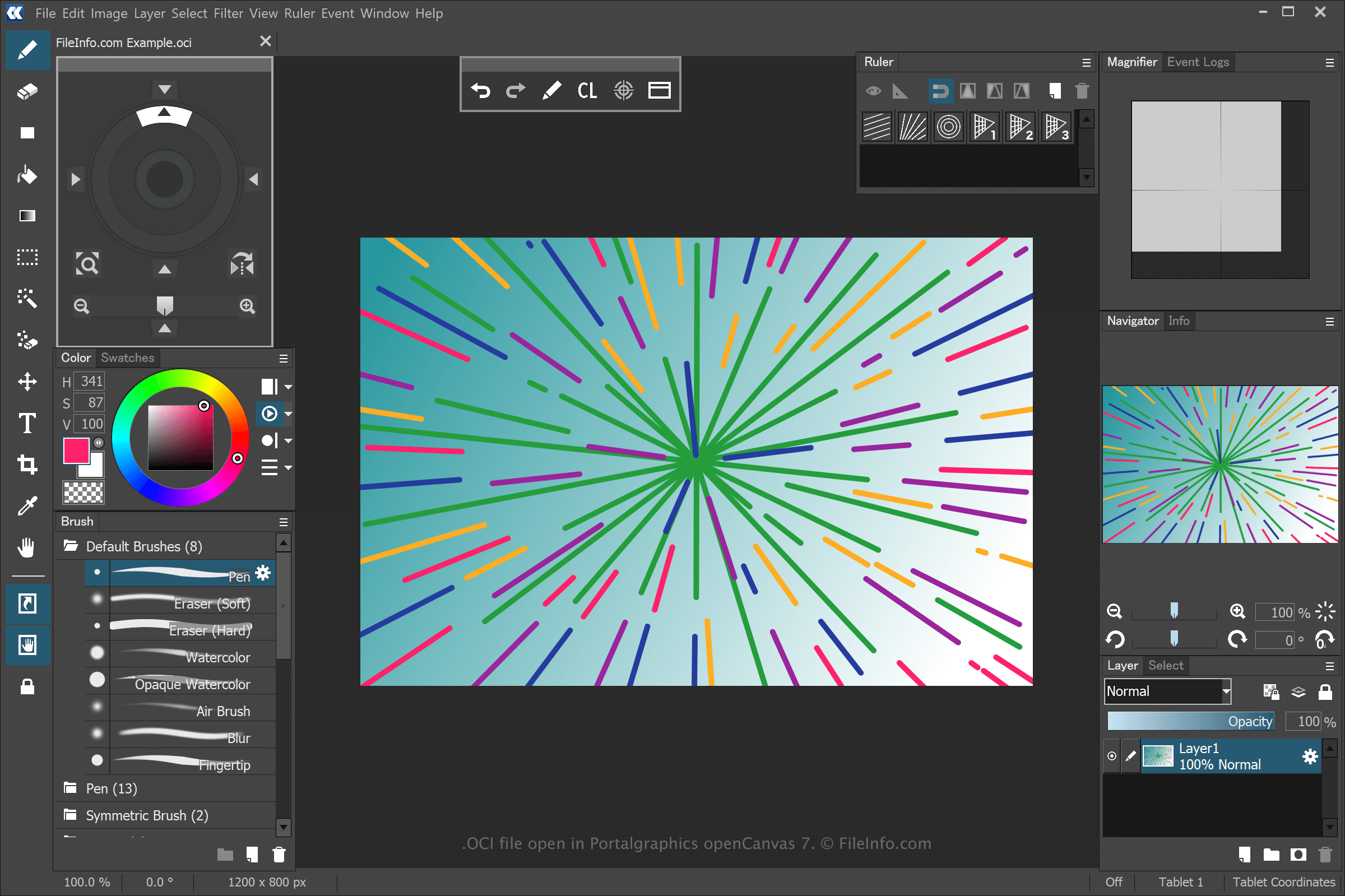
openCanvas is een toepassing voor digitale kunst met functies die toegankelijk zijn voor beginners en ervaren gebruikers. Wanneer je een tekening opslaat met openCanvas, maakt de toepassing een OCI-bestand om de informatie op te slaan.
Om een OCI-bestand te maken met openCanvas, selecteer je , pas je de tekening aan en selecteer je vervolgens of . Nadat je het OCI-bestand hebt opgeslagen, kun je de tekening sluiten, opnieuw openen en verder bewerken.
OPMERKING: Je kunt de penseelstreken opnemen die zijn gebruikt om een OCI-afbeelding te tekenen en ze in de software afspelen. Door openCanvas opgeslagen gebeurtenisbestanden gebruiken de extensies .OC3, .OC4, .OC5, enzovoort, waarbij het nummer de versie van de software aangeeft.
Een OCI-bestand openen
Je kunt OCI-bestanden openen met Portalgraphics openCanvas. Om het OCI-bestand te openen, selecteer je .