.BCUP 文件扩展名
Buttercup Vault
| 开发者 | Perry Mitchell |
| 受欢迎程度 |
4.0 | 2 票 |
什么是 BCUP 文件?
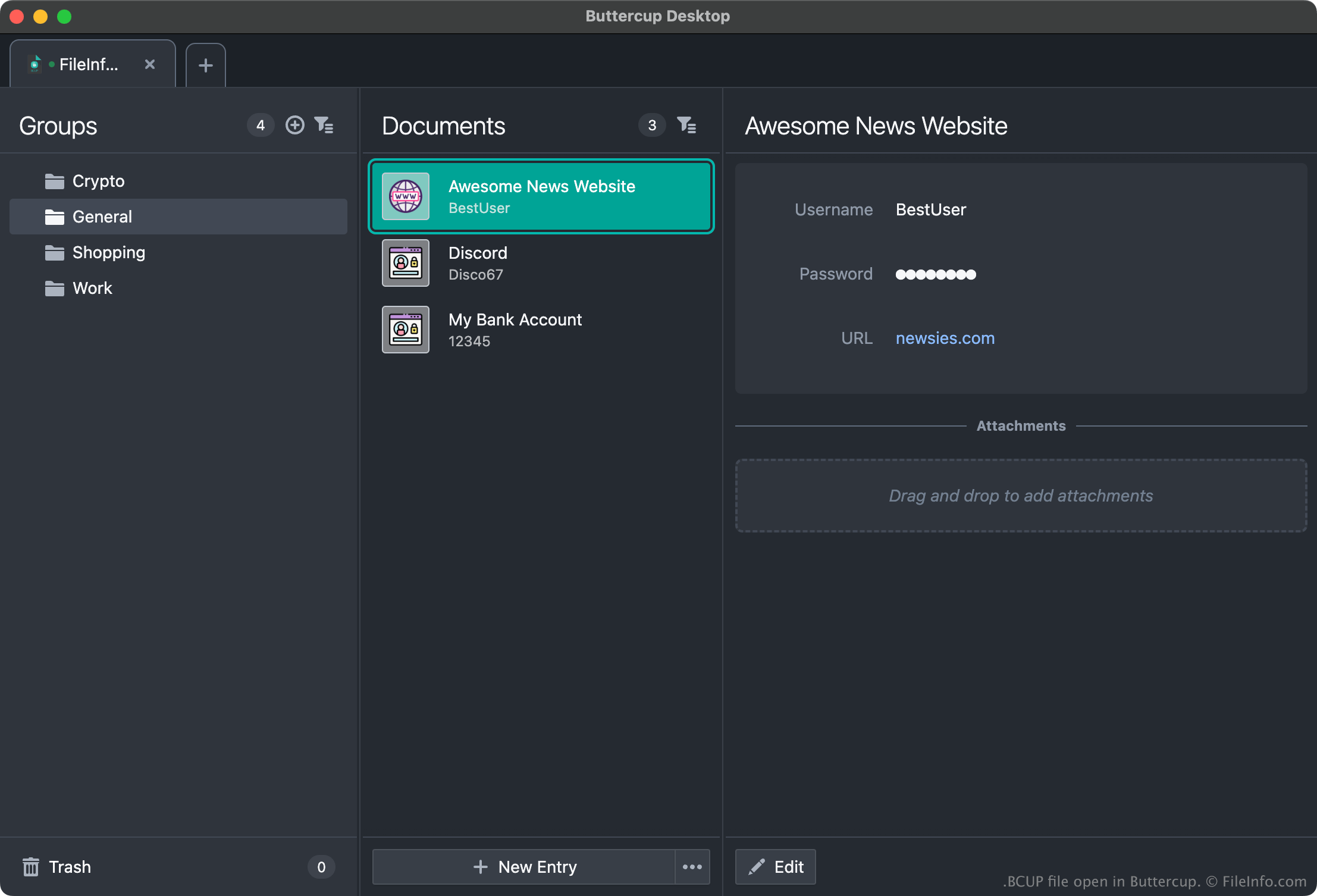
A BCUP file is an encrypted password vault created by Buttercup, an open-source password manager. It contains login credentials, payment methods, and/or notes a user has added to their vault. Because BCUP files are encrypted, users can view the credentials and other data they contain only in Buttercup.
更多信息
Buttercup allows users to create password vaults in which they can store, organize, and retrieve login credentials (usernames and passwords), payment methods, and other data. For example, a user could add their Amazon, Gmail, and online banking credentials to a Buttercup vault, and then copy their credentials from their vault when logging in to those services.
Each Buttercup vault is saved as an encrypted, password-protected BCUP file. (When a user creates a new BCUP file, Buttercup prompts the user to create a password for that file.) Typically, users save BCUP files to Dropbox, Google Drive, or another cloud storage service, so they can easily access their BCUP files from different devices. However, users can also save BCUP files locally, so they can access their vaults without an internet connection.
如何打开 BCUP 文件
You can open a BCUP file with all versions of Buttercup (multiplatform). For example, to open a local BCUP file with the desktop version of Buttercup:
- Open Buttercup and select Vaults → Add New.
- In the Add Vault window, select File.
- In the Add Vault File window, select Load Existing.
- Navigate to and open your BCUP file.
Remember, however, that to open a BCUP file, you must know the file's password.