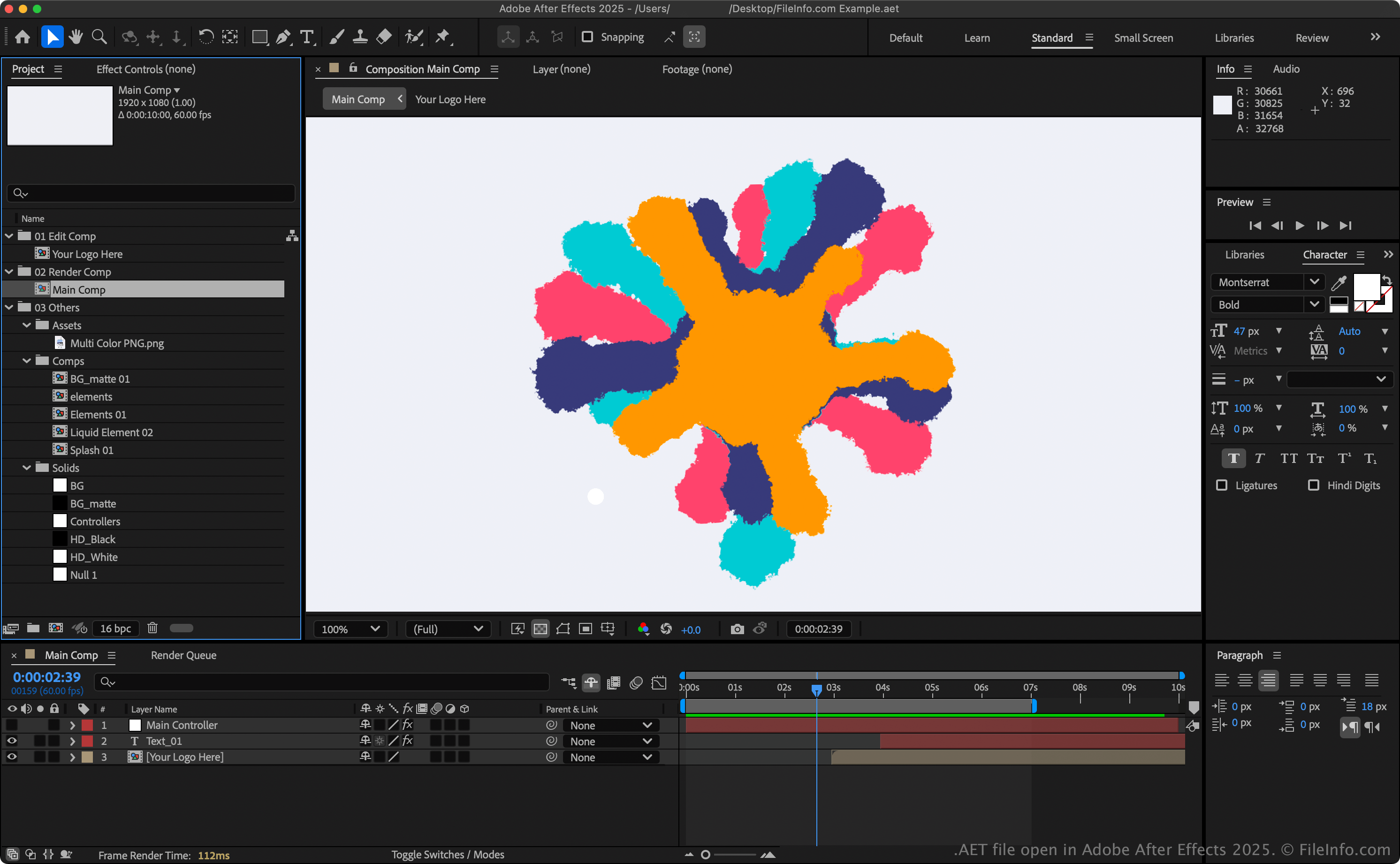
.AET 文件扩展名
After Effects Project Template
| 开发者 | Adobe Systems |
| 受欢迎程度 |
3.1 | 7 票 |
什么是 AET 文件?
An AET file is a project template created by Adobe After Effects, used to start new video projects with a predefined structure. It contains one or more compositions, which may include imported media, shapes, text layers, effects, and project settings. Unlike regular project files (.AEP or .AEPX), AET files serve as reusable templates for creating multiple After Effects projects with consistent layouts or settings.
更多信息
After Effects supports two template formats:
- After Effects Template (AET) – The default template format, saved in a binary format. It produces smaller files that load faster and is recommended for most users.
- After Effects XML Template (.AETX) – A text-based format saved using the XML standard. While larger and slower to open, it allows you to edit project details manually with a text or XML editor, which is useful for automation or sharing editable templates.
注: To create a project template, go to File → New → New Project, then choose File → Save As → Save As..., and select Adobe After Effects Template Project from the file format options.
如何打开 AET 文件
You can only open AET files with Adobe After Effects (Windows and macOS). To open an AET file, select File → Open Project.
如何转换 AET 文件
Adobe After Effects can convert AET files to various file types, including the following formats: