

.GB Extensão de arquivo
Arquivo ROM do Game Boy
| Desenvolvedor | N/D |
| Popularidade |
4,2 | 39 Votos |
O que é um arquivo GB?
Um arquivo GB é uma imagem de ROM de um jogo de videogame do Nintendo Game Boy. Ele armazena os dados completos de um jogo de Game Boy extraídos de um cartucho de jogo. Os jogadores carregam arquivos GB em um programa de emulação de Game Boy em um computador para jogar sem o console Game Boy.
Mais informações
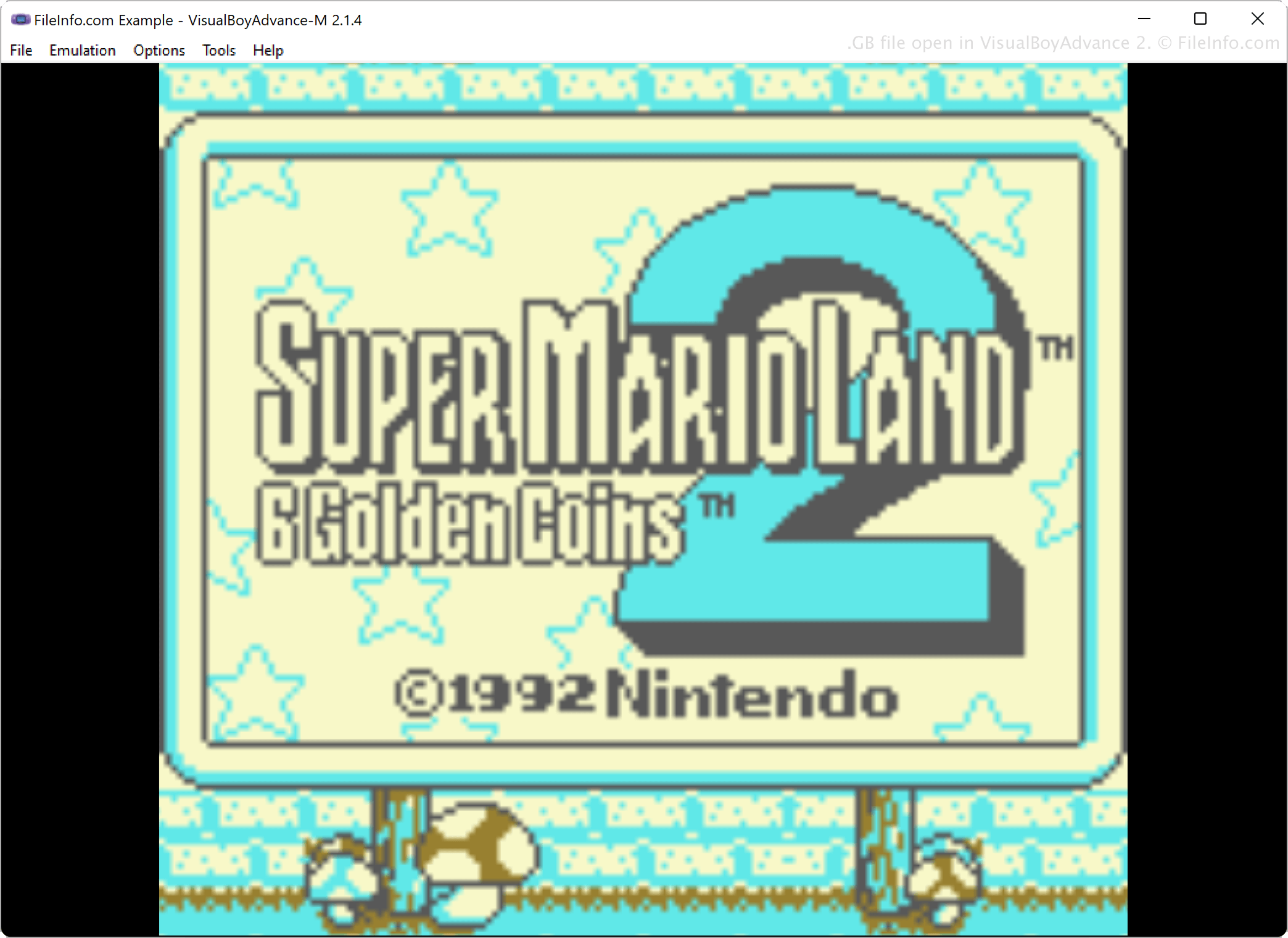
Entusiastas de jogos usam softwares de emulação para jogar em seus computadores sem o console que originalmente executava esses jogos. Por exemplo, jogadores que querem reviver os jogos que jogavam no Game Boy nos anos 1980 e 1990 usam softwares de emulação, como VisualBoyAdvance, KiGB e BGB, para emular ROMs de jogos do Game Boy.
Para obter os dados armazenados nos cartuchos de jogos em um formato jogável, os jogadores extraem os dados dos cartuchos usando hardware e software especiais e depois salvam os dados no formato GB em seus computadores. Em seguida, eles podem enviar os arquivos para compartilhá-los com outras pessoas, que podem baixar os arquivos GB para jogá-los em seus computadores com um emulador.
Como abrir um arquivo GB
Você pode abrir um arquivo GB com vários emuladores de Game Boy, incluindo VisualBoyAdvance, BGB, RetroArch e KiGB. Por exemplo, para abrir um arquivo GB com o VisualBoyAdvance, selecione
Programas que abrem arquivos GB
Código-fonte do GreenBerry
| Desenvolvedor | Abdur-rahmaan Janhangee |
| Popularidade |
2,0 | 1 Voto |
Um arquivo GB é um arquivo de código-fonte usado pelo GreenBerry, uma linguagem leve de instruções de uma linha criada por Abdur-rahmaan Janhangeer. O GreenBerry foi projetado como um utilitário de shell para Python, permitindo que os usuários escrevam comandos curtos ou scripts que interagem com o Python de maneira simples e direta. Os arquivos GB armazenam esses comandos em texto simples, que os usuários podem reutilizar ou compartilhar.
Mais informações
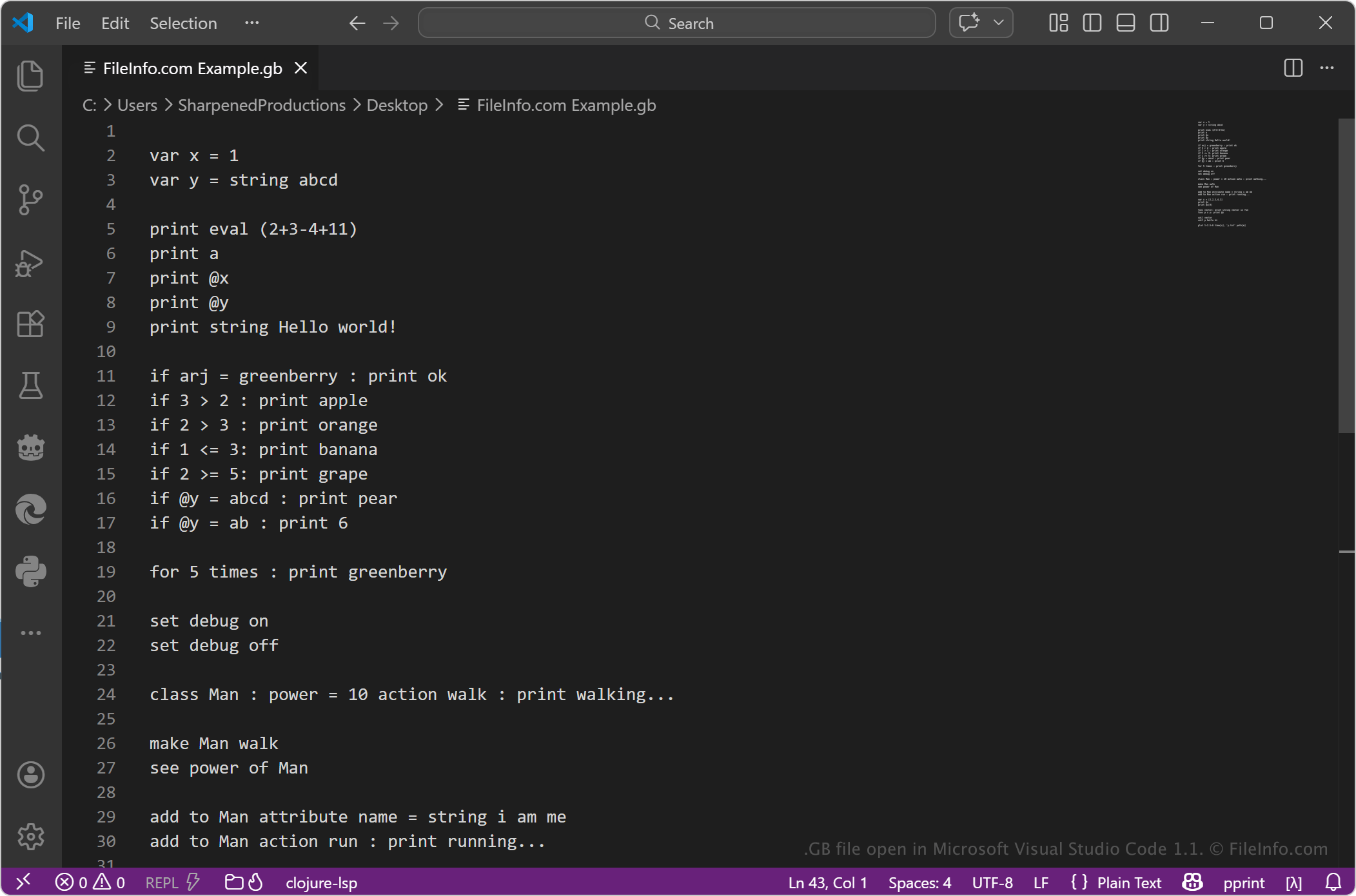
Os arquivos GB geralmente contêm instruções concisas escritas na sintaxe do GreenBerry. A linguagem enfatiza a execução rápida de tarefas com o mínimo de código, sendo útil para criação de scripts, automação e experimentação com operações do Python. Desenvolvedores, estudantes e usuários que trabalham com Python podem usar arquivos GB para simplificar tarefas repetitivas ou testar pequenos trechos de lógica sem escrever scripts completos em Python.
Como abrir um arquivo GB
Você pode abrir arquivos GB com qualquer editor de texto ou editor de código-fonte, como o Microsoft Notepad, o Apple TextEdit ou o Microsoft Visual Studio Code. Você pode usar o editor de texto ou de código-fonte para visualizar ou editar o conteúdo do arquivo.
Para executar o arquivo, é necessário um ambiente compatível que ofereça suporte ao GreenBerry, geralmente dentro de uma instalação do Python na qual a ferramenta GreenBerry esteja instalada. Como o formato é baseado em texto, você pode modificar o arquivo facilmente, mas precisa usar a sintaxe correta para que ele seja executado adequadamente.