

.GB File Extension
Game Boy ROM File
| Developer | N/A |
| Popularity |
4.2 | 39 Votes |
What is a GB file?
A GB file is a ROM image of a Nintendo Game Boy video game. It stores the complete data of a Game Boy game dumped from a game cartridge. Gamers load GB files in a Game Boy emulation program on a computer to play games without the Game Boy console.
More Information
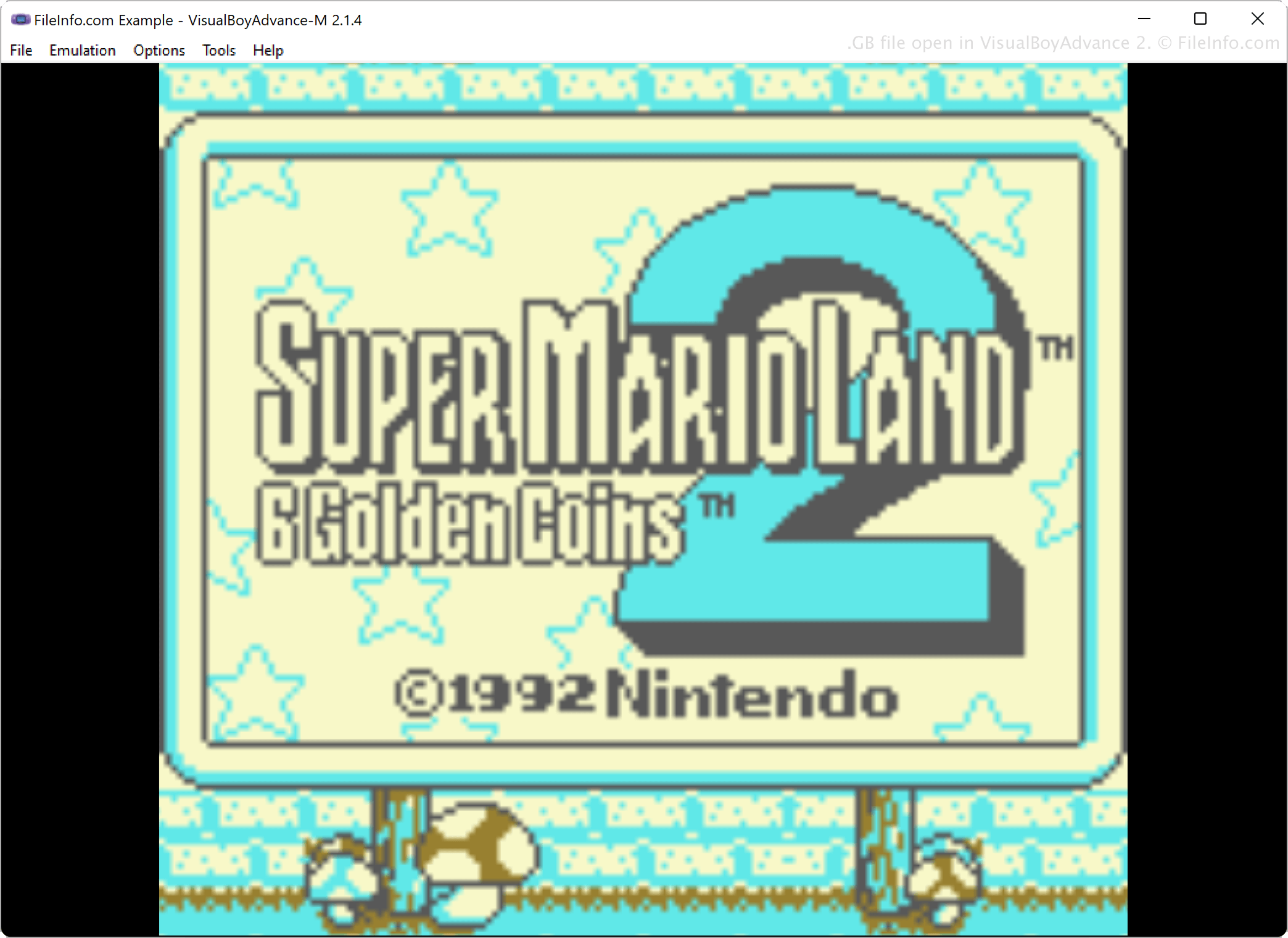
Gaming enthusiasts utilize emulation software to play games on their computers without the gaming console that initially played them. For example, gamers who want to relive the games they played on Game Boy in the 1980s - 90s use emulation software, such as VisualBoyAdvance, KiGB, and BGB, to emulate Game Boy game ROMs.
To get game data stored in game cartridges into a playable format, gamers dump game data from the cartridges with special hardware and software, then save the data in the GB format on their computer. They may then upload the files to share with others who can then download the GB files to play them on their computer with an emulator.
How to open a GB file
You can open a GB file with various Game Boy emulators, including VisualBoyAdvance, BGB, RetroArch, and KiGB. For example, to open a GB file with VisualBoyAdvance, select
Programs that open GB files
GreenBerry Source Code
| Developer | Abdur-rahmaan Janhangee |
| Popularity |
2.0 | 1 Vote |
A GB file may also be a source code file used by GreenBerry, a lightweight, one-line statement language created by Abdur-rahmaan Janhangeer. GreenBerry is designed as an in-shell utility for Python, allowing users to write short commands or scripts that interact with Python simply and directly. GB files store these commands in plain text, which users can reuse or share.
More Information
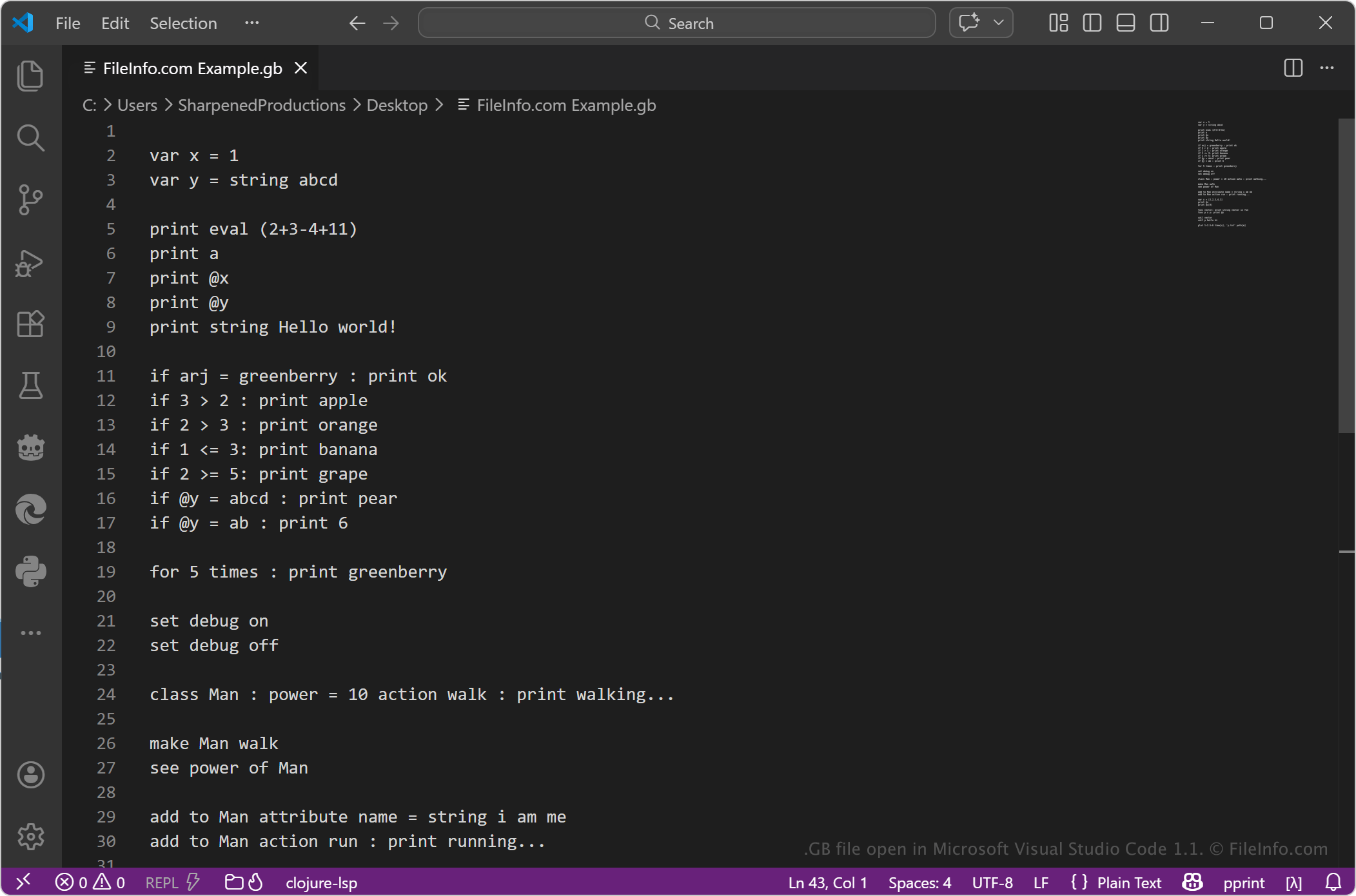
GB files typically contain concise instructions written in the GreenBerry syntax. The language emphasizes executing tasks quickly with minimal code, making it useful for scripting, automation, and experimenting with Python operations. Developers, students, and users who work with Python may use GB files to simplify repetitive tasks or test small pieces of logic without writing full Python scripts.
How to open a GB file
You can open GB files with any text editor or source code editor, such as Microsoft Notepad, Apple TextEdit, or Microsoft Visual Studio Code. You can use the text editor or source code editor to view or edit its contents.
To run the file, you need a compatible environment that supports GreenBerry, usually within a Python setup where the GreenBerry tool is installed. Because the format is text-based, you can easily modify the file, but you must use the correct syntax for it to execute properly.