

.VEGCAP Rozszerzenie pliku
Plik przechwytywania wideo VEGAS
| Deweloper | MAGIX |
| Popularność |
2,0 | 1 Głos |
Czym jest plik VEGCAP?
Plik VEGCAP zawiera jedno lub więcej odwołań do lokalizacji katalogów plików .MP4, w których przechowywane są nagrania wideo przechwycone przez oprogramowanie do edycji wideo MAGIX VEGAS Pro. Przechwycone wideo może być nagraniem ekranu lub nagraniem z kamery podłączonej do komputera, na którym działa VEGAS Pro. Pliki VEGCAP nie zawierają rzeczywistych danych wideo; przechowują zwykły tekst.
Więcej informacji
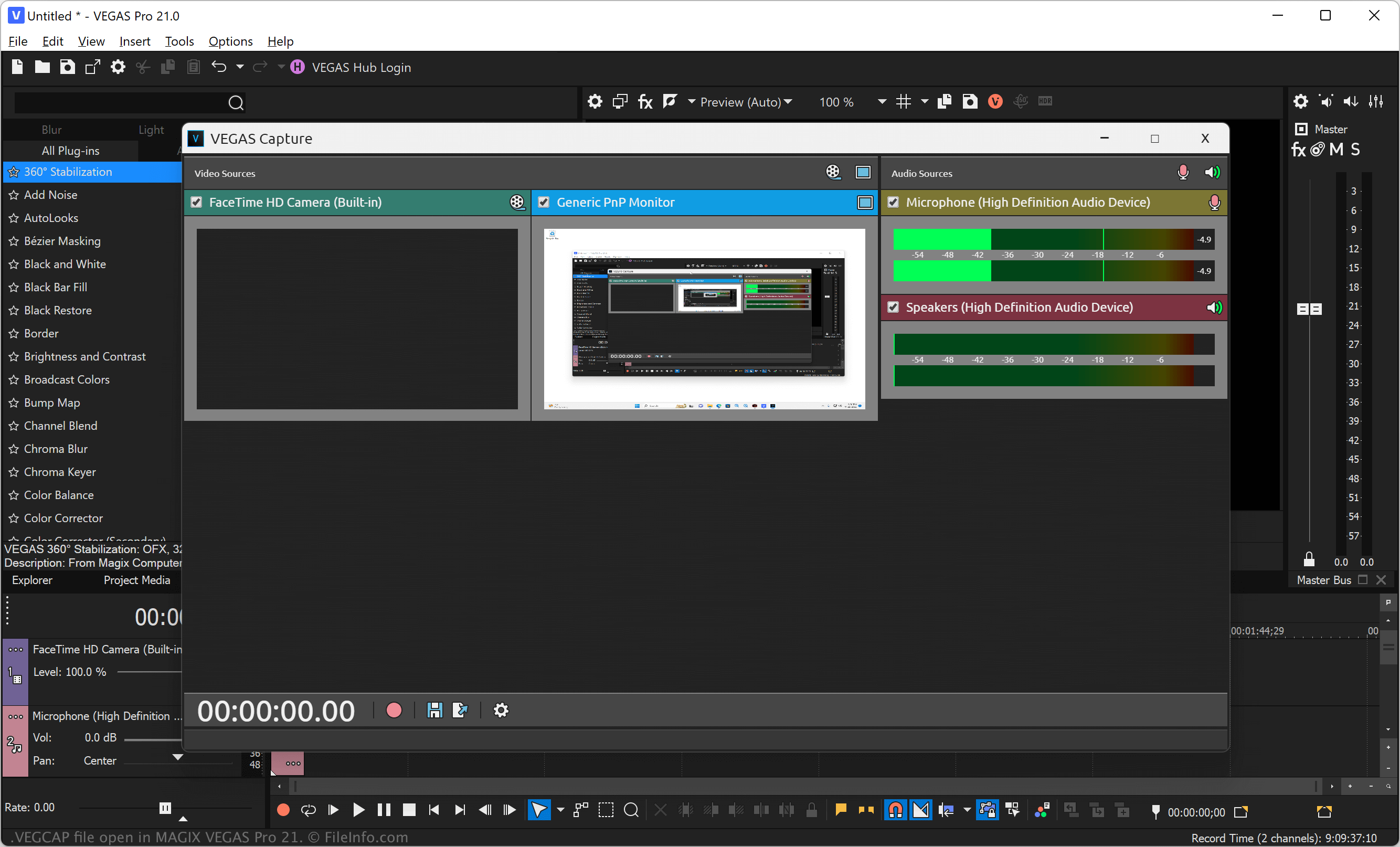
VEGAS Pro (wcześniej Sony Vegas) to profesjonalna aplikacja do edycji wideo i dźwięku dla systemu Windows. Oprogramowanie umożliwia importowanie multimediów, takich jak pliki wideo, obrazów i dźwięku, do projektu, stosowanie efektów oraz eksportowanie wideo w celu udostępnienia go innym osobom.
Możesz także nagrywać wideo bezpośrednio z ekranu lub podłączonego źródła, a następnie importować je do projektu (plik .VEG). Aby przechwycić wideo z ekranu lub podłączonej kamery, wybierz , wybierz źródło wideo, a następnie kliknij ikonę czerwonego koła, aby rozpocząć nagrywanie. Po zatrzymaniu nagrywania wybierz ikonę dyskietki zapisu, aby wybrać lokalizację zapisu pliku VEGCAP, a następnie kliknij .
UWAGA: VEGAS Pro domyślnie zapisuje pliki MP4 zawierające przechwycone wideo, do których odwołują się pliki VEGCAP, w ponumerowanym folderze w następującym katalogu:
C:\Users\[username]\Captures\
Jak otworzyć plik VEGCAP
Pliki VEGCAP można otwierać w systemie Windows za pomocą programu MAGIX VEGAS Pro. Aby to zrobić, wybierz na pasku menu programu opcję . Następnie przejdź do pliku VEGCAP i otwórz go.
Otwieranie pliku VEGCAP w edytorze tekstu
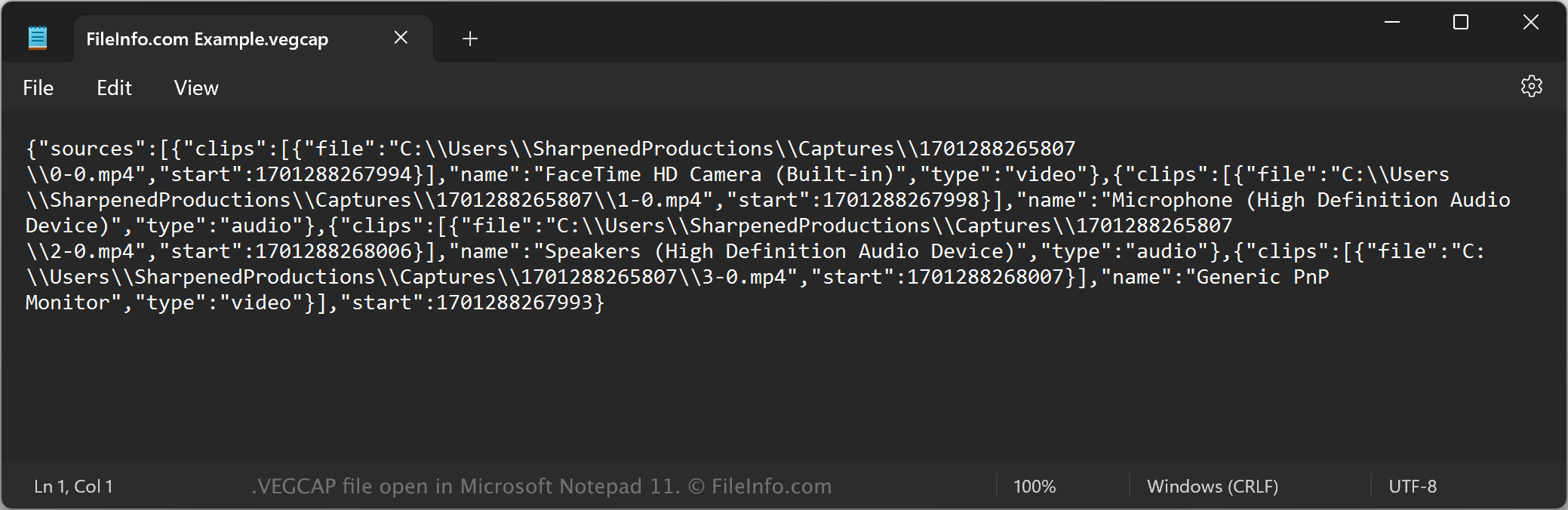
Ponieważ pliki VEGCAP są zapisywane jako zwykły tekst, można je także otwierać za pomocą edytora tekstu, takiego jak Microsoft Notepad (Windows) lub Apple TextEdit (Mac), albo edytora kodu źródłowego. Aby edytor tekstu rozpoznał plik, może być konieczna zmiana rozszerzenia .vegcap na .txt. Pamiętaj, że nieprawidłowa edycja pliku może przypadkowo uszkodzić plik VEGCAP.
Jak przekonwertować plik VEGCAP
Program MAGIX VEGAS Pro może konwertować pliki VEGCAP do różnych typów plików. Aby to zrobić, musisz otworzyć plik VEGCAP w programie VEGAS Pro, który otworzy wskazane pliki MP4 w edytorze wideo. Następnie możesz przekonwertować wideo do następujących formatów: