.VEGCAP 파일 확장자

VEGAS Video Capture File

개발사 MAGIX
인기도
2.0  |  1 투표
 

VEGCAP 파일이란 무엇인가요?

A VEGCAP file contains one or more references to the directory locations of .MP4 files that store video captured by MAGIX VEGAS Pro video-editing software. The captured video may be a screen recording or from a camera connected to the computer running VEGAS Pro. VEGCAP files do not contain actual video data; they store plain text.

추가 정보

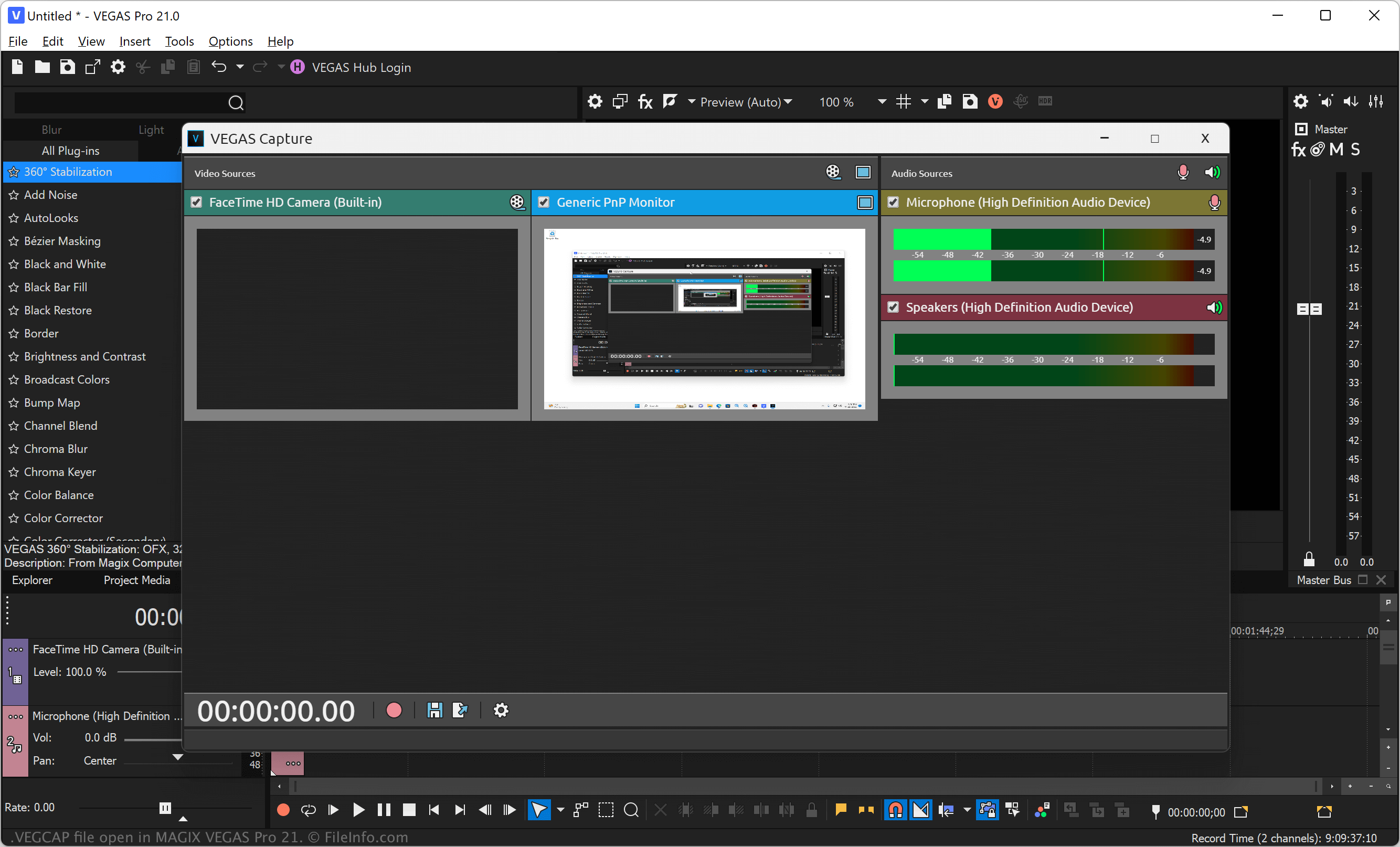
MAGIX Vegas Pro 21에서 열린 .vegcap 파일의 스크린샷
MAGIX Vegas Pro 21에서 열린 VEGCAP 파일

VEGAS Pro (formerly Sony Vegas) is a professional video and audio-editing application for Windows. The software allows you to import media, such as video, image, and audio files, into your project, apply effects, and export the video to share with others.

You can also record video directly from your screen or a connected source and then import it into your project (.VEG file). To capture video of your screen or from a connected camera, select File → VEGAS Capture, choose the video source, and then click the red circle icon to begin recording. After you stop the recording, select the floppy disk save icon to choose the save location of the VEGCAP file, then click Save.

참고: VEGAS Pro saves the MP4 files that store captured video referenced by VEGCAP files in a numbered folder in the following directory by default:

C:\​Users\​[username]\​Captures\​

VEGCAP 파일을 여는 방법

You can open VEGCAP files with MAGIX VEGAS Pro in Windows. To do so, select File → Open... from the program's menu bar. Then, navigate to and open your VEGCAP file.

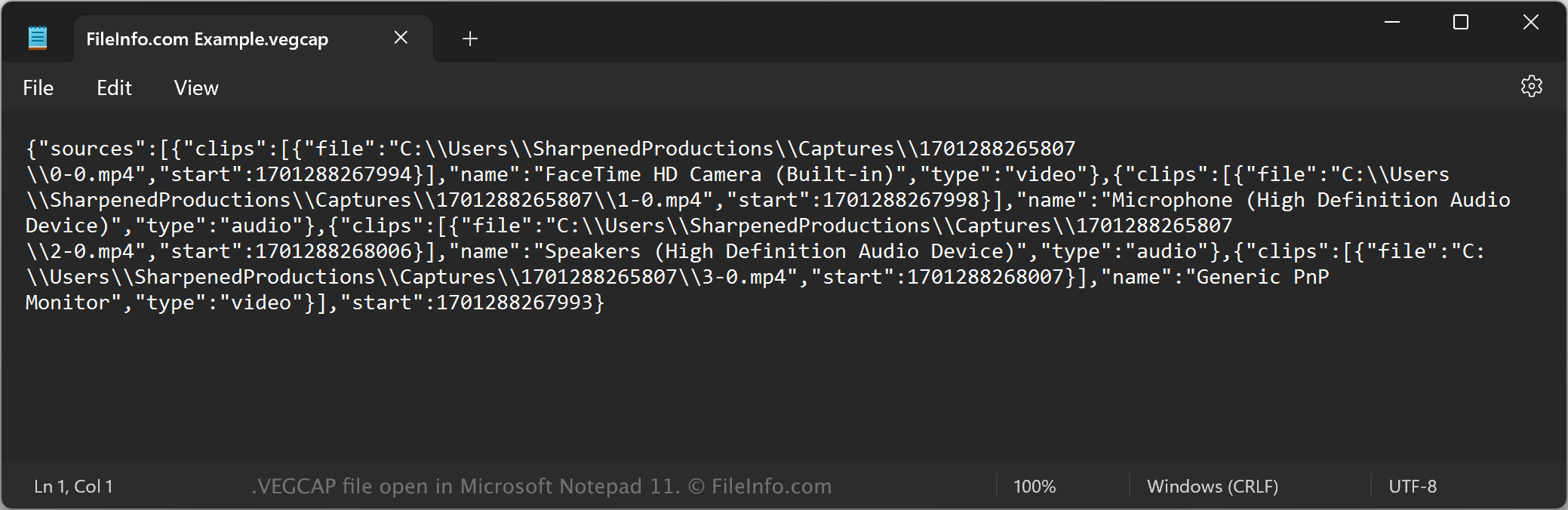
Opening a VEGCAP file with a text editor

VEGCAP file open in Microsoft Notepad

Since VEGCAP files are saved in plain text, you can also open them with a text editor, such as Microsoft Notepad (Windows) or Apple TextEdit (Mac), or a source code editor. You may need to rename the .vegcap file extension to .txt for the text editor to recognize it. Remember that if you incorrectly edit the file, you may inadvertently corrupt the VEGCAP file.

VEGCAP 파일을 변환하는 방법

MAGIX VEGAS Pro can convert VEGCAP files to various file types. To do this, you must open the VEGCAP file with VEGAS Pro, which opens the referenced MP4 files in the video editor. You can then convert the video to the following formats:

  • .MOV - Apple QuickTime Movie
  • .AVI - Audio Video Interleave File
  • .WMV - Windows Media Video
  • .MPEG2 - MPEG-2 Video
  • .MPEG1 - MPEG-1 Video
  • .PRPROJ - Premiere Pro Project
  • .FCPXML - Final Cut Pro XML File
File Viewer Plus(으)로 400개 이상의 파일 형식을 여세요.무료 다운로드

VEGCAP 파일을 여는 프로그램

Windows
무료 체험판
카테고리: 비디오
업데이트: 2023-11-29

검증자 FileInfo.com

FileInfo.com 팀 이 페이지에 나열된 VEGAS Video Capture 파일 형식과 Windows 앱을 독자적으로 조사했습니다. 저희의 목표는 100% 정확성이며, 검증한 파일 유형에 대한 정보만 게시합니다.

이 페이지에 추가하거나 업데이트할 내용을 제안하고 싶으시면 알려 주세요.