

.VMWAREVM Bestandsextensie
VMware Fusion-virtuele machine
| Ontwikkelaar | VMware |
| Populariteit |
3,9 | 10 stemmen |
Wat is een VMWAREVM-bestand?
Een VMWAREVM-bestand is een virtuele machine (VM) die is gemaakt door VMware Fusion, een virtualisatie-applicatie voor Macs waarop andere besturingssystemen kunnen worden uitgevoerd. Het bevat alle informatie voor een virtuele machine, waaronder configuratiebestanden (.VMX) en schijven van virtuele machines (.VMDK), die Fusion nodig heeft om een besturingssysteem te laden en uit te voeren.
Meer informatie
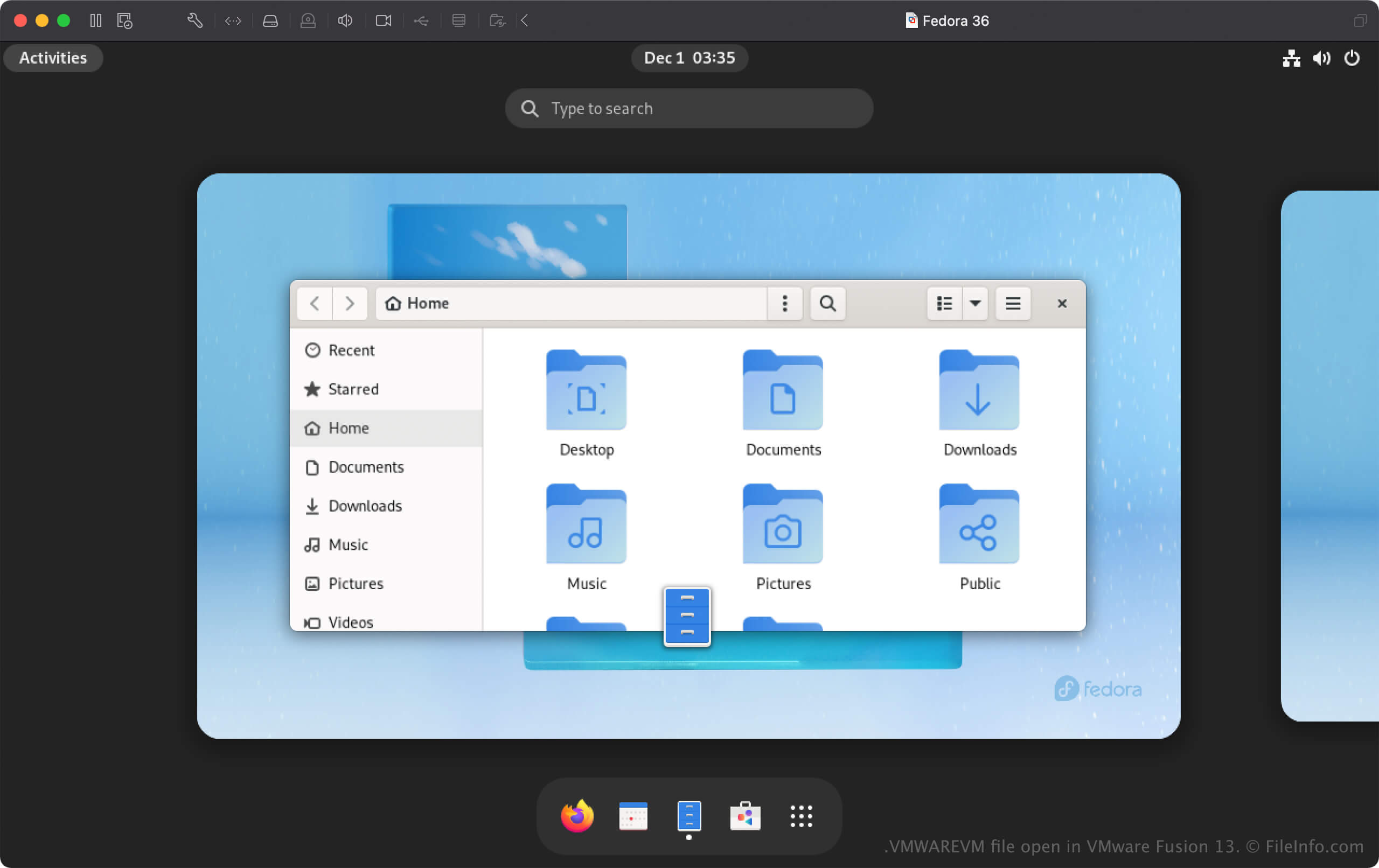
Fusion is virtualisatiesoftware waarmee je Windows- en Linux-besturingssystemen (OS'en) op een Mac kunt uitvoeren. Wanneer je een besturingssysteem aan Fusion toevoegt, maakt de app een virtuele machine (VM) en slaat deze op als een VMWAREVM-bestand.
Een VMWAREVM-bestand maken met VMware Fusion
Als je een VMWAREVM-bestand wilt maken, selecteer je of klik je op + in het venster Virtual Machine Library. Je kunt vervolgens kiezen om een besturingssysteem te installeren vanaf een schijf of image, een herstelpartitie of Boot Camp, of een bestaande virtuele machine te importeren, waaronder Parallels Virtual Machine-bestanden (.PVM).
Een VMWAREVM-bestand openen
Je kunt een VMWAREVM-bestand openen met VMware Fusion in macOS. Als je een VMWAREVM-bestand met Fusion wilt openen, klik je op + in het venster Virtual Machine Library, selecteer je en klik je vervolgens op . Je kunt ook selecteren, "Import an existing virtual machine" kiezen en vervolgens op klikken.
Je kunt je VMWAREVM-bestand ook plaatsen in de map die je hebt ingesteld als de standaardlocatie voor het opslaan van virtuele machines (de standaardlocatie van Fusion is Macintosh HD/Users/[username]/Virtual Machines). Open vervolgens Fusion en kies het VMWAREVM-bestand in het venster Virtual Machine Library dat je hebt toegevoegd.
Een VMWAREVM-bestand openen als macOS-pakket
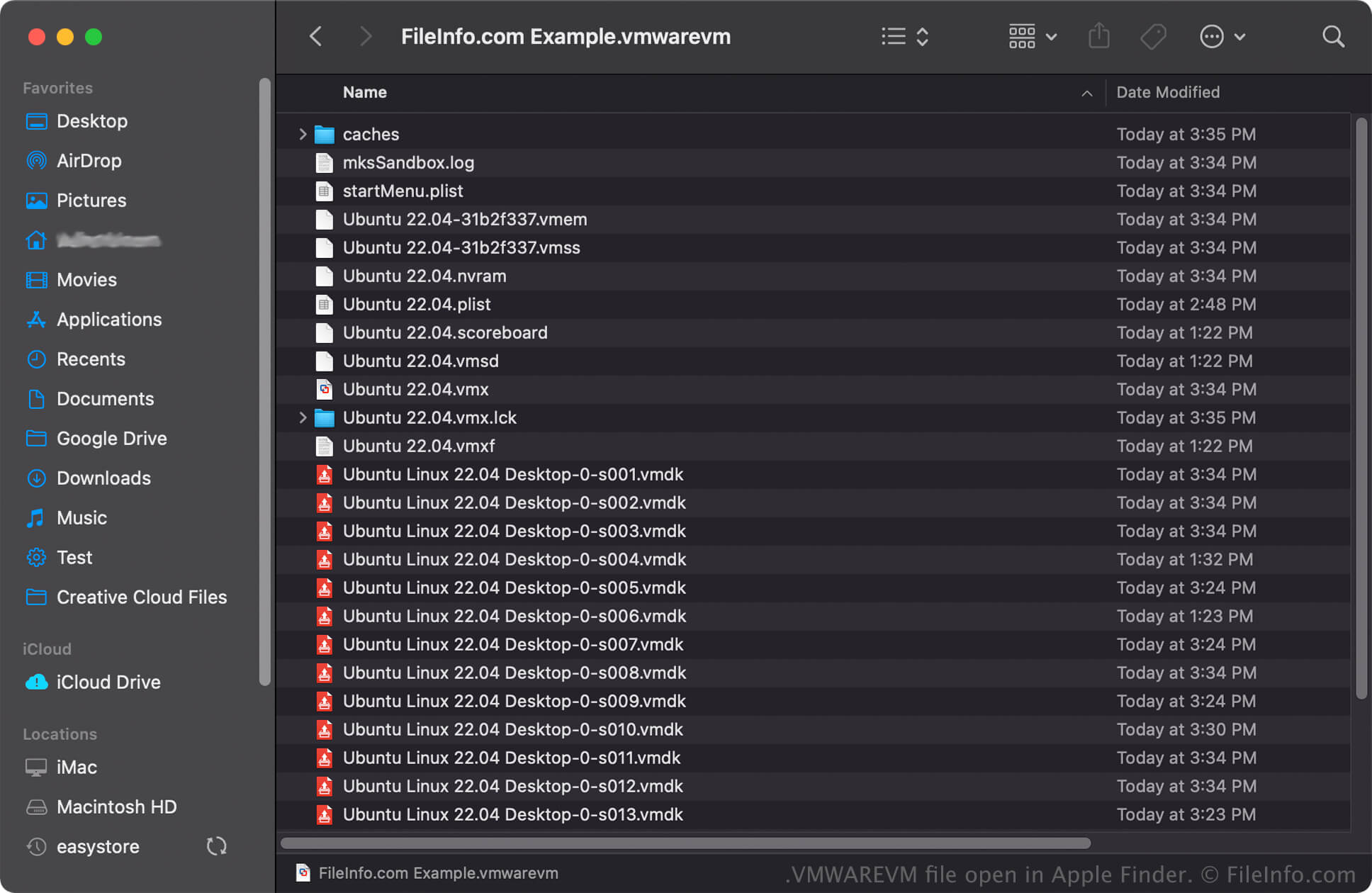
In macOS kun je met de rechtermuisknop op een VMWAREVM-bestand klikken en selecteren om de mappen en bestanden van het pakket met Apple Finder te bekijken. Bestanden die je in een VMWAREVM-bestand kunt aantreffen, zijn onder meer VMX-, VMDK- en .PLIST-bestanden.
OPMERKING: Als je de inhoud van een VMWAREVM-bestand wijzigt, kan de virtuele machine beschadigd raken.