

.VMWAREVM Dateiendung
Virtuelle Maschine von VMware Fusion
| Entwickler | VMware |
| Beliebtheit |
3,9 | 10 Stimmen |
Was ist eine VMWAREVM-Datei?
Eine VMWAREVM-Datei ist eine virtuelle Maschine (VM), die von VMware Fusion erstellt wurde, einer Virtualisierungsanwendung für Macs, auf denen andere Betriebssysteme ausgeführt werden können. Sie speichert alle Informationen für eine virtuelle Maschine, einschließlich der von Fusion zum Laden und Ausführen eines Betriebssystems benötigten Konfigurationsdateien (.VMX) und virtuellen Festplatten (.VMDK).
Weitere Informationen
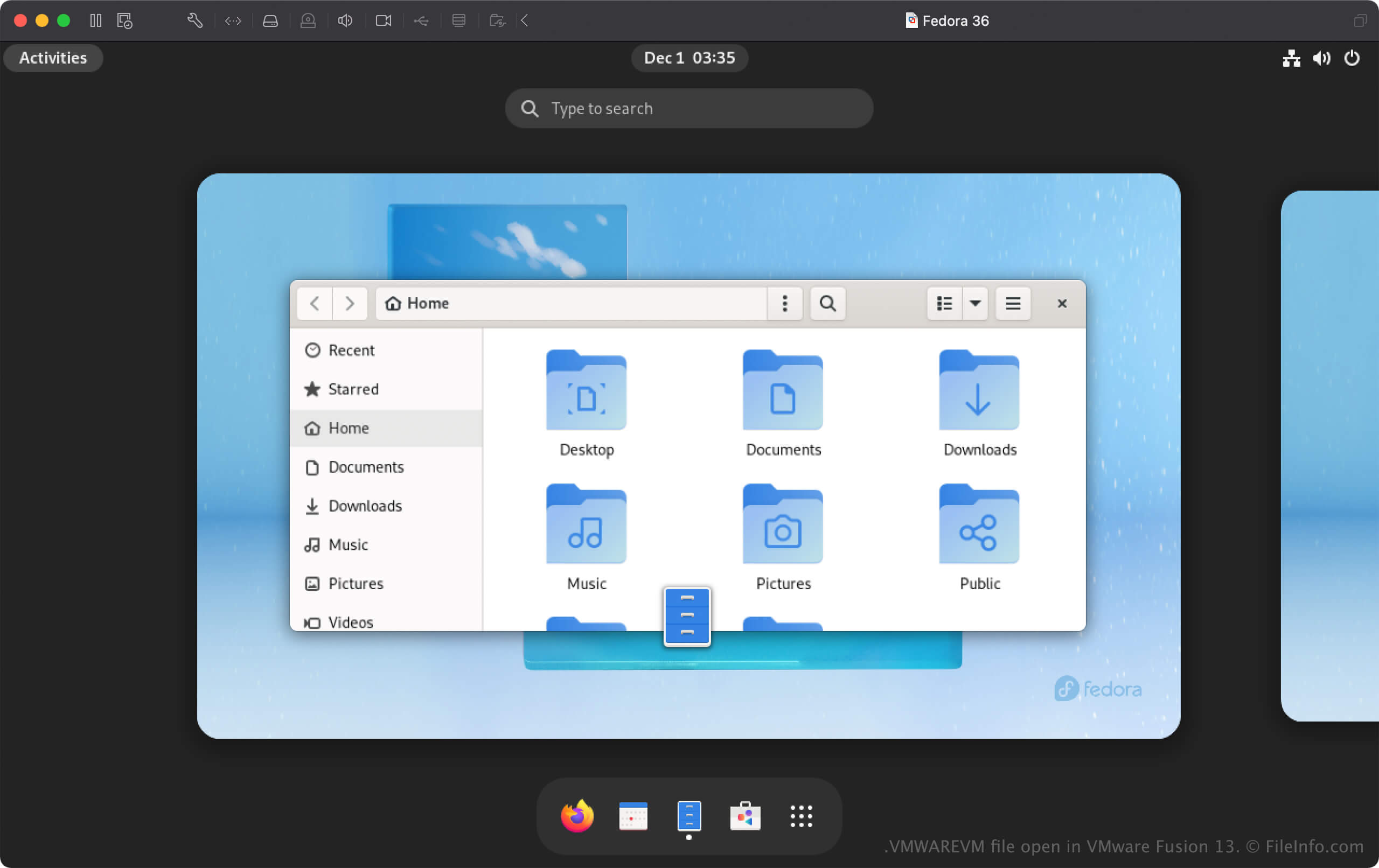
Fusion ist eine Virtualisierungssoftware, mit der Sie Windows- und Linux-Betriebssysteme (BS) auf einem Mac ausführen können. Wenn Sie Fusion ein Betriebssystem hinzufügen, erstellt die App eine virtuelle Maschine (VM) und speichert sie als VMWAREVM-Datei.
So erstellen Sie eine VMWAREVM-Datei mit VMware Fusion
Um eine VMWAREVM-Datei zu erstellen, wählen Sie aus oder klicken Sie im Fenster „Virtual Machine Library“ auf +. Anschließend können Sie ein Betriebssystem von einem Datenträger oder Image, einer Wiederherstellungspartition oder Boot Camp installieren oder eine vorhandene virtuelle Maschine importieren, einschließlich Dateien virtueller Maschinen von Parallels (.PVM).
So öffnen Sie eine VMWAREVM-Datei
Sie können eine VMWAREVM-Datei mit VMware Fusion in macOS öffnen. Um eine VMWAREVM-Datei mit Fusion zu öffnen, klicken Sie im Fenster „Virtual Machine Library“ auf +, wählen Sie aus und klicken Sie dann auf . Sie können auch auswählen, „Import an existing virtual machine“ wählen und dann auf klicken.
Sie können Ihre VMWAREVM-Datei auch in den Ordner verschieben, den Sie als Standardspeicherort für virtuelle Maschinen festgelegt haben (der Standardspeicherort von Fusion ist Macintosh HD/Users/[username]/Virtual Machines). Öffnen Sie anschließend Fusion und wählen Sie die VMWAREVM-Datei im Fenster „Virtual Machine Library“ aus, das Sie hinzugefügt haben.
Eine VMWAREVM-Datei als macOS-Paket öffnen
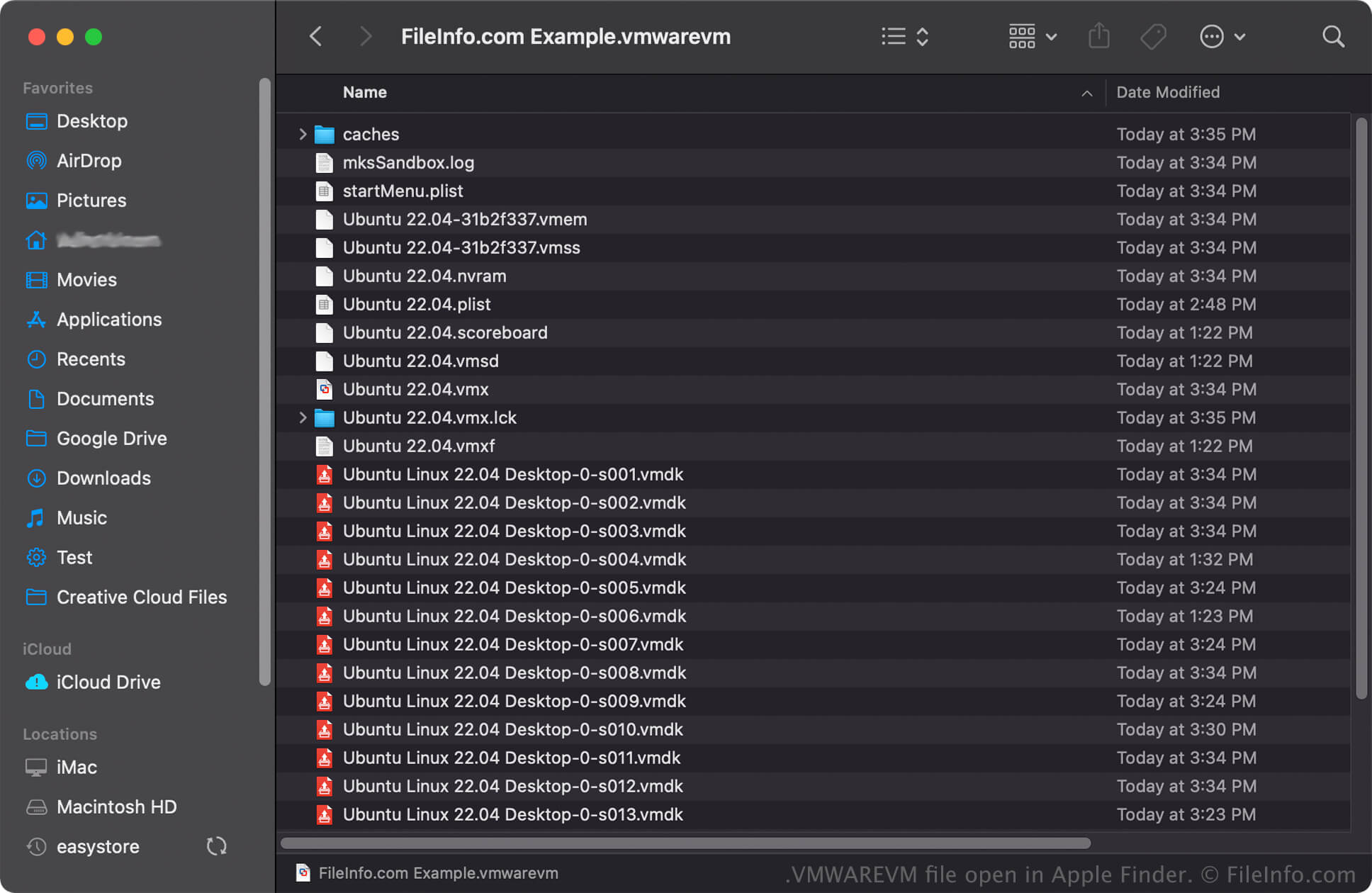
In macOS können Sie mit der rechten Maustaste auf eine VMWAREVM-Datei klicken und auswählen, um die Verzeichnisse und Dateien des Pakets mit Apple Finder anzuzeigen. Zu den Dateien, die in einer VMWAREVM-Datei gespeichert sein können, gehören VMX-, VMDK- und .PLIST-Dateien.
HINWEIS: Das Ändern des Inhalts einer VMWAREVM-Datei kann die virtuelle Maschine beschädigen.