

.OXPS Bestandsextensie
OpenXPS-bestand
| Ontwikkelaar | Microsoft |
| Populariteit |
3,6 | 299 stemmen |
Wat is een OXPS-bestand?
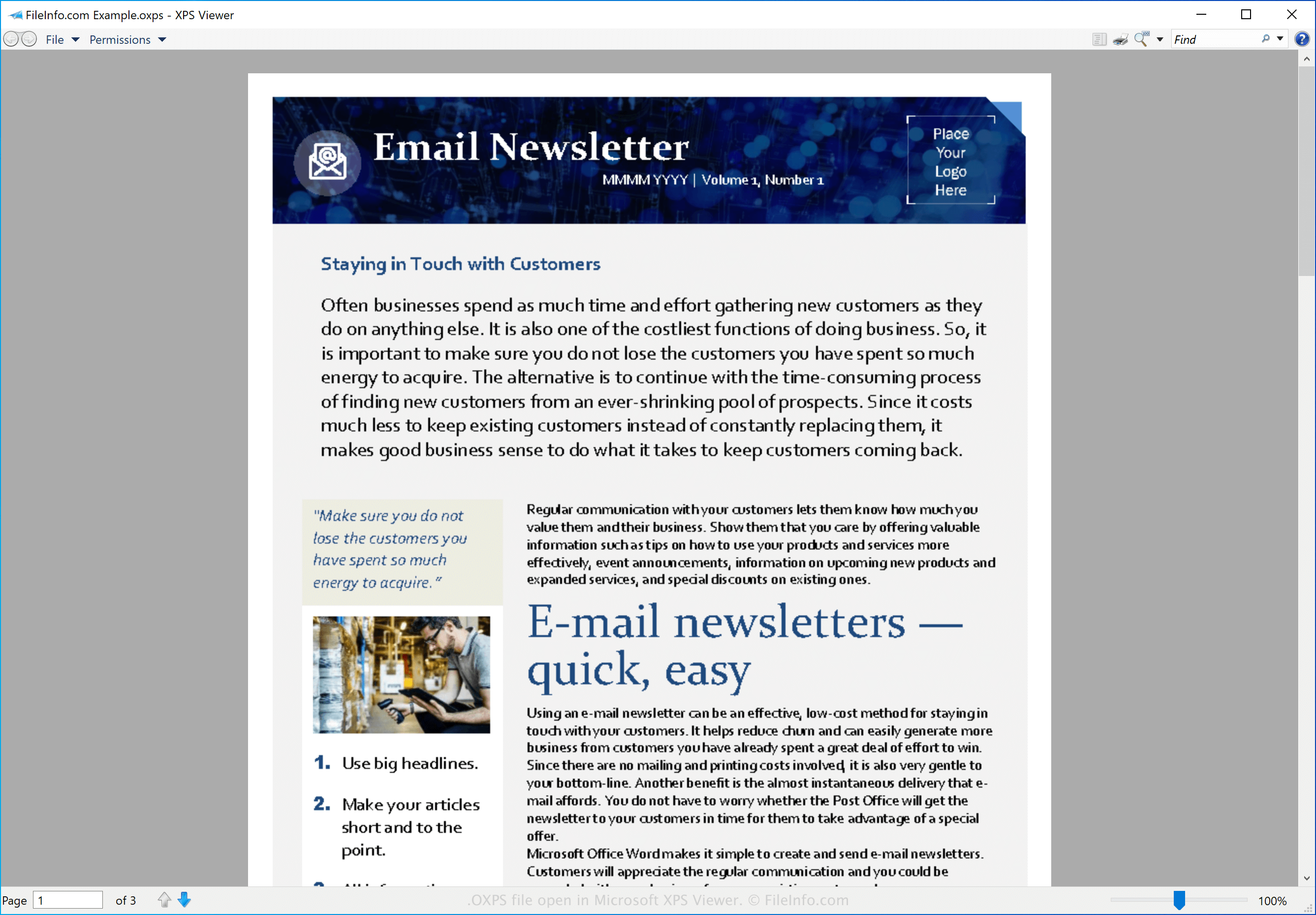
Een OXPS-bestand is een document dat is opgeslagen in de indeling Open XML Paper Specification (OpenXPS). Het bevat informatie die de structuur en inhoud van het document beschrijft en bewaart deze in een vaste opmaak, vergelijkbaar met .PDF-documenten. Gebruikers maken doorgaans OXPS-bestanden om essays, brieven, ansichtkaarten, nieuwsbrieven en zakelijke documenten op te slaan.
Meer informatie
De indeling OpenXPS is gebaseerd op de indeling XML Paper Specification (XPS), die Microsoft heeft ontwikkeld als vervanging voor de indeling Enhanced Metafile (.EMF). OpenXPS is echter een open indeling die in juni 2009 is gestandaardiseerd door Ecma International, een normalisatieorganisatie voor communicatie- en informatiesystemen.
OPMERKING: Hoewel de indeling OpenXPS is gebaseerd op de indeling XPS, zijn de twee indelingen niet uitwisselbaar. Je kunt de extensie .oxps van een OXPS-bestand niet simpelweg wijzigen in .xps om er een .XPS-bestand van te maken.
Een OXPS-bestand openen
Je kunt een OXPS-bestand openen met verschillende toepassingen, waaronder Microsoft XPS Viewer (Windows) en NiXPS View (multiplatform).
Een OXPS-bestand converteren
Microsoft XPS Viewer kan OXPS-bestanden converteren naar de indeling .PDF. Selecteer hiervoor in Microsoft XPS Viewer en kies vervolgens de optie Microsoft Print to PDF.