

.OXPS Extension de fichier
Fichier OpenXPS
| Développeur | Microsoft |
| Popularité |
3,6 | 299 Votes |
Qu'est-ce qu'un fichier OXPS ?
Un fichier OXPS est un document enregistré au format Open XML Paper Specification (OpenXPS). Il stocke des informations qui décrivent la structure et le contenu du document et le conserve dans une mise en page fixe, similaire aux documents .PDF. Les utilisateurs créent généralement des fichiers OXPS pour enregistrer des dissertations, des lettres, des cartes postales, des bulletins d’information et des documents professionnels.
Plus d'informations
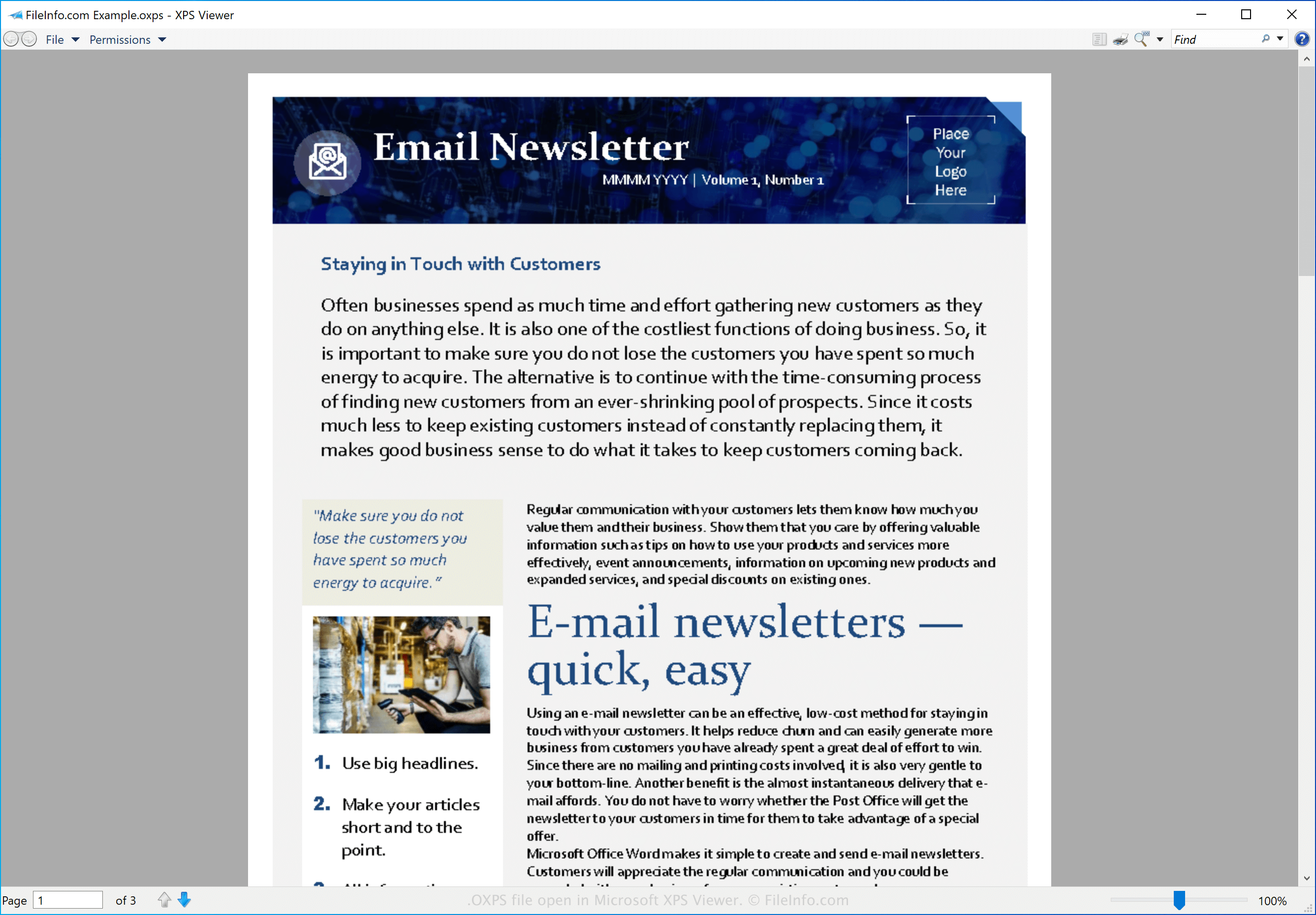
Le format OpenXPS est basé sur le format XML Paper Specification (XPS), que Microsoft a développé pour remplacer le format Enhanced Metafile (.EMF). Cependant, OpenXPS est un format ouvert normalisé en juin 2009 par Ecma International, une organisation de normalisation pour les systèmes de communication et d’information.
REMARQUE : Bien que le format OpenXPS soit basé sur le format XPS, les deux formats ne sont pas interchangeables. Vous ne pouvez pas simplement remplacer l’extension .oxps d’un fichier OXPS par .xps pour en faire un fichier .XPS.
Comment ouvrir un fichier OXPS
Vous pouvez ouvrir un fichier OXPS avec plusieurs applications, notamment Microsoft XPS Viewer (Windows) et NiXPS View (multiplateforme).
Comment convertir un fichier OXPS
Microsoft XPS Viewer peut convertir les fichiers OXPS au format .PDF. Pour ce faire, sélectionnez dans Microsoft XPS Viewer, puis choisissez l’option Microsoft Print to PDF.