

.OE6 Bestandsextensie
openCanvas 6-gebeurtenisbestand
| Ontwikkelaar | Portalgraphics |
| Populariteit |
2,5 | 2 stemmen |
Wat is een OE6-bestand?
Een OE6-bestand bevat tekenstreken, of 'gebeurtenissen', die zijn opgenomen door Portalgraphics openCanvas 6, een digitale tekenapplicatie. Het slaat een tekening op die bestaat uit afzonderlijke gebeurtenisstreken die automatisch opnieuw worden getekend wanneer ze in de software worden geopend. Opgenomen gebeurtenissen zijn niet beperkt tot penseelstreken; het kunnen ook vormen, tekst, kleurvullingen, verlopen en gumacties zijn.
Meer informatie
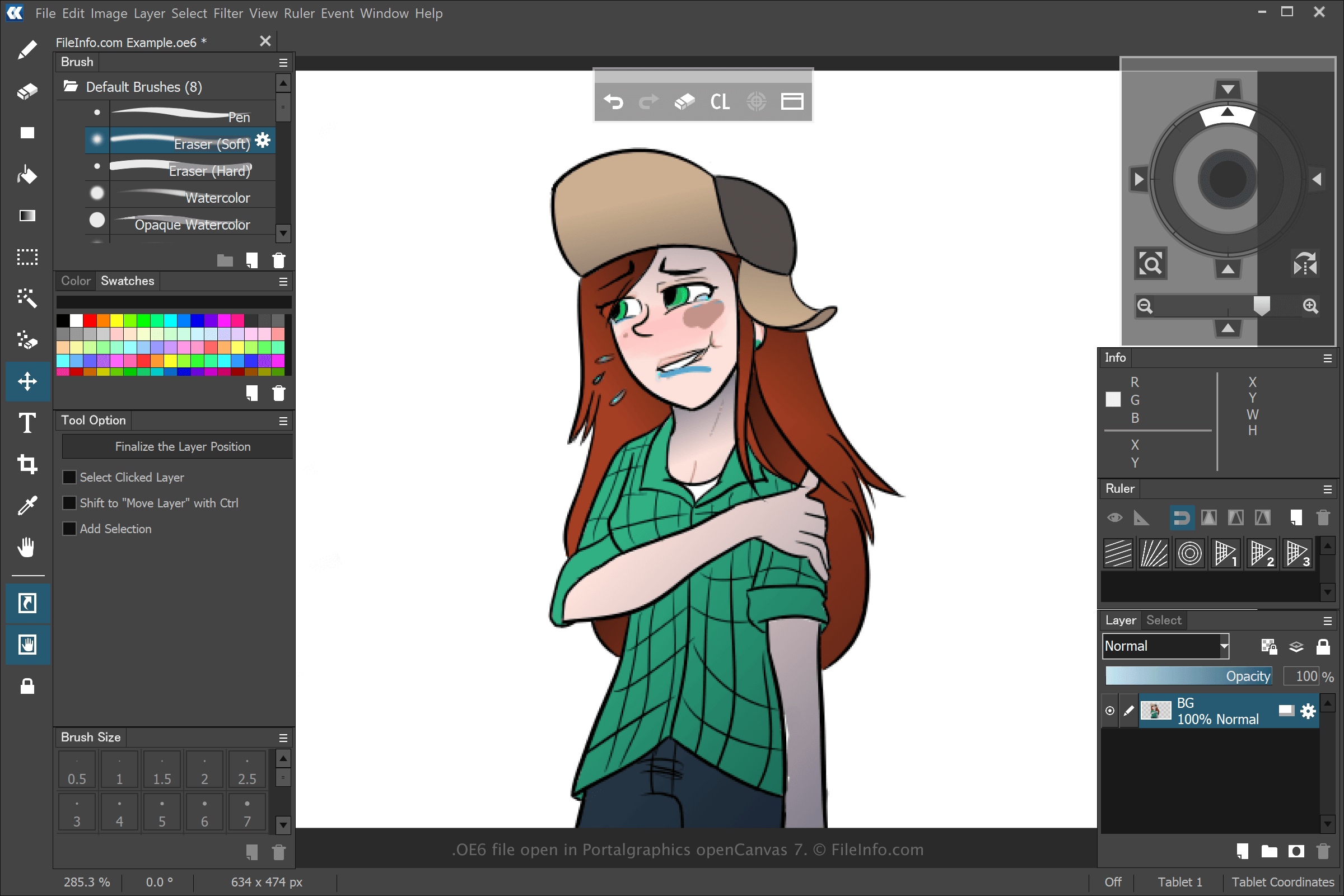
Je kunt verschillende soorten illustraties maken met openCanvas, maar de meeste gebruikers maken anime met de software. Wanneer je een tekening maakt en opslaat met openCanvas 6 door te selecteren en vervolgens of te selecteren, maakt de applicatie een OE6-bestand om de gebeurtenissen op te slaan die je hebt uitgevoerd om de tekening te maken. Nadat je het OE6-bestand hebt opgeslagen, kun je de tekening sluiten en opnieuw openen, waarbij de opgenomen gebeurtenissen opnieuw worden afgespeeld, waarna je kunt doorgaan met bewerken.
Eerdere versies van openCanvas sloegen gebeurtenisbestanden op als .WPE-, .OC3-, .OC4- en .OC5-bestanden. Het nummer staat voor de versie van de software. Toen Portalgraphics echter openCanvas 7 uitbracht, verving het OC6-bestanden door het bestandstype .OCI.
Een OE6-bestand openen
Je kunt OE6-bestanden openen met Portalgraphics openCanvas 6 en latere versies van de software. Selecteer om een OE6-bestand te openen.