

.OE6 파일 확장자
openCanvas 6 이벤트 파일
| 개발사 | Portalgraphics |
| 인기도 |
2.5 | 2 표 |
OE6 파일이란 무엇인가요?
OE6 파일에는 디지털 드로잉 프로그램인 Portalgraphics openCanvas 6에서 기록한 드로잉 획 또는 "이벤트"가 포함되어 있습니다. 이 파일은 개별 획 이벤트로 구성된 드로잉을 저장하며, 소프트웨어에서 파일을 열면 해당 이벤트가 자동으로 다시 그려집니다. 기록되는 이벤트는 브러시 획에만 제한되지 않으며, 도형, 텍스트, 색상 채우기, 그라디언트, 지우개 동작도 포함될 수 있습니다.
추가 정보
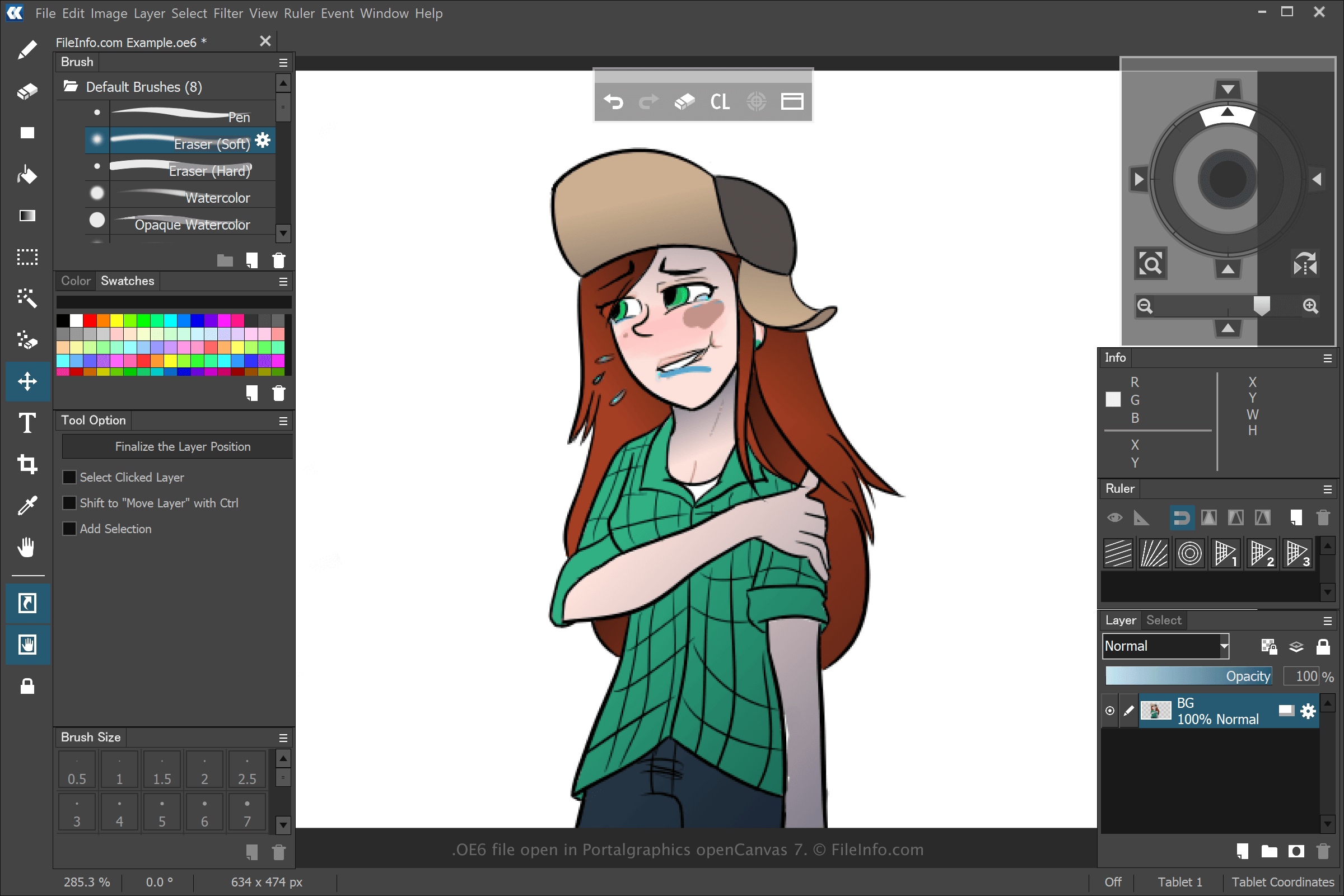
openCanvas를 사용하면 다양한 유형의 작품을 만들 수 있지만, 대부분의 사용자는 이 소프트웨어로 애니메이션 작품을 만듭니다. openCanvas 6에서 를 선택한 다음 또는 를 선택하여 드로잉을 만들고 저장하면, 애플리케이션은 드로잉을 만드는 동안 수행한 이벤트를 저장할 OE6 파일을 생성합니다. OE6 파일을 저장한 후 드로잉을 닫았다가 다시 열면 기록된 이벤트가 재생되며, 이후 드로잉을 계속 편집할 수 있습니다.
이전 버전의 openCanvas는 이벤트 파일을 .WPE, .OC3, .OC4, .OC5 파일로 저장했습니다. 숫자는 소프트웨어 버전을 나타냅니다. 그러나 Portalgraphics가 openCanvas 7을 출시하면서 OC6 파일을 .OCI 파일 형식으로 대체했습니다.
OE6 파일을 여는 방법
Portalgraphics openCanvas 6 및 이후 버전의 소프트웨어로 OE6 파일을 열 수 있습니다. OE6 파일을 열려면 을 선택하세요.
OE6 파일을 여는 프로그램
Windows