

.OE6 Extension de fichier
Fichier d'événements openCanvas 6
| Développeur | Portalgraphics |
| Popularité |
2,5 | 2 Votes |
Qu'est-ce qu'un fichier OE6 ?
Un fichier OE6 contient des traits de dessin, ou « événements », enregistrés par openCanvas 6 de Portalgraphics, une application de dessin numérique. Il enregistre un dessin composé d'événements de traits individuels qui sont automatiquement redessinés lors de l'ouverture du fichier dans le logiciel. Les événements enregistrés ne se limitent pas aux traits de pinceau : il peut également s'agir de formes, de texte, de remplissages de couleur, de dégradés et d'actions de gomme.
Plus d'informations
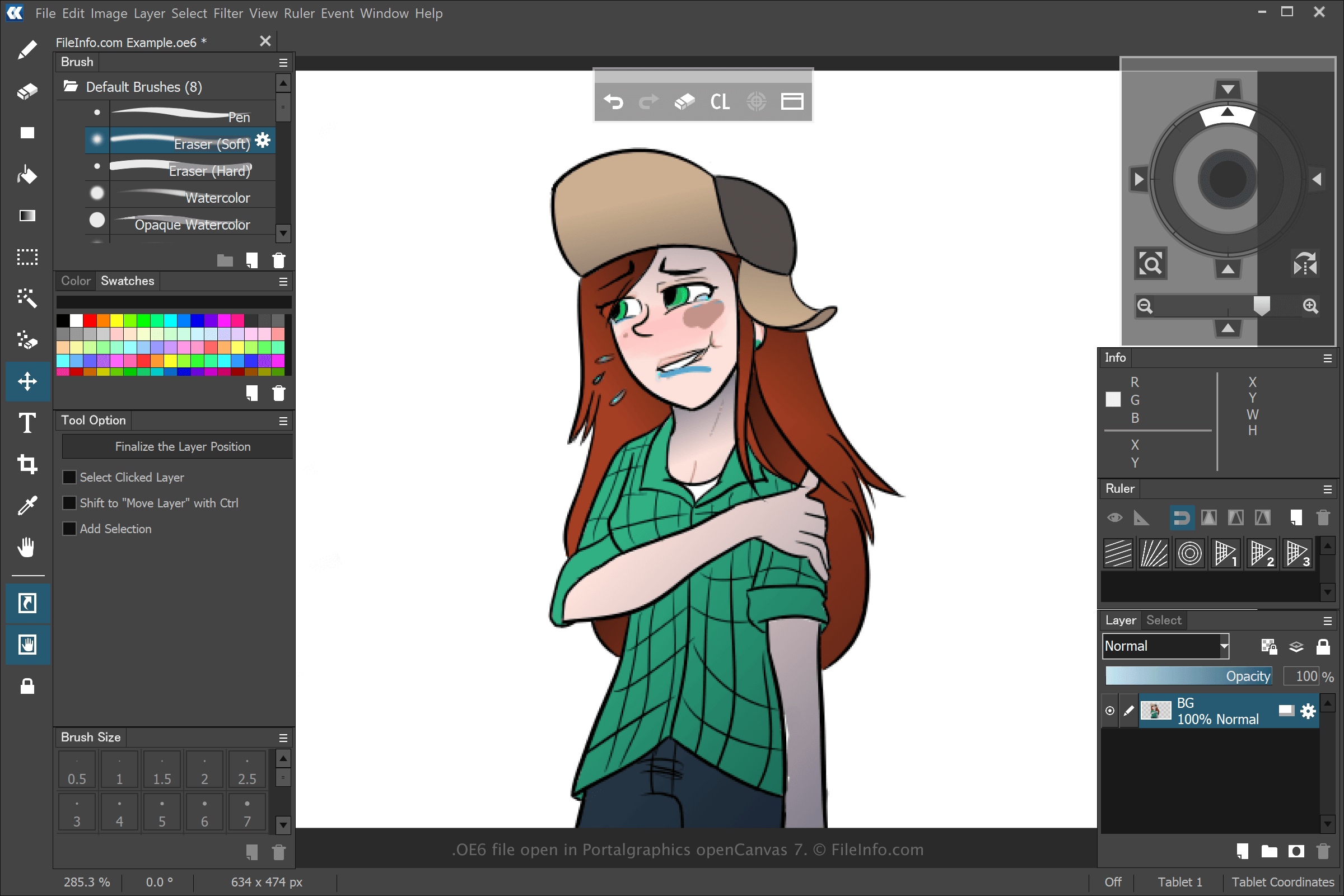
Vous pouvez créer différents types d'illustrations avec openCanvas, mais la plupart des utilisateurs créent des dessins de style anime avec le logiciel. Lorsque vous créez et enregistrez un dessin avec openCanvas 6 en sélectionnant , puis ou , l'application crée un fichier OE6 pour stocker les événements que vous avez effectués pour créer le dessin. Après avoir enregistré le fichier OE6, vous pouvez fermer le dessin, le rouvrir, ce qui relit les événements enregistrés, puis continuer à le modifier.
Les versions précédentes d'openCanvas enregistraient les fichiers d'événements aux formats .WPE, .OC3, .OC4 et .OC5. Le nombre représente la version du logiciel. Toutefois, lorsque Portalgraphics a lancé openCanvas 7, l'entreprise a remplacé les fichiers OC6 par le type de fichier .OCI.
Comment ouvrir un fichier OE6
Vous pouvez ouvrir les fichiers OE6 avec openCanvas 6 de Portalgraphics et les versions ultérieures du logiciel. Pour ouvrir un fichier OE6, sélectionnez .