

.OE6 Přípona souboru
Soubor událostí openCanvas 6
| Vývojář | Portalgraphics |
| Popularita |
2,5 | 2 hlasy |
Co je soubor OE6?
Soubor OE6 obsahuje tahy kresby neboli „události“ zaznamenané aplikací pro digitální kreslení Portalgraphics openCanvas 6. Ukládá kresbu, která se skládá z jednotlivých událostí tahů, jež se při otevření v softwaru automaticky znovu vykreslí. Zaznamenané události nejsou omezené na tahy štětcem, mohou to být také tvary, text, barevné výplně, přechody a akce gumy.
Další informace
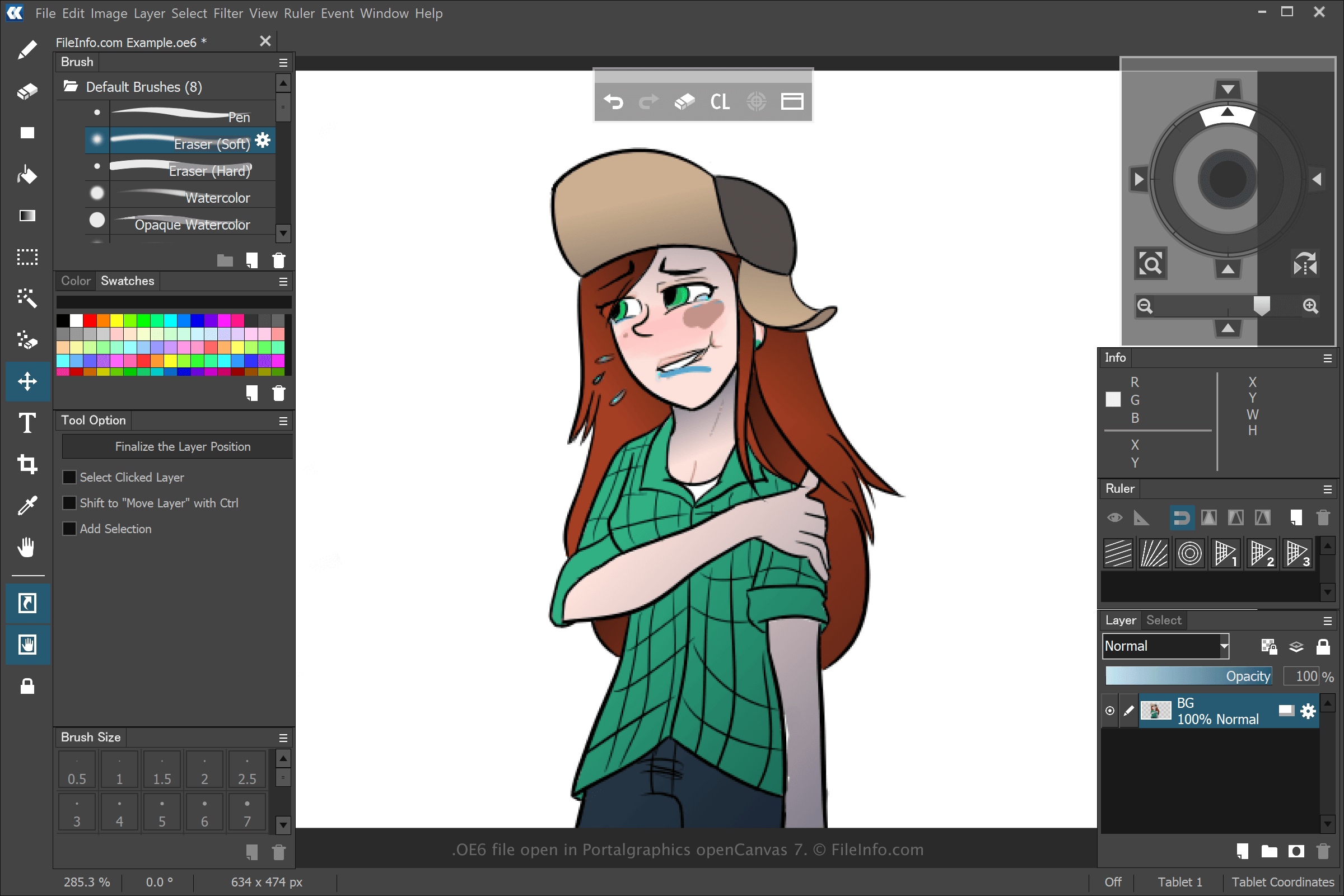
V aplikaci openCanvas můžete vytvářet různé typy uměleckých děl, ale většina uživatelů v tomto softwaru vytváří anime. Když v aplikaci openCanvas 6 vytvoříte a uložíte kresbu výběrem možnosti a následným výběrem možnosti nebo , aplikace vytvoří soubor OE6, do kterého uloží události, které jste při vytváření kresby provedli. Po uložení souboru OE6 můžete kresbu zavřít a znovu otevřít. Tím se zaznamenané události znovu přehrají a vy pak můžete pokračovat v její úpravě.
Předchozí verze aplikace openCanvas ukládaly soubory událostí jako soubory .WPE, .OC3, .OC4 a .OC5. Číslo představuje verzi softwaru. Když však Portalgraphics vydala openCanvas 7, nahradila soubory OC6 typem souboru .OCI.
Jak otevřít soubor OE6
Soubory OE6 můžete otevřít v aplikaci Portalgraphics openCanvas 6 a novějších verzích tohoto softwaru. Soubor OE6 otevřete výběrem možnosti .