

.LOCKER Bestandsextensie
NordLocker-versleuteld archief
| Ontwikkelaar | NordLocker |
| Populariteit |
4,0 | 3 stemmen |
Wat is een LOCKER-bestand?
Een LOCKER-bestand is een versleuteld archief dat is gemaakt door NordLocker, een toepassing die wordt gebruikt om bestanden te beveiligen. Het bevat een of meer bestanden die zijn versleuteld met Advanced Encryption Standard 256 bit (AES-256)-versleuteling. LOCKER-bestanden worden doorgaans gemaakt om bestanden met gevoelige inhoud te beschermen, zoals een .JPG-digitale foto, een .XLSX-financiële spreadsheet of een .PDF-zakelijk document.
Meer informatie
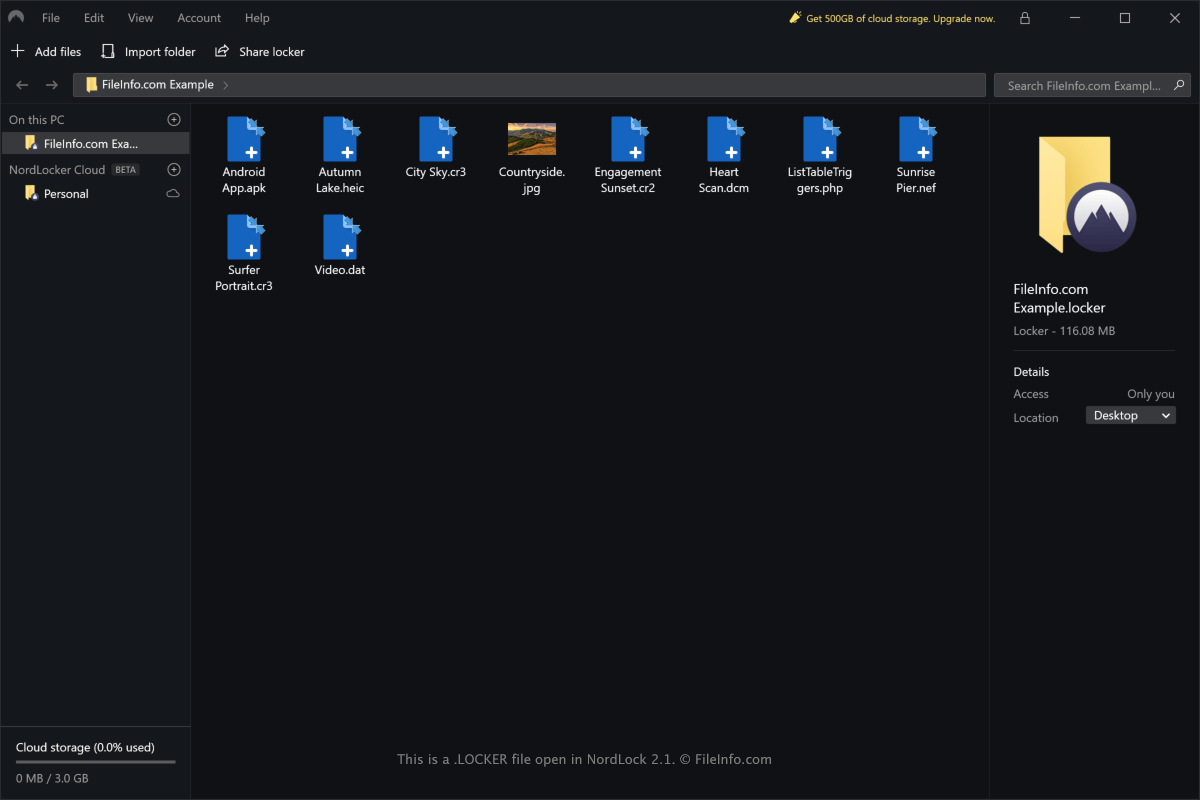
Met NordLocker kun je je bestanden snel lokaal beveiligen in Windows of macOS, maar de toepassing biedt ook cloudopslag om versleutelde bestanden op meerdere apparaten te synchroniseren. Het LOCKER-bestand bevat alle bestanden en mappen die je in een specifieke kluis in NordLocker hebt geïmporteerd.
Als je met de Windows-versie van NordLocker een LOCKER-bestand wilt maken, selecteer je . Als je met de macOS-versie van NordLocker een LOCKER-bestand wilt maken, selecteer je .
LOCKER-bestanden worden standaard op de volgende locaties opgeslagen:
Windows - C:\Users\[username]\Documents\NordLocker\Lockers
macOS - /Users/[username]/Nordlocker/
LOCKER-bestanden worden niet alleen gebruikt om bestanden op je computer te beveiligen. Je kunt ze met anderen delen zolang zij bij NordLocker zijn geregistreerd en de toepassing hebben geïnstalleerd.
Een LOCKER-bestand openen
Je kunt LOCKER-bestanden alleen openen met de NordLocker-toepassing in Windows en macOS.
Als je een LOCKER-bestand wilt openen met de Windows-versie van NordLocker, selecteer je . Als je een LOCKER-bestand wilt openen met de macOS-versie van NordLocker, selecteer je . Je kunt het LOCKER-bestand ook naar de interface van de toepassing slepen om het te openen.
OPMERKING: Je moet het juiste wachtwoord invoeren om het LOCKER-bestand met NordLocker te ontsleutelen.