

.FBR Bestandsextensie
FlashBack-opname
| Ontwikkelaar | Blueberry |
| Populariteit |
3,9 | 28 stemmen |
Wat is een FBR-bestand?
Een FBR-bestand is een schermopname die is gemaakt door Blueberry FlashBack Pro, een schermrecorder voor Windows. Het bevat een video van acties die een gebruiker in Windows heeft uitgevoerd. Het kan ook annotaties, overgangen en andere speciale effecten bevatten.
Meer informatie
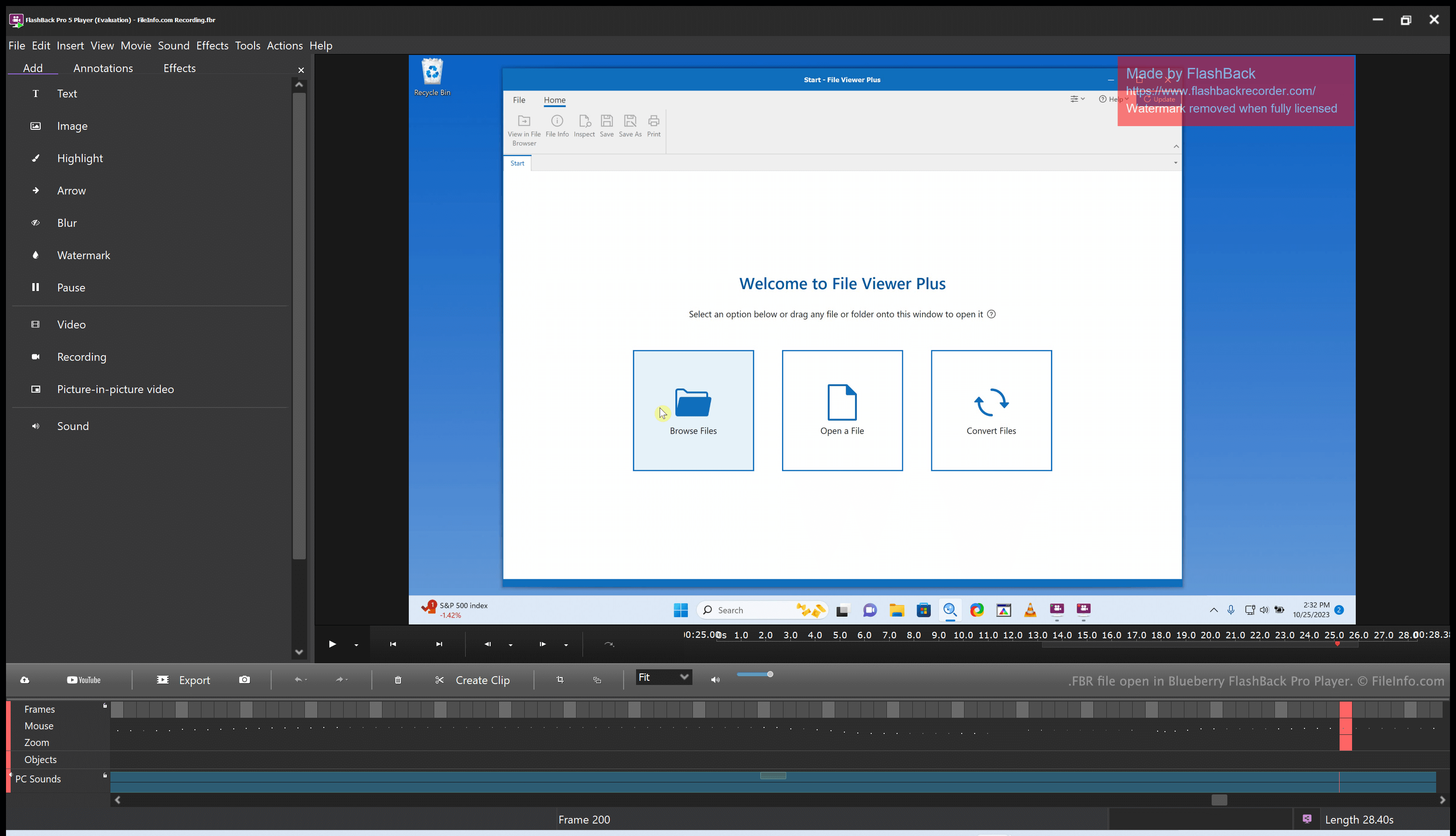
Blueberry FlashBack Pro is een pakket voor schermopnamen dat uit twee programma's bestaat: FlashBack Pro Recorder en FlashBack Pro Player. Met FlashBack Pro Recorder kan een gebruiker de acties opnemen die hij of zij op de computer uitvoert. (Een gebruiker kan bijvoorbeeld een opname maken voor gebruik als videotutorial.) FlashBack Pro slaat schermopnamen op als FBR-bestanden.
Na het maken van een FBR-bestand kan een gebruiker dat bestand openen met FlashBack Pro Player. Hiermee kan de gebruiker de gemaakte opname bekijken, bewerken en exporteren. Een gebruiker kan bijvoorbeeld de schermopname inkorten, tekst en overgangen toevoegen en de bewerkte opname vervolgens exporteren als een .MP4-bestand. (De gebruiker kan de bewerkte opname ook opslaan als FBR-bestand als hij of zij van plan is deze in de toekomst verder te bewerken.)
Een FBR-bestand openen
Je kunt een FBR-bestand openen met Blueberry FlashBack Pro Player, dat bij FlashBack Pro wordt geleverd. Met FlashBack Pro Player kun je de schermopname in een FBR-bestand bekijken, bewerken en converteren.
Een FBR-bestand converteren
Je kunt Blueberry FlashBack Pro Player (dat bij FlashBack Pro wordt geleverd) gebruiken om een FBR-bestand naar de volgende indelingen te converteren:
- .MP4 - MPEG-4 Video
- .AVI - Audio Video Interleave
- .GIF - Graphical Interchange Format
- .EXE - Executable File
Zo doe je dat:
- Open je FBR-bestand met FlashBack Player.
- Selecteer
- Kies de gewenste exportindeling.
- Klik op .
- Klik op .
- Geef je geconverteerde bestand een naam en sla het op.