

.FBR Estensione file
Registrazione FlashBack
| Sviluppatore | Blueberry |
| Popolarità |
3,9 | 28 Voti |
Che cos'è un file FBR?
Un file FBR è una registrazione dello schermo creata da Blueberry FlashBack Pro, un programma per registrare lo schermo in Windows. Contiene un video delle azioni eseguite da un utente in Windows. Può contenere anche annotazioni, transizioni e altri effetti speciali.
Maggiori informazioni
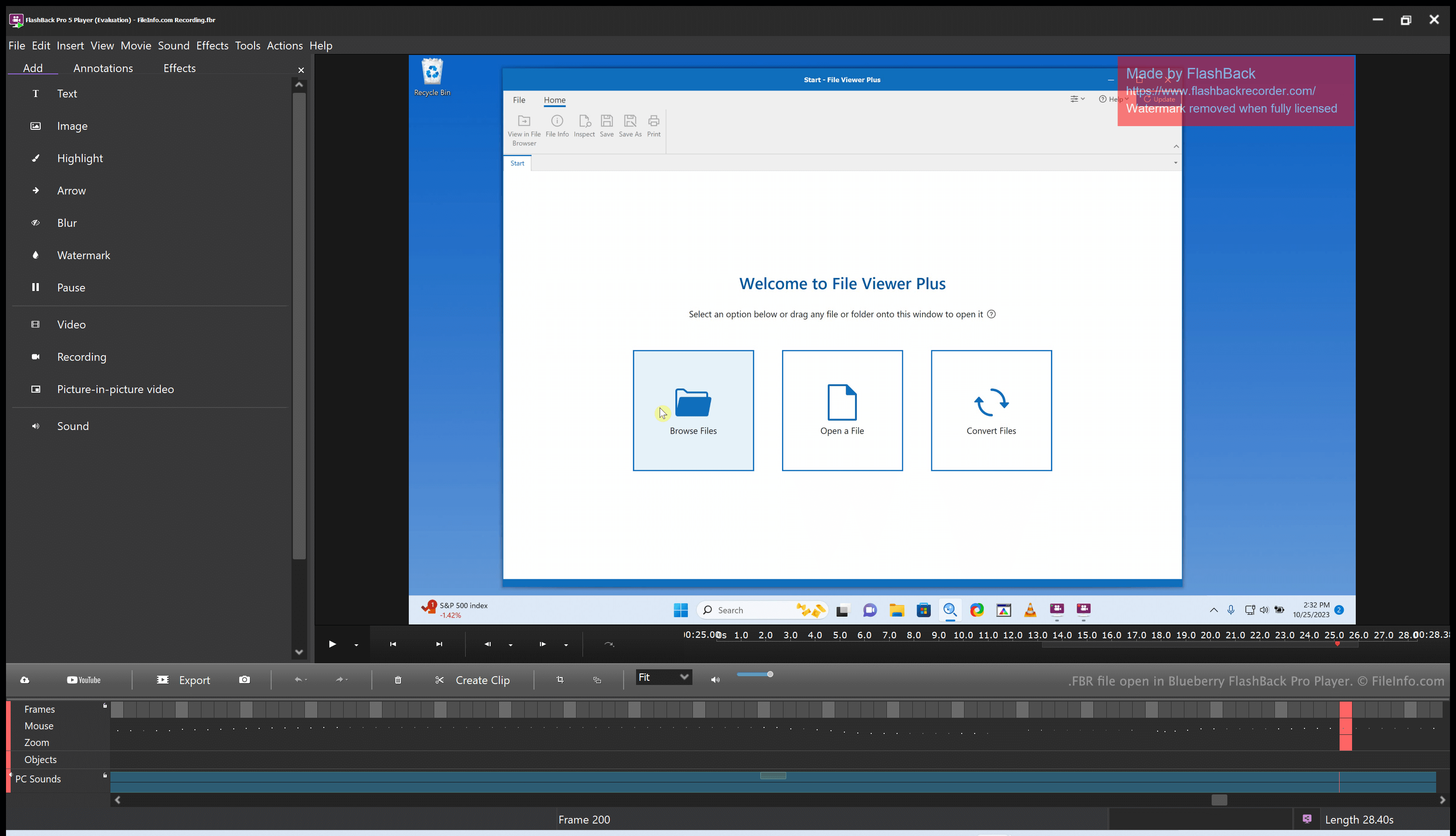
Blueberry FlashBack Pro è una suite per la registrazione dello schermo composta da due programmi: FlashBack Pro Recorder e FlashBack Pro Player. Usando FlashBack Pro Recorder, un utente può registrare le azioni che esegue sul computer. (Ad esempio, un utente potrebbe creare una registrazione da usare come video tutorial.) FlashBack Pro salva le registrazioni dello schermo come file FBR.
Dopo aver creato un file FBR, un utente può aprirlo con FlashBack Pro Player. In questo modo può guardare, modificare ed esportare la registrazione creata. Ad esempio, può tagliare la registrazione dello schermo, aggiungere testo e transizioni e poi esportare la registrazione modificata come file .MP4. (Può anche salvare la registrazione modificata come file FBR, se intende continuare a modificarla in futuro.)
Come aprire un file FBR
Puoi aprire un file FBR con Blueberry FlashBack Pro Player, incluso in FlashBack Pro. FlashBack Pro Player ti consente di guardare, modificare e convertire la registrazione dello schermo contenuta nel file FBR.
Come convertire un file FBR
Puoi usare Blueberry FlashBack Pro Player (incluso in FlashBack Pro) per convertire un file FBR nei seguenti formati:
- .MP4 - MPEG-4 Video
- .AVI - Audio Video Interleave
- .GIF - Graphical Interchange Format
- .EXE - File eseguibile
Per farlo:
- Apri il file FBR con FlashBack Player.
- Seleziona
- Scegli il formato di esportazione desiderato.
- Fai clic su .
- Fai clic su .
- Assegna un nome al file convertito e salvalo.