.REPLIT 파일 확장자

Replit Project Configuration

개발사 Replit
인기도
4.0  |  3 투표
 

REPLIT 파일이란 무엇인가요?

A REPLIT file is a project configuration file used by Replit, a browser-based IDE. It contains plain text data that defines a Replit project's settings. For example, a project's REPLIT file defines how Replit runs the program that project contains.

추가 정보

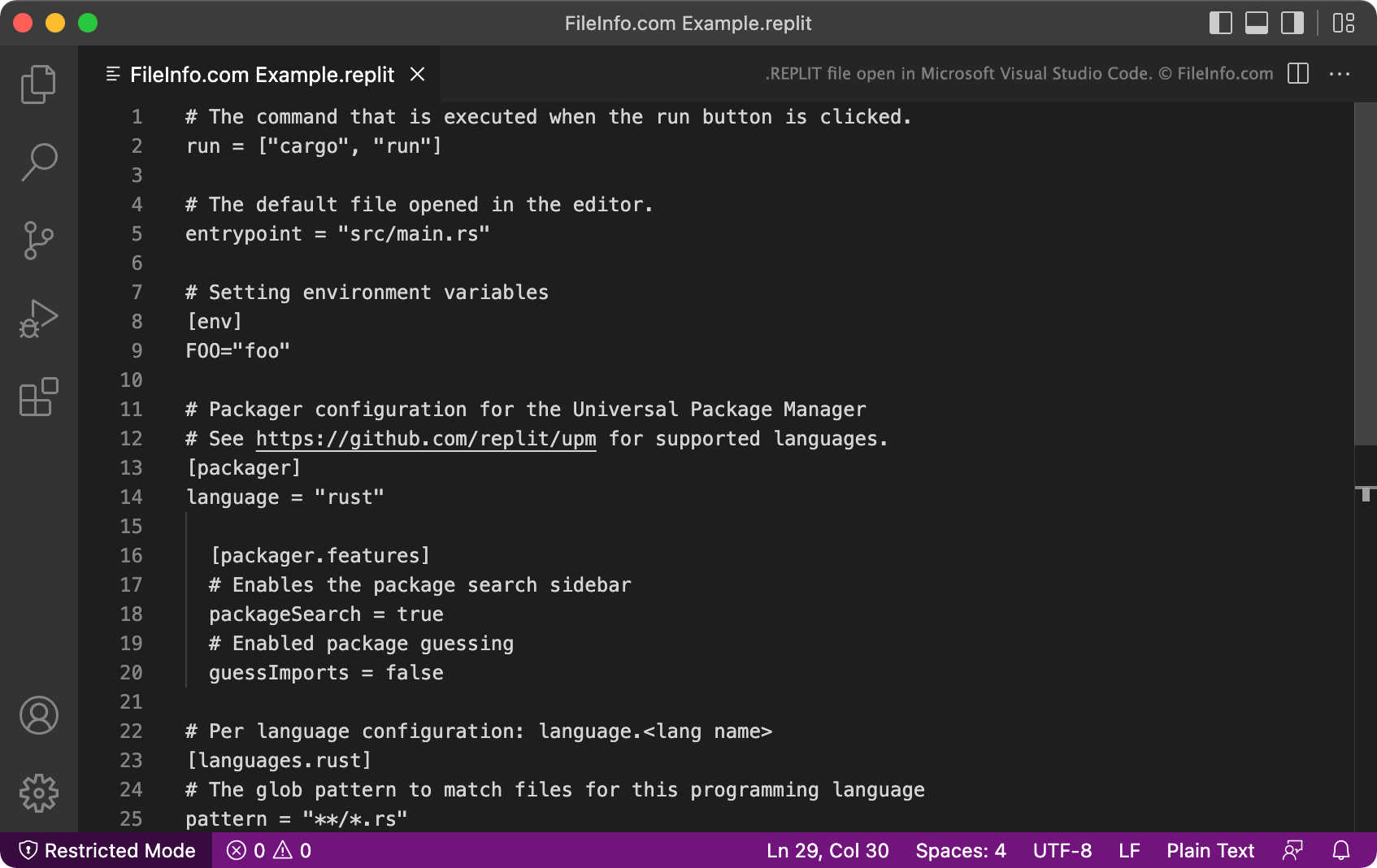
Microsoft Visual Studio Code에서 열린 .replit 파일의 스크린샷
Microsoft Visual Studio Code에서 열린 REPLIT 파일

Replit is an online IDE that takes its name from the REPL (read-evaluate-print loop) acronym. Most notably, Replit allows developers to import code packages and projects from GitHub, so they can edit and run those projects in Replit. Replit projects are commonly referred to as repls.

When a developer creates a new repl, Replit automatically creates a REPLIT configuration file for that repl. The REPLIT file is typically hidden, but developers can view the file by selecting Show hidden files from Replit's three-dot file tree menu.

Each REPLIT file is a .TOML file that contains a list of project-related settings. For example, the run command tells Replit how to run the program the REPLIT file is associated with, the language setting tells Replit what programming languages the project uses, and the [packager] setting tells Replit the program's package management configuration.

REPLIT 파일을 여는 방법

You can open and edit a REPLIT file in any text or source code editor, such as Microsoft Visual Studio Code. Most often, however, you will end up opening and editing REPLIT files in Replit (Web), while working on an associated repl.

File Viewer Plus(으)로 400개 이상의 파일 형식을 여세요.무료 다운로드

REPLIT 파일을 열거나 참조하는 프로그램

카테고리: 개발자
업데이트: 2022-04-25

검증자 FileInfo.com

FileInfo.com 팀 이 페이지에 나열된 Replit Project Configuration 파일 형식과 Mac, Windows, and Linux 앱을 독자적으로 조사했습니다. 저희의 목표는 100% 정확성이며, 검증한 파일 유형에 대한 정보만 게시합니다.

이 페이지에 추가하거나 업데이트할 내용을 제안하고 싶으시면 알려 주세요.