.PCT 파일 확장자
Picture File
| 개발사 | Apple |
| 인기도 |
2.4 | 26 투표 |
PCT 파일이란 무엇인가요?
A PCT file is an image saved in the Macintosh PICT format, which Apple developed in 1984. PCT files can contain vector or raster images. The PCT format has been deprecated, so PCT files are uncommon.
추가 정보
Apple created the PICT format for use with QuickDraw, a 2D graphics library and API used by previous versions of Mac OS. Two versions of the PICT format, PICT 1 and PICT 2, exist. PICT 1 supports up to eight colors. PICT 2 supports 24- and 32-bit color (up to millions of colors).
While the PICT format is a vector format, PICT files can contain embedded raster images. Many PICT files contain only a single embedded raster image and do not contain any vector data.
참고: PICT images that use the .pct extension were likely created on a Windows computer. PICT images created on Macs typically use the .PICT extension.
PCT 파일을 여는 방법
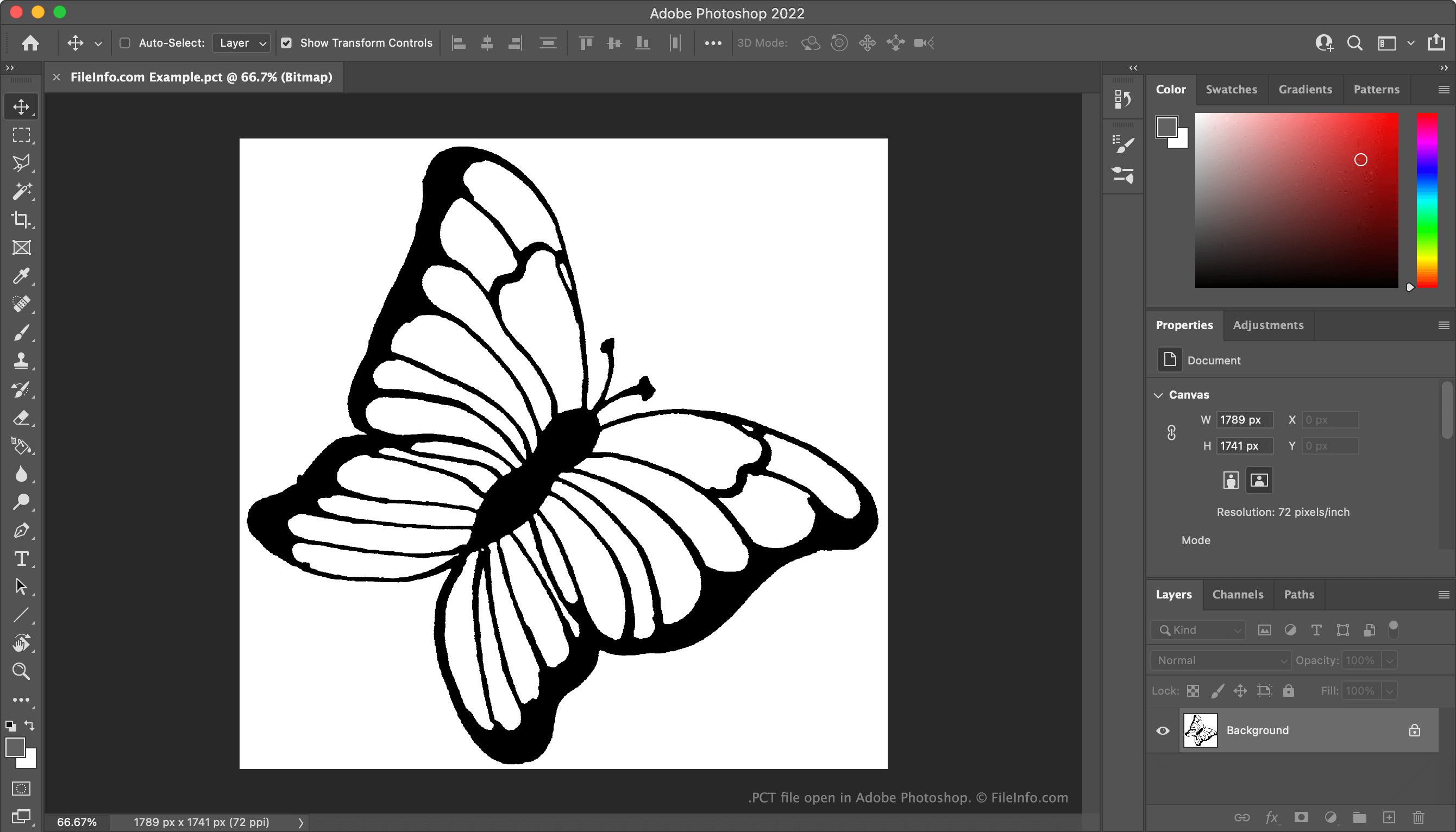
You can open a PCT file with XnViewMP (multiplatform), Adobe Photoshop (Windows, Mac), Netpbm (multiplatform), or IrfanView (Windows).
PCT 파일을 변환하는 방법
You can use XnViewMP, Adobe Photoshop, Netpbm, or IrfanView to convert PCT files to other formats. For example, XnViewMP can convert PCT files to the following formats (and many others):
PCT 파일을 여는 프로그램
Pure Compound Text File
| 개발사 | 해당 없음 |
| 인기도 |
1.9 | 8 투표 |
Chemical data file used by ChemSep, an application used to simulate distillation, extraction, and absorption operations; contains component data, such as the name, index, CAS number, formula, structure, T correlations, and molecular values.
추가 정보
You can import and export the data from or to a PCT file in ChemSep through the PCDmanager. To access the PCDmanager, select Databanks → Pure components data (PCD/PCT), click Edit, and select Import component from file or Export component to file.
참고: Data in PCT files is stored in text format, whereas .PCD files store data in binary format.