

.PBM 파일 확장자
Portable Bitmap 이미지
| 개발사 | Jef Poskanzer |
| 인기도 |
3.5 | 19 표 |
PBM 파일이란 무엇인가요?
PBM 파일은 Portable Bitmap 형식으로 저장된 흑백 이미지입니다. 이 파일은 일반 텍스트 헤더와 이미지의 각 픽셀 색상을 지정하는 0과 1의 격자로 구성됩니다. 0은 흰색 픽셀을 나타내고, 1은 검은색 픽셀을 나타냅니다.
추가 정보
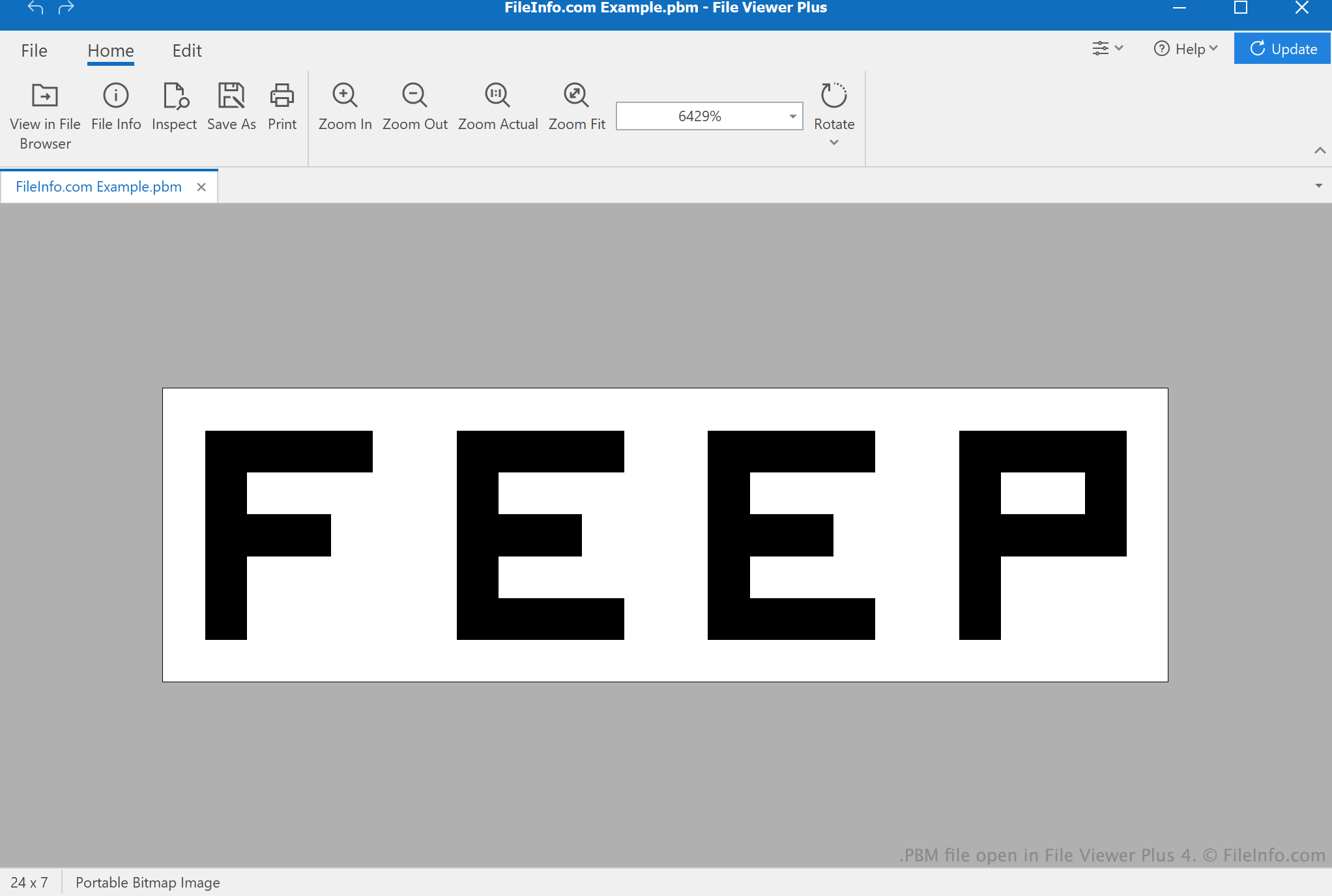
Jef Poskanzer는 Netpbm 프로젝트의 일부로 PBM 형식을 개발했습니다. PBM은 주로 한 형식에서 다른 형식으로 이미지를 변환할 때 사용되는 중간 형식입니다. 변환 과정에서 Netpbm은 이미지를 PBM 파일로 저장할 수 있습니다. 그런 다음 PBM 파일을 사용하여 변환된 이미지를 만듭니다. (Netpbm은 .PGM 및 .PPM 형식도 비슷한 방식으로 사용합니다.)
PBM 형식에는 두 가지 변형이 있습니다. 헤더의 매직 넘버 P1로 식별되는 원래 PBM 형식으로 저장된 파일에는 항상 하나의 이미지만 포함됩니다. 헤더의 매직 넘버 P4로 식별되는 더 최근 버전의 PBM 형식으로 저장된 파일에는 둘 이상의 이미지가 포함될 수 있습니다. 또한 P1 PBM 파일의 래스터 격자에는 공백 문자가 포함될 수 있지만, P4 파일에는 포함될 수 없습니다.
참고: 각 PBM 이미지의 너비와 높이는 헤더에 지정됩니다. 예를 들어 너비가 50픽셀이고 높이가 65픽셀인 이미지의 헤더에는 50 65라는 숫자가 포함됩니다.
PBM 파일을 여는 방법

XnViewMP(다중 플랫폼), Inkscape(다중 플랫폼), Apple Preview(Mac) 또는 Adobe Photoshop(Windows, Mac) 등 다양한 이미지 뷰어와 편집기로 PBM 파일을 열 수 있습니다.
Microsoft Notepad(Windows), Apple TextEdit(Mac) 또는 다른 텍스트 편집기로 PBM 파일을 열어 파일에 포함된 일반 텍스트 데이터를 확인할 수도 있습니다. 예를 들어 이미지 편집기에서 PBM 파일을 열기 전에 파일이 올바르게 형식화되었는지 확인하려는 경우 유용할 수 있습니다.