.ELD 파일 확장자

Eulumdat Formatted Luminaire Data File

개발사 DIAL
인기도
3.3  |  3 투표
 

ELD 파일이란 무엇인가요?

An ELD file contains plain text luminaire (light fixture) data formatted for use with DIAL DIALux, a professional lighting planning application. It defines a light fixture's intensity, light distribution curve, size, and number of lamps. The data ELD files contain is saved in DIAL's proprietary Elumudat format.

추가 정보

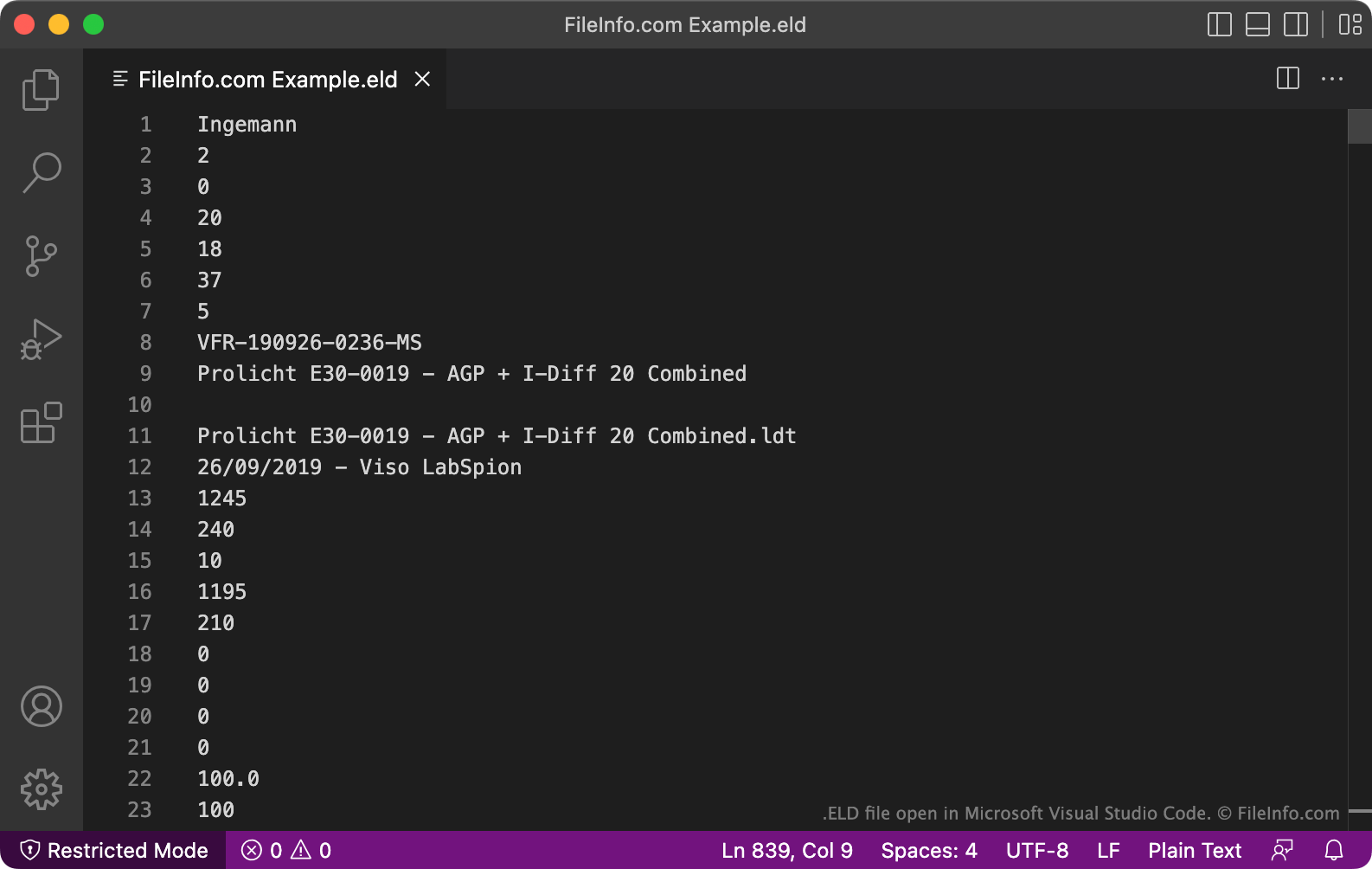
Microsoft Visual Studio Code에서 열린 .eld 파일의 스크린샷
Microsoft Visual Studio Code에서 열린 ELD 파일

DIALux allows lighting designers to model how the light installations included in a house, office building, neighborhood, or other environment will behave. To simulate a light source, designers import an Elumudat-format data file that describes the light source's characteristics and behavior. Lighting installation manufacturers often create these data files and provide them to lighting designers, for use in DIALux.

On rare occasions, Elumudat data files may be saved with the .eld extension. More commonly, these files are saved with the .LDT extension. Most programs that use Elumudat-format files do not recognize the .eld extension. Therefore, you should likely rename your ELD file to use the .ldt extension, so you can open it more easily.

ELD 파일을 여는 방법

Before attempting to open an ELD file, you should rename it to use the .ldt extension. This will allow you to open the file in programs that support the Elumudat format, such as DIAL LDT Editor (Windows), Meduza Photometric Toolset (Windows), and DIAL DIALux Evo (Windows).

Opening an ELD file in a text editor

Alternatively, you can open an ELD file in Microsoft Notepad, Apple TextEdit, or any other text editor, to view the plain text data it contains. However, it's far better to open an ELD file in LDT Editor or another program that shows the file's data in an understandable format.

ELD 파일을 변환하는 방법

After renaming your ELD file to use the .ldt extension, you can convert it to other formats using either the PhotoView module included in OxyTech LITESTAR 4D Open or the online Eulumdat Tools ELUMDAT to IES Converter tool. LITESTAR 4D Open can convert LDT files to the following formats:

  • .IES - IES Photometric Data
  • .LTL - Luminaire Data
  • CIE - International Commission on Illumination Data

Eulumdat Tools ELUMDAT to IES Converter can convert LDT files to the IES format.

File Viewer Plus(으)로 400개 이상의 파일 형식을 여세요.무료 다운로드

ELD 파일을 여는 프로그램

All Platforms
Rename .eld extension to .ldt, then open in a program that supports LDT files
카테고리: CAD
업데이트: 2022-07-01

검증자 FileInfo.com

FileInfo.com 팀 이 페이지에 나열된 Eulumdat Formatted Luminaire Data 파일 형식과 앱을 독자적으로 조사했습니다. 저희의 목표는 100% 정확성이며, 검증한 파일 유형에 대한 정보만 게시합니다.

이 페이지에 추가하거나 업데이트할 내용을 제안하고 싶으시면 알려 주세요.