

.ELD Dateiendung
Eulumdat-formatierte Leuchtendatendatei
| Entwickler | DIAL |
| Beliebtheit |
3,3 | 3 Stimmen |
Was ist eine ELD-Datei?
Eine ELD-Datei enthält Klartext-Daten zu Leuchten (Lichtquellen), die für die Verwendung mit DIAL DIALux, einer professionellen Anwendung zur Beleuchtungsplanung, formatiert sind. Sie definiert die Lichtstärke, Lichtverteilungskurve, Größe und Anzahl der Lampen einer Leuchte. Die in ELD-Dateien enthaltenen Daten werden im proprietären Elumudat-Format von DIAL gespeichert.
Weitere Informationen
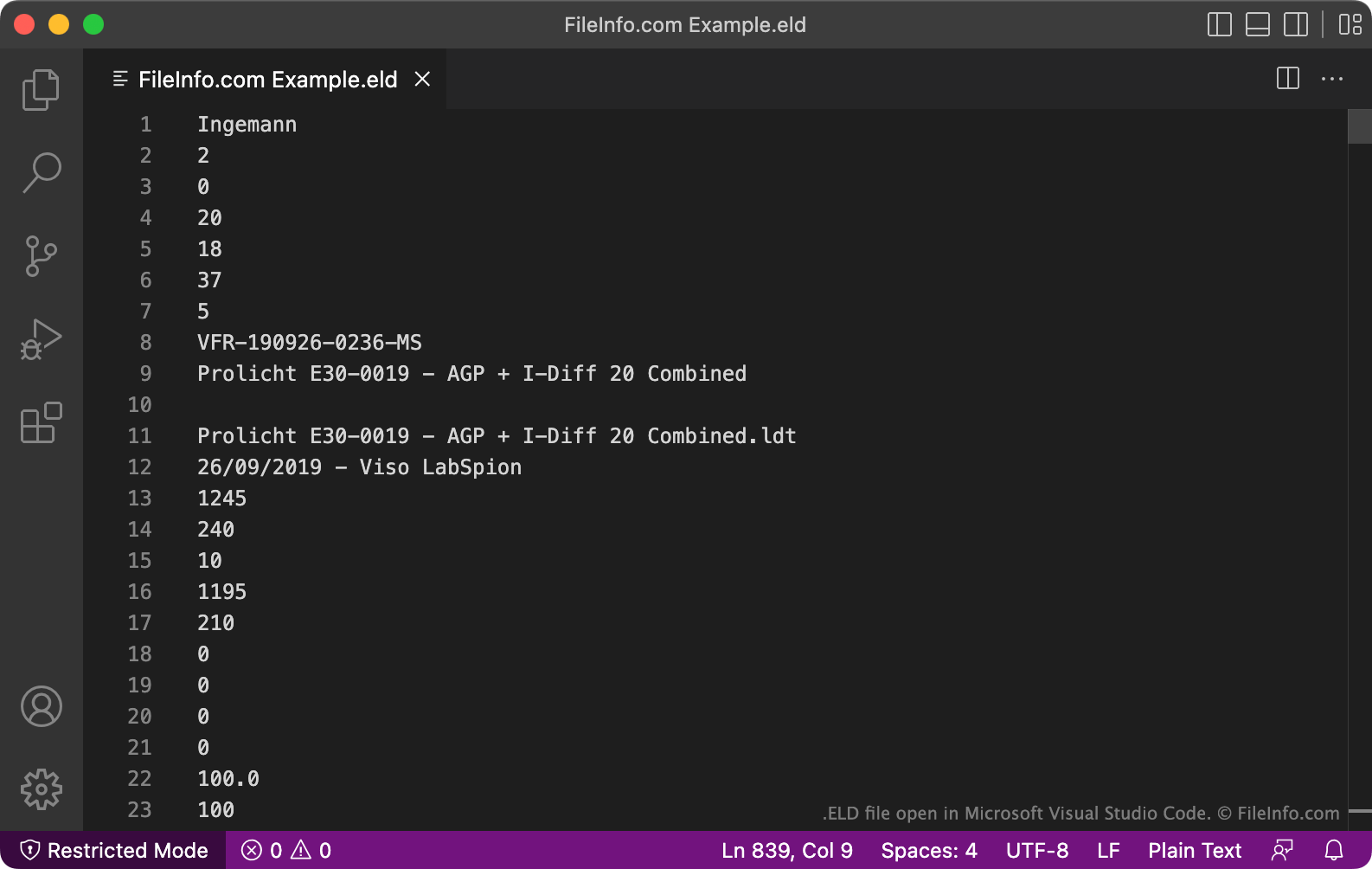
Mit DIALux können Beleuchtungsplaner modellieren, wie sich die in einem Haus, Bürogebäude, einer Nachbarschaft oder einer anderen Umgebung enthaltenen Beleuchtungsanlagen verhalten werden. Um eine Lichtquelle zu simulieren, importieren Planer eine Datendatei im Elumudat-Format, die die Eigenschaften und das Verhalten der Lichtquelle beschreibt. Hersteller von Beleuchtungsanlagen erstellen diese Datendateien häufig und stellen sie Beleuchtungsplanern für die Verwendung in DIALux zur Verfügung.
In seltenen Fällen werden Elumudat-Datendateien mit der Erweiterung .eld gespeichert. Häufiger werden diese Dateien mit der Erweiterung .LDT gespeichert. Die meisten Programme, die Dateien im Elumudat-Format verwenden, erkennen die Erweiterung .eld nicht. Daher sollten Sie Ihre ELD-Datei wahrscheinlich umbenennen, sodass sie die Erweiterung .ldt verwendet und leichter geöffnet werden kann.
So öffnen Sie eine ELD-Datei
Bevor Sie versuchen, eine ELD-Datei zu öffnen, sollten Sie sie umbenennen, sodass sie die Erweiterung .ldt verwendet. Dadurch können Sie die Datei in Programmen öffnen, die das Elumudat-Format unterstützen, etwa DIAL LDT Editor (Windows), Meduza Photometric Toolset (Windows) und DIAL DIALux Evo (Windows).
Öffnen einer ELD-Datei in einem Texteditor
Alternativ können Sie eine ELD-Datei in Microsoft Notepad, Apple TextEdit oder einem anderen Texteditor öffnen, um die darin enthaltenen Klartext-Daten anzuzeigen. Es ist jedoch weitaus besser, eine ELD-Datei in LDT Editor oder einem anderen Programm zu öffnen, das die Daten der Datei in einem verständlichen Format anzeigt.
So konvertieren Sie eine ELD-Datei
Nachdem Sie Ihre ELD-Datei umbenannt haben, sodass sie die Erweiterung .ldt verwendet, können Sie sie entweder mit dem in OxyTech LITESTAR 4D Open enthaltenen PhotoView-Modul oder mit dem Online-Tool Eulumdat Tools ELUMDAT to IES Converter in andere Formate konvertieren. LITESTAR 4D Open kann LDT-Dateien in die folgenden Formate konvertieren:
- .IES - IES-photometrische Daten
- .LTL - Leuchtendaten
- CIE - Daten der Internationalen Beleuchtungskommission
Eulumdat Tools ELUMDAT to IES Converter kann LDT-Dateien in das IES-Format konvertieren.