.CSD 파일 확장자
Steam Game Data Backup File
| 개발사 | Valve |
| 인기도 |
3.8 | 39 투표 |
CSD 파일이란 무엇인가요?
A CSD file is a backup file created by Steam, a gaming service that allows users to download and manage Valve games. It contains backup game data, similar to a .SID file, and can be used to restore a game that has been deleted.
추가 정보
To restore a game from a CSD backup, select Steam → Backup and Restore Games... and choose the file. The CSD and corresponding .CSM files are is located in the appropriate game folder in the "Steam Backups" folder.
CSD 파일을 여는 프로그램
Compact Shared Document
| 개발사 | Dream To Reality |
| 인기도 |
3.8 | 16 투표 |
Electronic document format used for storing converted image and text file in a standard format; saves documents in a compressed format up to 10 times smaller than the original; can be viewed on a PC and various mobile devices.
추가 정보
참고: Dream To Reality CSD Reader is discontinued and no longer available for download.
CSD 파일을 여는 프로그램
Manga Studio Scene File
| 개발사 | CELSYS |
| 인기도 |
3.5 | 10 투표 |
3D scene created with the 3D Sketch component of Manga Studio comic book design software; often includes a 3D model of a comic book character, building, or other scenery; can be texturized and imported into a comic book.
추가 정보
3D Sketch is only available with the Manga Studio EX version. Manga Studio became Clip Studio Paint in 2015. It is also known as ComicStudio in Japan.
CSD 파일을 여는 프로그램
POEM / Huskygram / Singer EU Embroidery File
| 개발사 | N/A |
| 인기도 |
3.5 | 2 투표 |
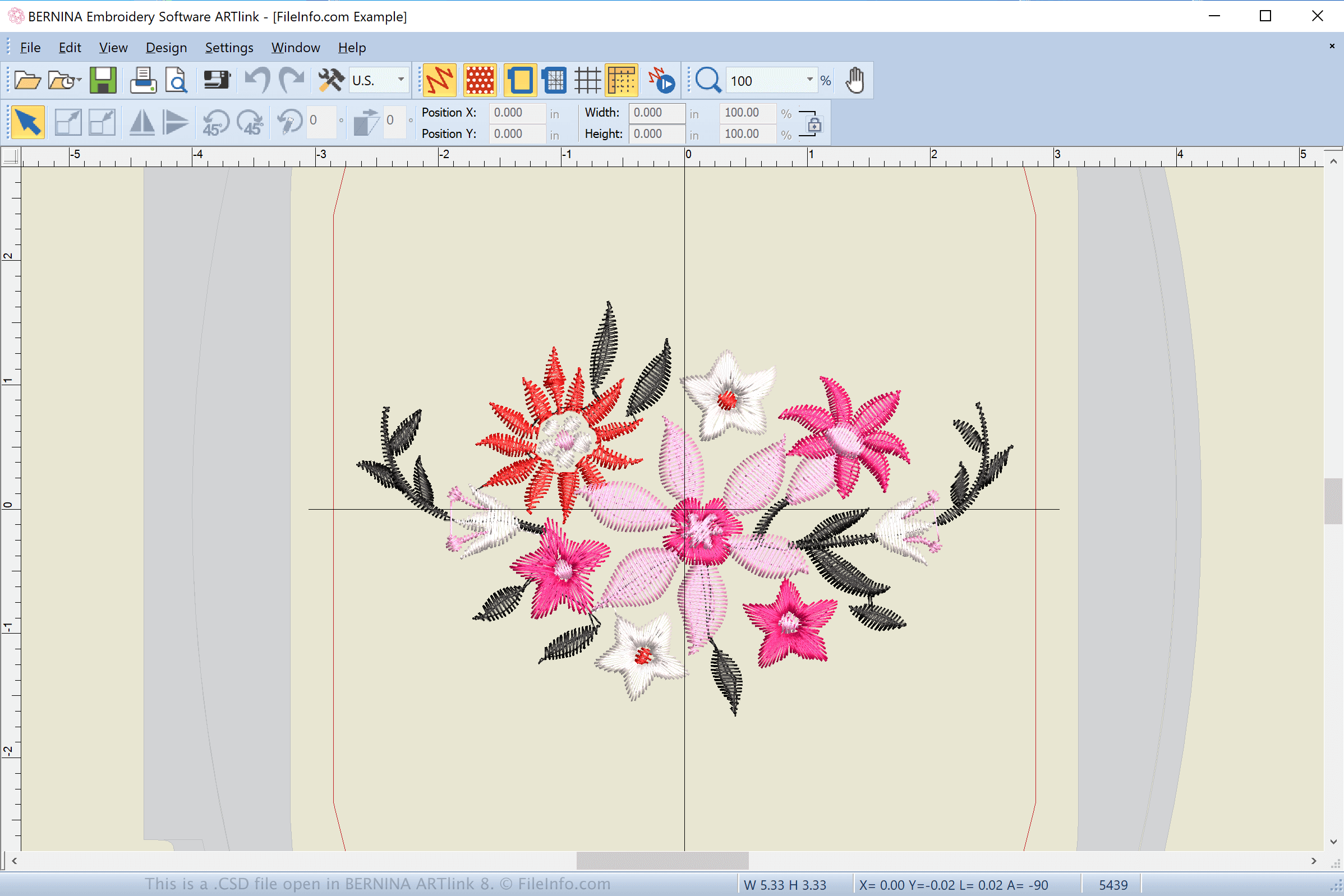
A CSD file is a computer-aided manufacturing (CAM) design used by Poem, Huskygram, and Singer EU embroidery machines. It contains instructions, such as "stop," "jump," and "trim" for creating an embroidery design on a piece of fabric with a sewing machine.
추가 정보
The CSD format is one of several stitch-based embroidery formats. Other common formats include .JEF, .SEW, .PES, .PEC, and .HUS.
Embroidery formats are typically utilized by specific embroidery machines. CSD files are supported by POEM (Personal Options Embroidery Machine sold by Passap), Huskygram (sold by Viking), and Singer Embroidery Unlimited (EU) machines.
How do I transfer a CSD file from my computer to a sewing machine?
To transfer a CSD file to a POEM, Huskygram, or Singer EU embroidery machine, insert a USB storage device in your computer. Then, transfer the CSD file from your computer to the connected storage device via File Explorer in Windows.
After transferring the file, eject the storage device from your computer and insert it into the POEM, Huskygram, or Singer EU embroidery machine to transfer the design to embroider it onto the material.
CSD 파일을 여는 방법
You can open CSD files with various applications, including BERNINA ARTlink (Windows), BALARAD Embird Studio (Windows), and Melco DesignShop (Windows). BALARAD Embird Studio and Melco DesignShop also enable you to convert CSD files to other embroidery and image formats, such as .PES, .JEF, .JPG, and .PNG.