

.NLP ファイル拡張子
NirLauncherパッケージリスト
| 開発元 | NirSoft Utilities |
| 人気度 |
3.0 | 4 票 |
NLPファイルとは?
NLPファイルは、NirSoftが配布しているWindowsユーティリティランチャー、NirLauncherで開けるプレーンテキスト形式のフリーウェアユーティリティ一覧です。ユーティリティをダウンロードし、関連するNLPファイルをNirLauncherにドラッグ&ドロップすると、そのユーティリティをNirLauncherに追加できます。また、NirLauncherのデフォルトのユーティリティ一覧であるnirsoft.nlpを編集して、ユーティリティを追加または削除することもできます。
詳細情報
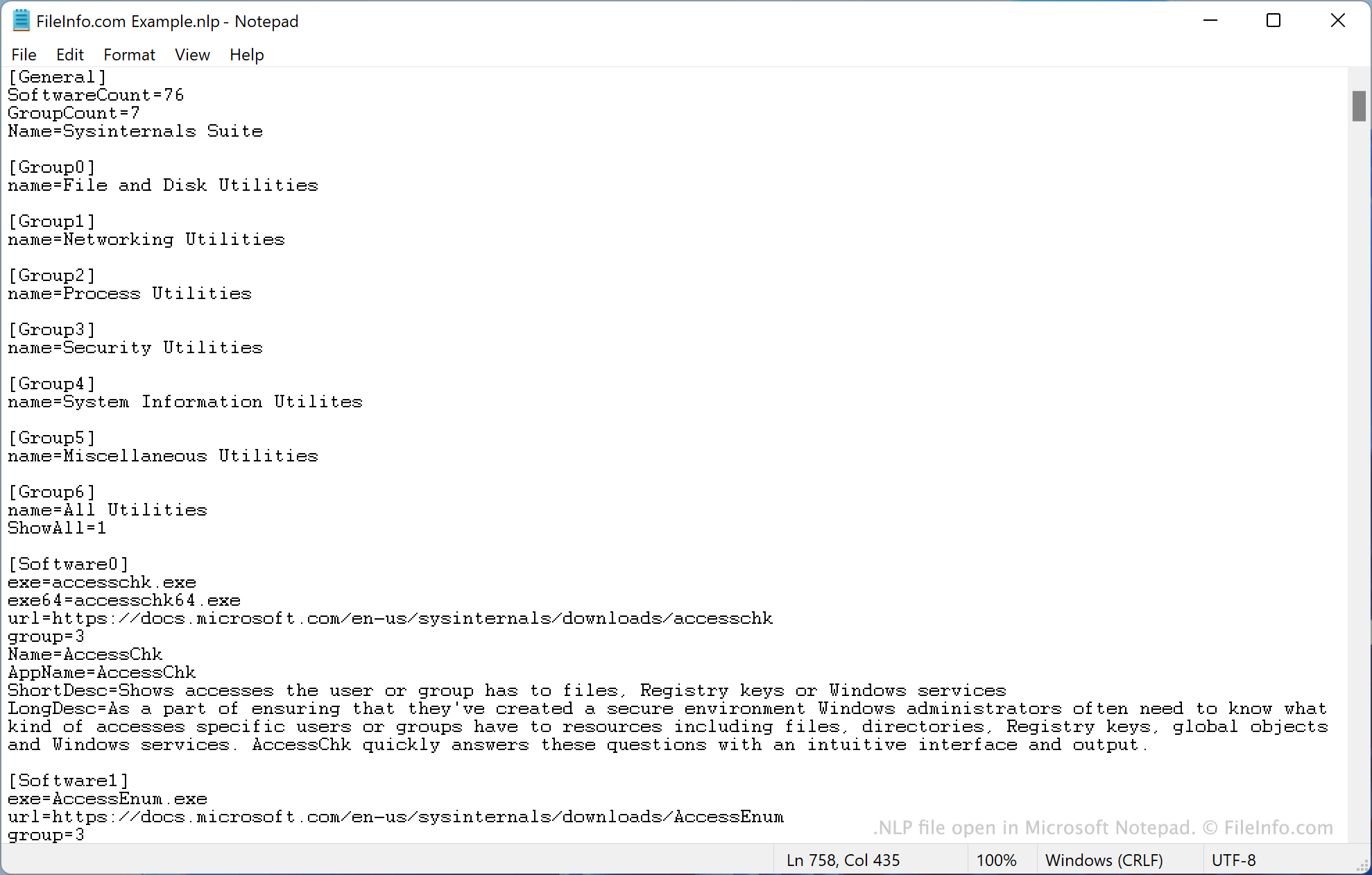
たとえば、WindowsユーティリティMyUtility.exeをNirLauncherから起動できるようにするには、ユーティリティを~/nirsoft/MyFolderに保存し、MyFolder/MyUtility.exeをnirsoft.nlpに記載します。すると、そのユーティリティがNirLauncher内に表示され、起動できるようになります。(ユーティリティについての追加情報も、nirsoft.nlp内の他のユーティリティで使用されている書式に従って記載する必要があります。)
nirsoft.nlpのデフォルト版には、200種類を超えるWindowsユーティリティの一覧が含まれています。これらはNirLauncherにデフォルトで含まれているユーティリティです。
NirLauncherのWebサイトには、追加のユーティリティを自動的にインストールするために使用できるNLPファイルも用意されています。たとえば、sysinternals5.nlpを使用してSysInternals Suiteユーティリティをインストールできます。
一般的な.NLPファイル名
Nirsoft.nlp - NirLauncherのデフォルトのユーティリティ一覧。
NLPファイルの開き方
NLPファイルは、Microsoft Notepad(Windows)、Apple TextEdit(Mac)、GitHub Atom(クロスプラットフォーム)などのテキストエディターで開いて編集できます。
NLPファイルを使用して追加のNirLauncherユーティリティをインストールするには、NirLauncherのダウンロードページにある手順に従ってください。