.FTM ファイル拡張子
FamiTracker Module
| 開発元 | 不明 |
| 人気度 |
3.8 | 14 票 |
FTMファイルとは?
An FTM file is a music module created with FamiTracker, a free audio composition program that produces chiptune-style music for the Nintendo Entertainment System (NES) and Famicom consoles. It contains pattern data comprised of musical notes, instrument definitions, and sound effects that emulate the NES's audio hardware.
詳細情報
Musicians, game developers, and retro music enthusiasts who want to create or reproduce NES-style soundtracks are the primary users of FamiTracker and the FTM format. The program’s name, "FamiTracker," is derived from “Famicom Tracker,” referencing the original Japanese name for the NES, "Family Computer."
FTMファイルの開き方
You can open FTM files with FamiTracker in Windows. To open an FTM file with FamiTracker, select File → Open. tildearrow Furnace can also open FTM files.
FTMファイルの変換方法
FTMファイルを開くプログラム
Family Tree Maker for DOS File
| 開発元 | Ancestry.com |
| 人気度 |
3.7 | 12 票 |
Family tree created with Family Tree Maker for DOS, an older version of the popular family tree creation program; contains genealogy data that can be viewed as a family tree.
詳細情報
Family Tree Maker for Windows saves family trees as .FTW files.
FTMファイルを開くプログラム
Finale 2012 Score Template
| 開発元 | MakeMusic |
| 人気度 |
4.3 | 3 票 |
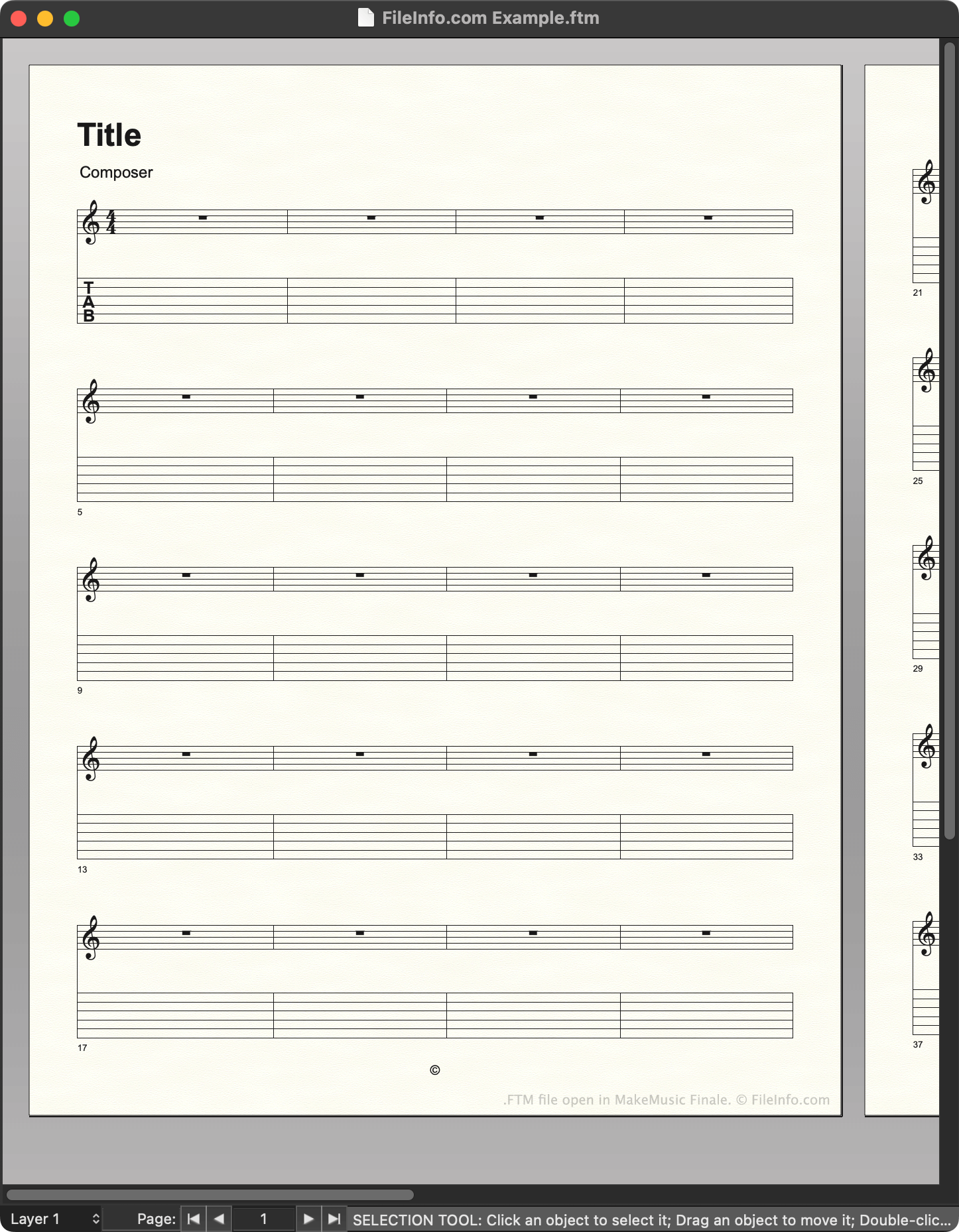
An FTM file is a template created by MakeMusic Finale, a music notation program. It contains a pre-set layout that a composer can use to quickly create a new musical score. Versions 2012 and earlier save templates as FTM files.
詳細情報
Composers use MakeMusic Finale to create musical scores. When creating a new score, composers can choose to start from a template, which contains preset notation, text, and other settings. For example, a composer creating a new guitar piece might choose to start from a guitar score template.
In Finale 2012 and earlier versions, templates are saved as FTM files. Finale stores a set of default FTM files in the following directory:
~/MakeMusic/Finale ####/Music Files/Templates
Composers can also create their own templates, by using File → Save As... to save a score they've created as an FTM file. It is recommended that composers save the templates they create in the Templates directory, to make managing templates easier.
注: Finale 2014 to 26 save templates as .FTMX files. Finale 27 saves templates as .MUSX files.
FTMファイルの開き方
You can open an FTM file with MakeMusic Finale (Windows, Mac). In versions up to 26, you can select File → Open..., navigate to your FTM file, and select Open to open it. In version 27, you must right-click your FTM file, select Open with..., and then manually open the file with Finale. (Or, you can change the file's extension to .mus and open it as you would a .MUS file.)